XR Design System for Figma and Unity
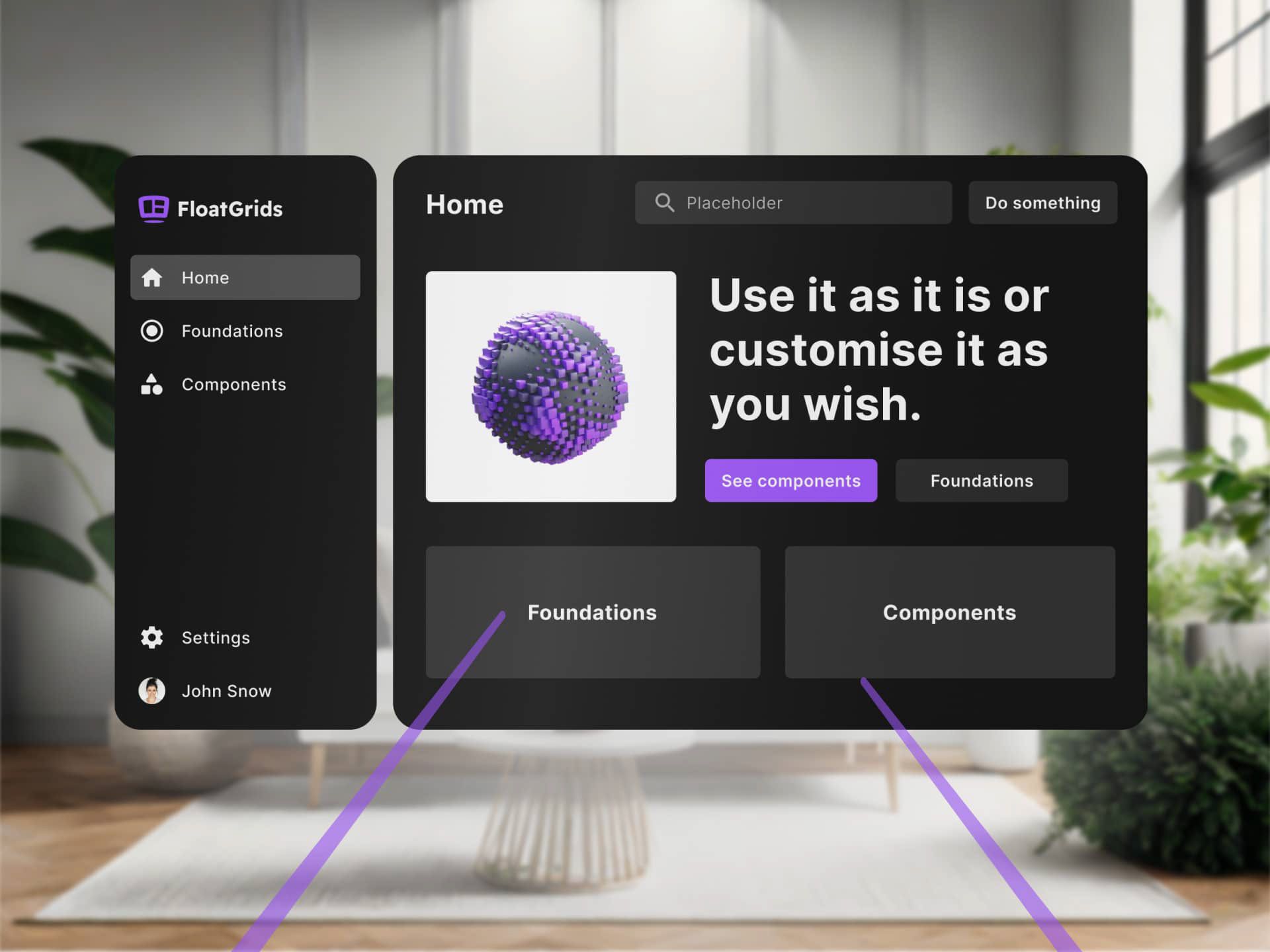
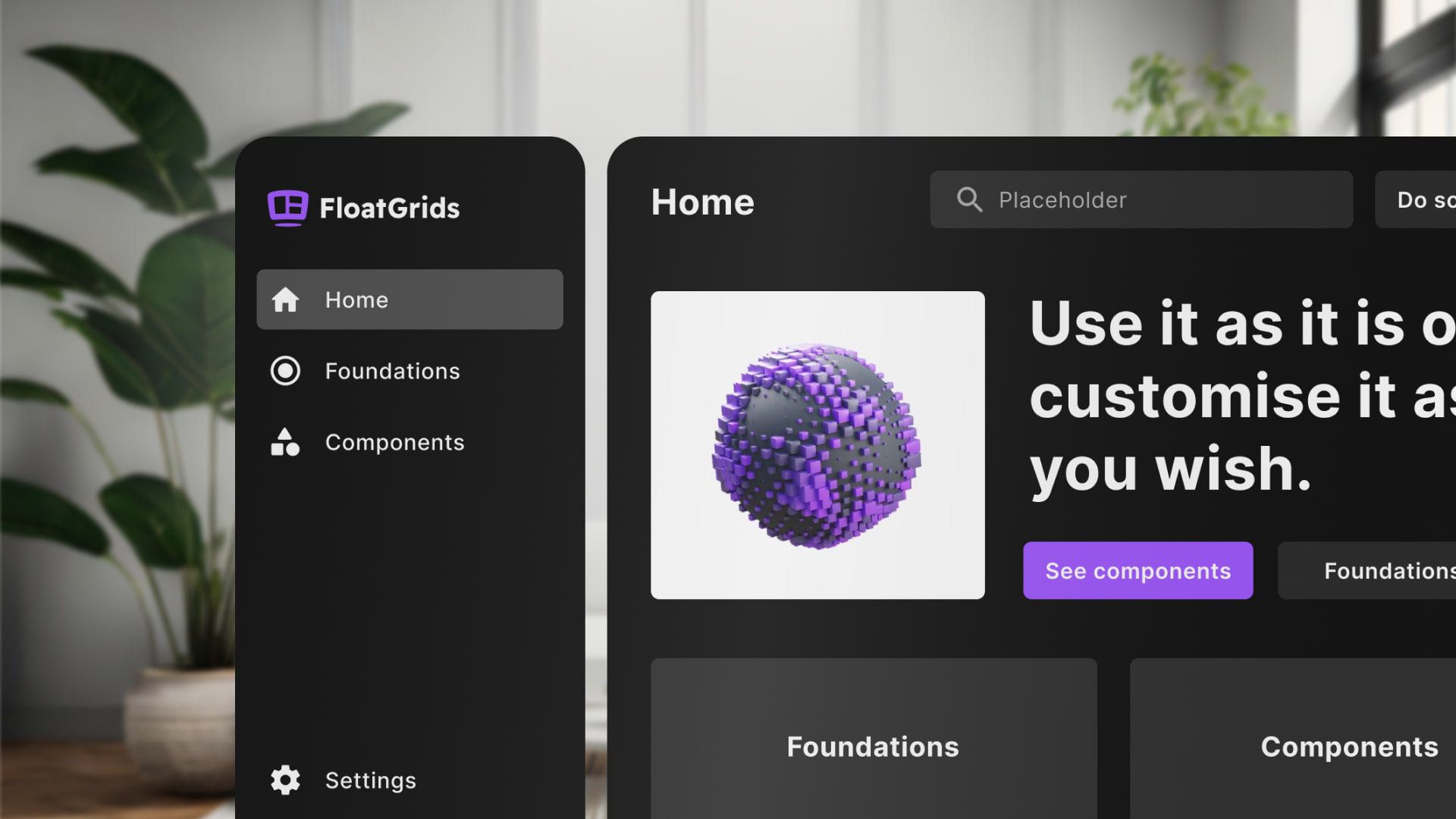
Table of Contents
- Context
- Design Solution
- Figma and Unity files
- Documentation
- Key Metrics
- Links
Design solution
I designed and developed the design system in Figma and Unity, making sure the match between them was accurate. Delve into how FloatGrids enhances the UX/UI development process by offering a seamless and user-friendly approach to crafting immersive XR interfaces.
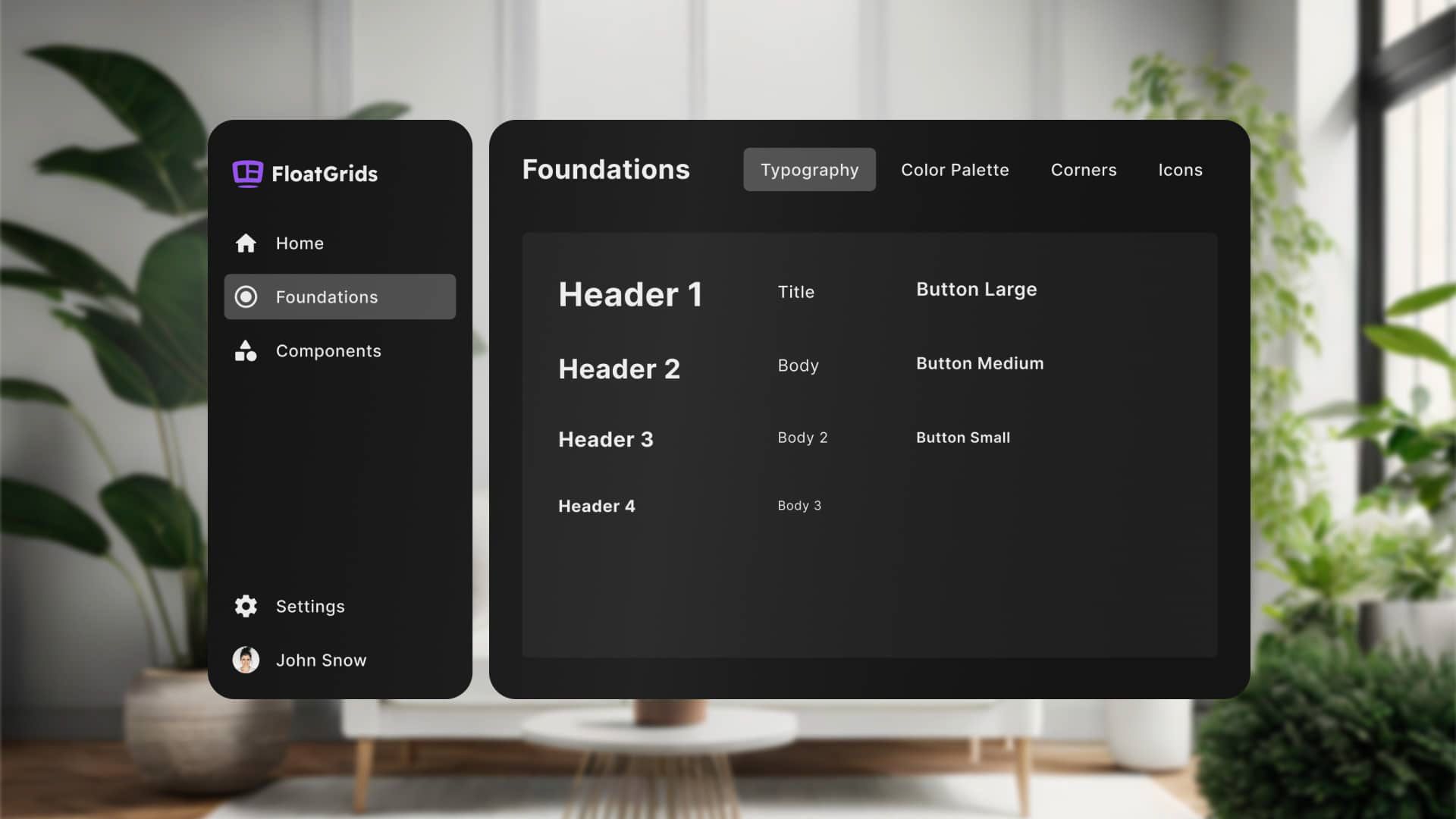
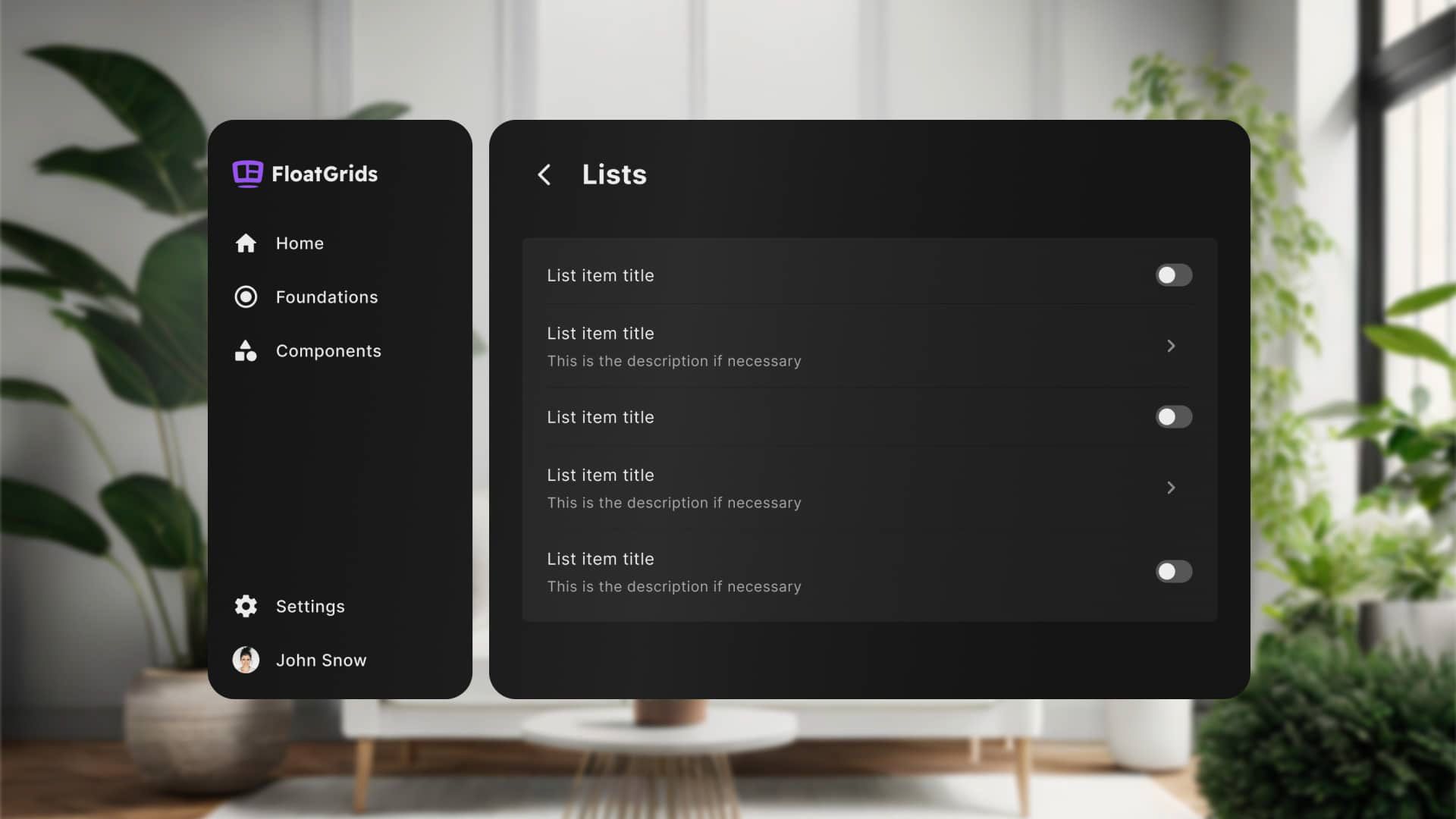
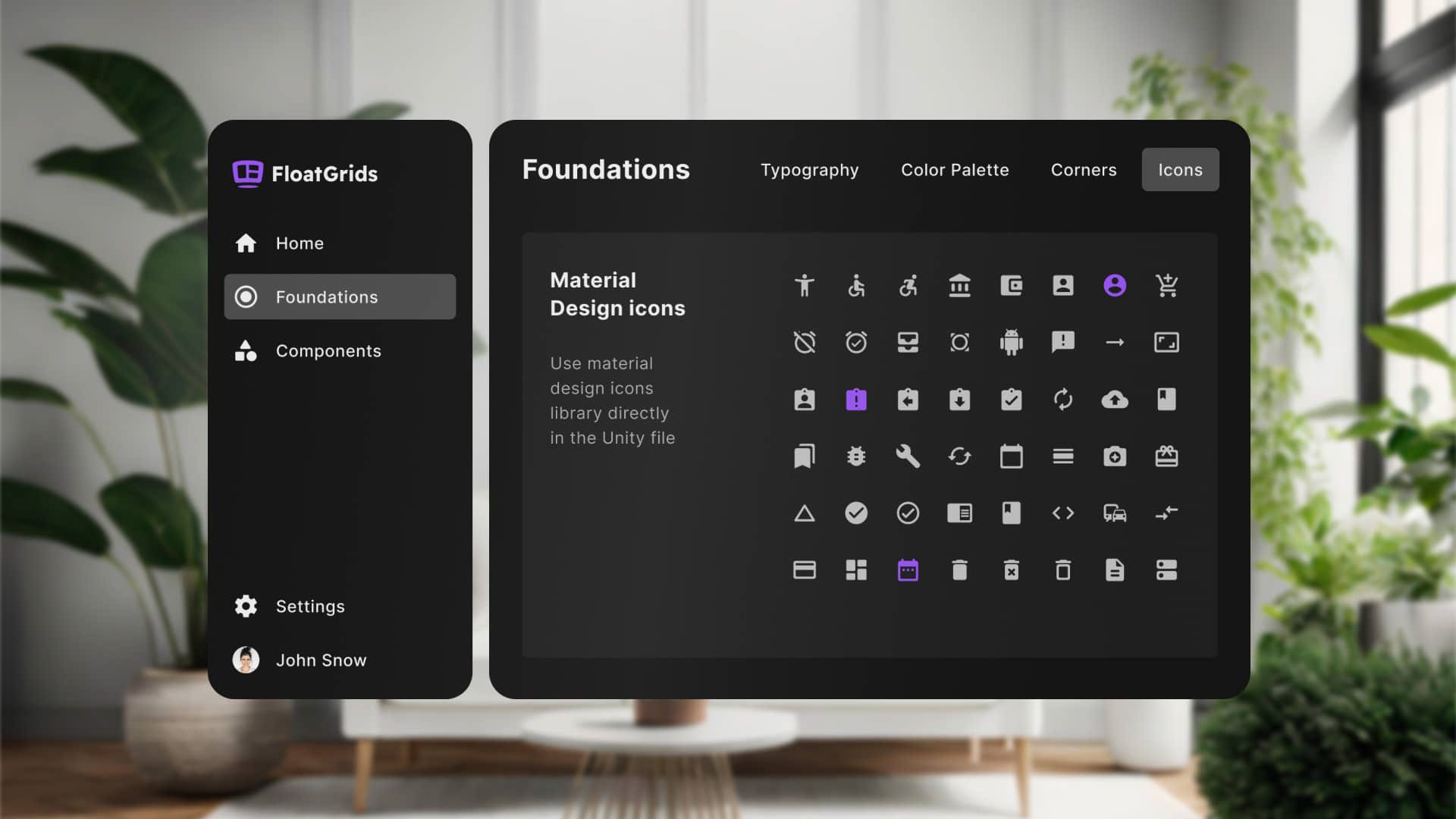
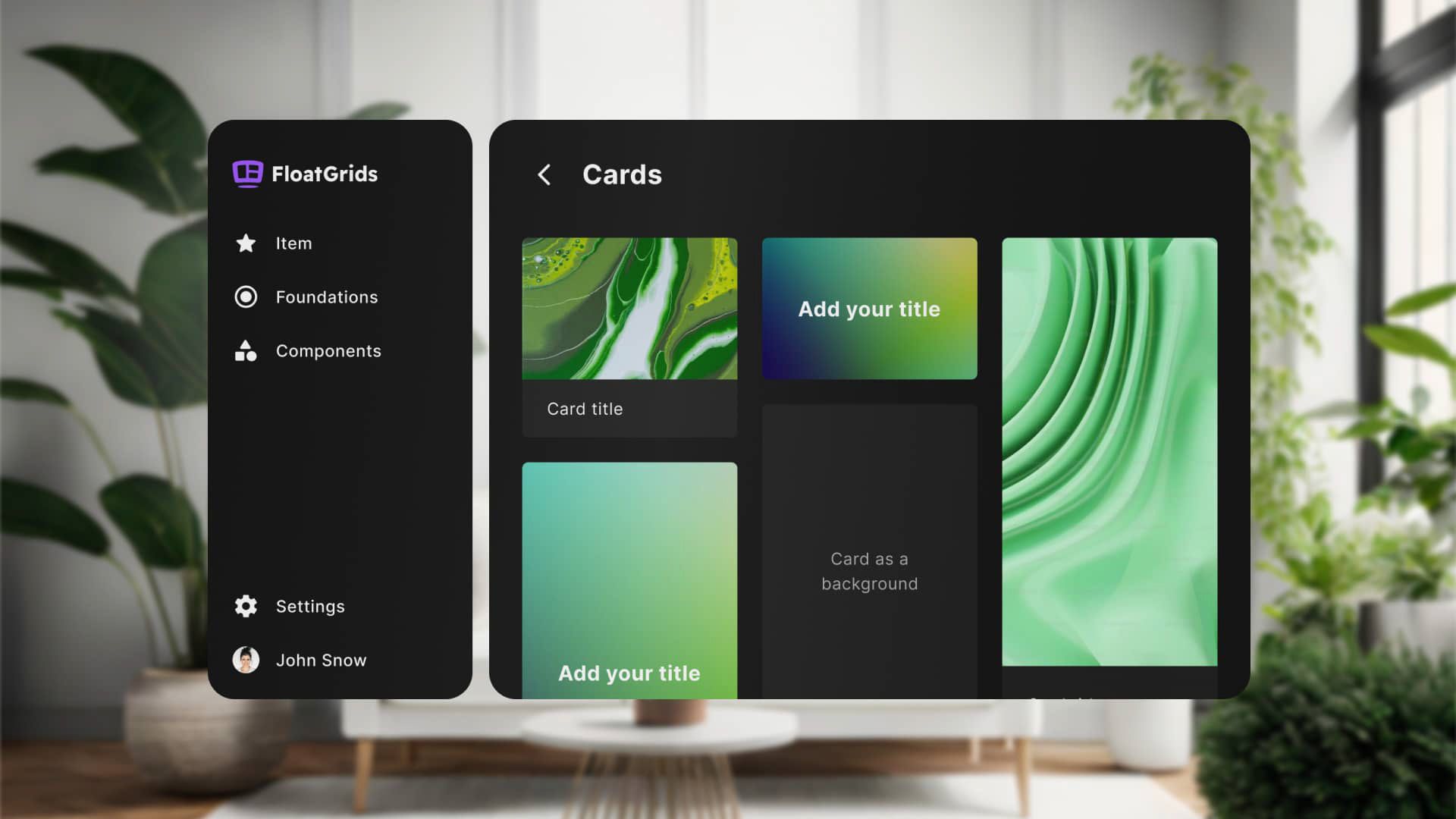
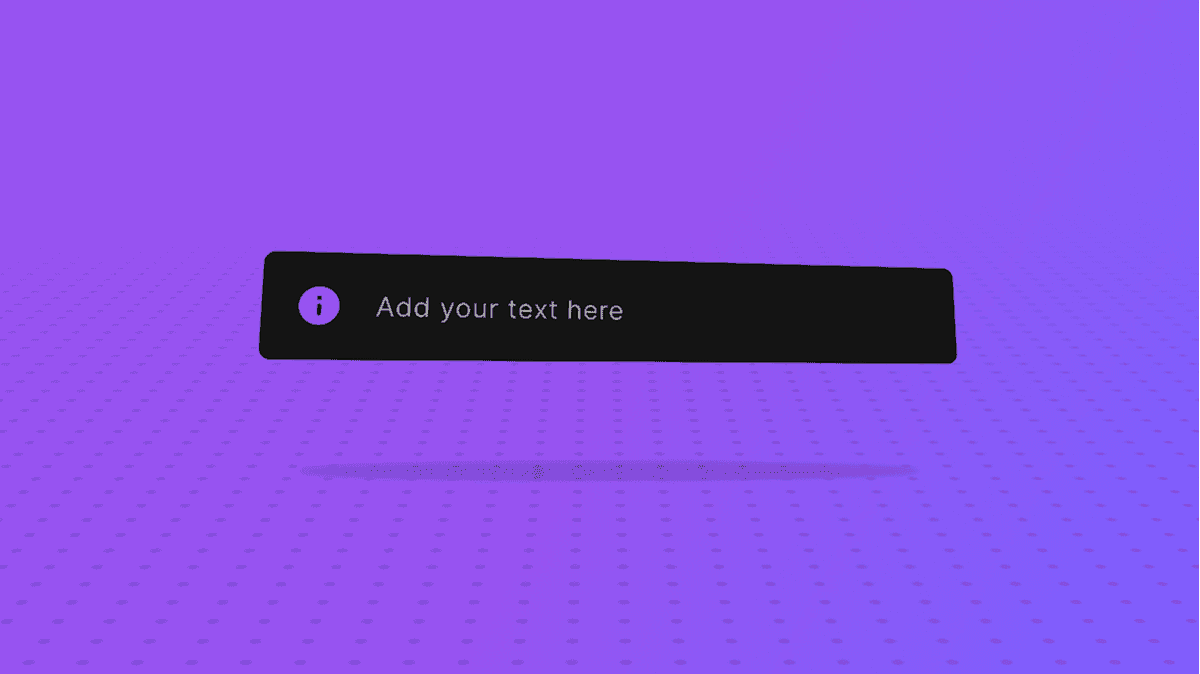
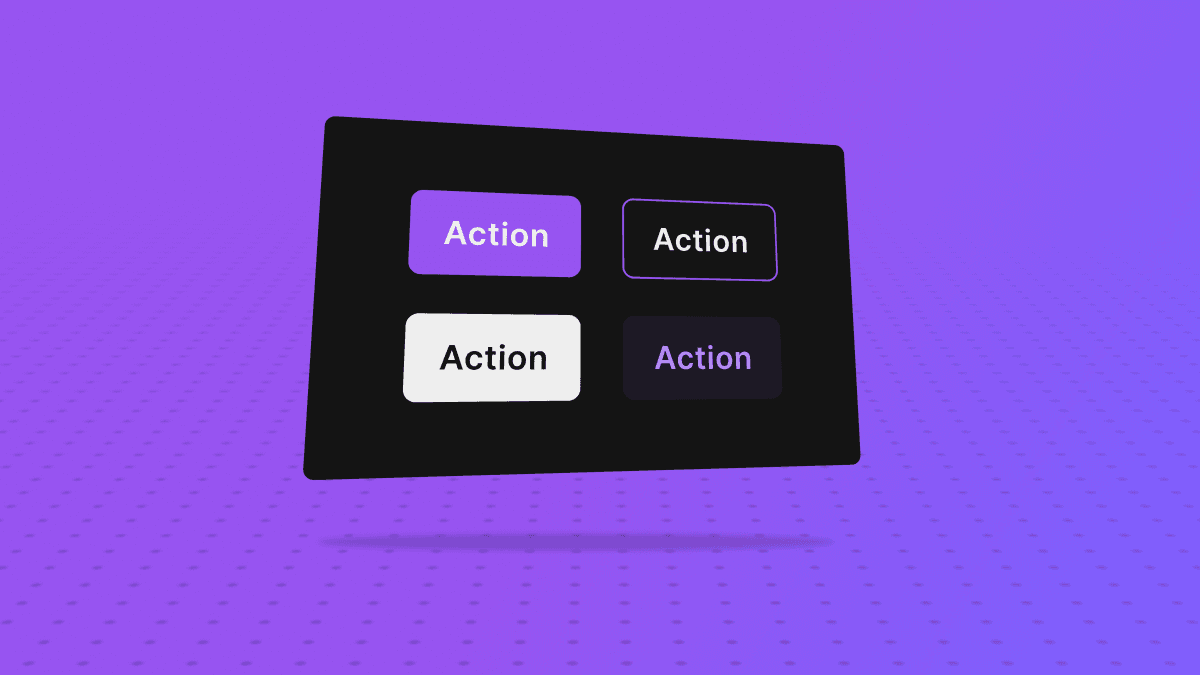
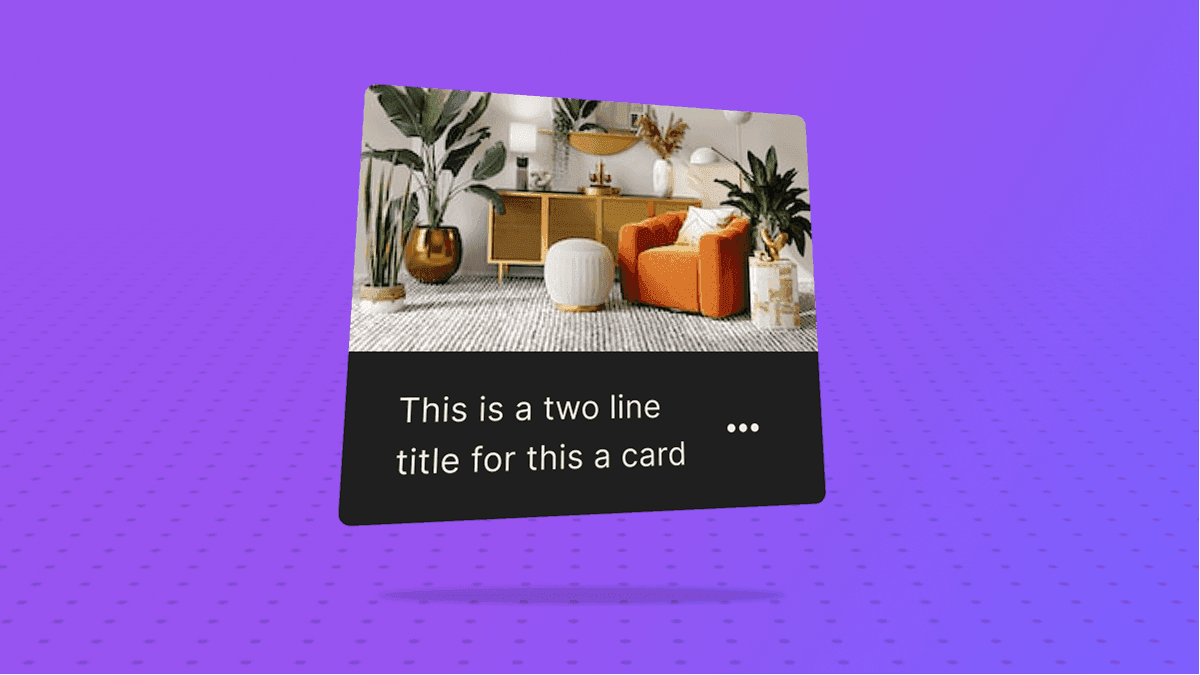

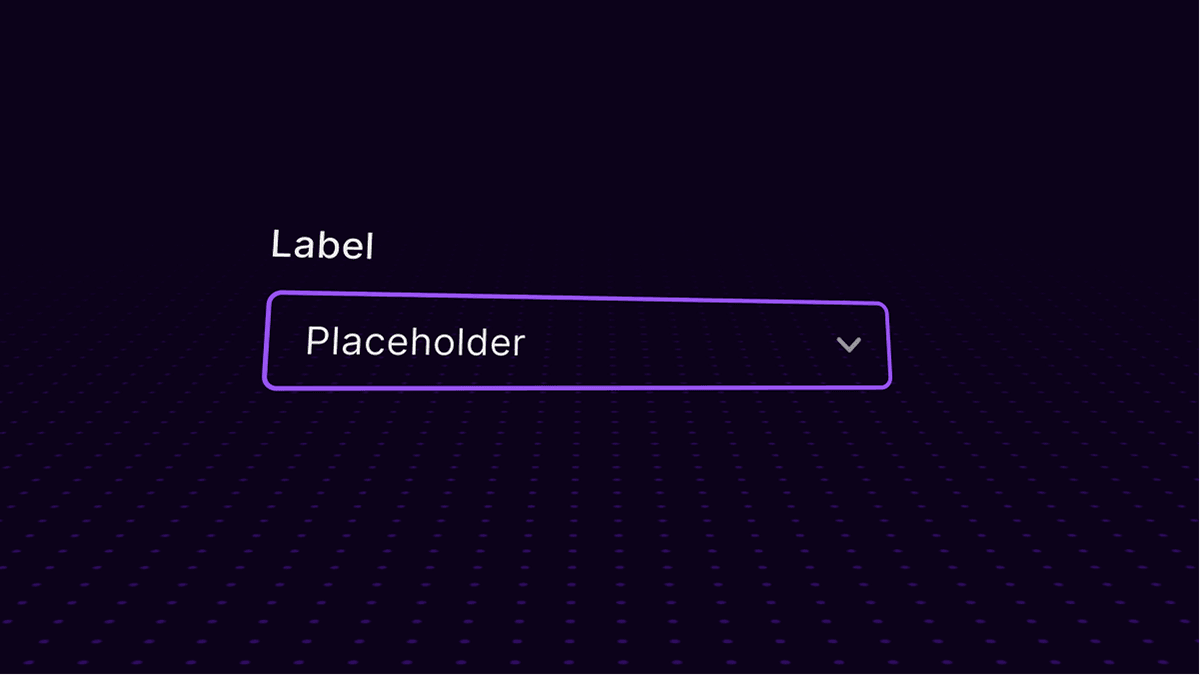
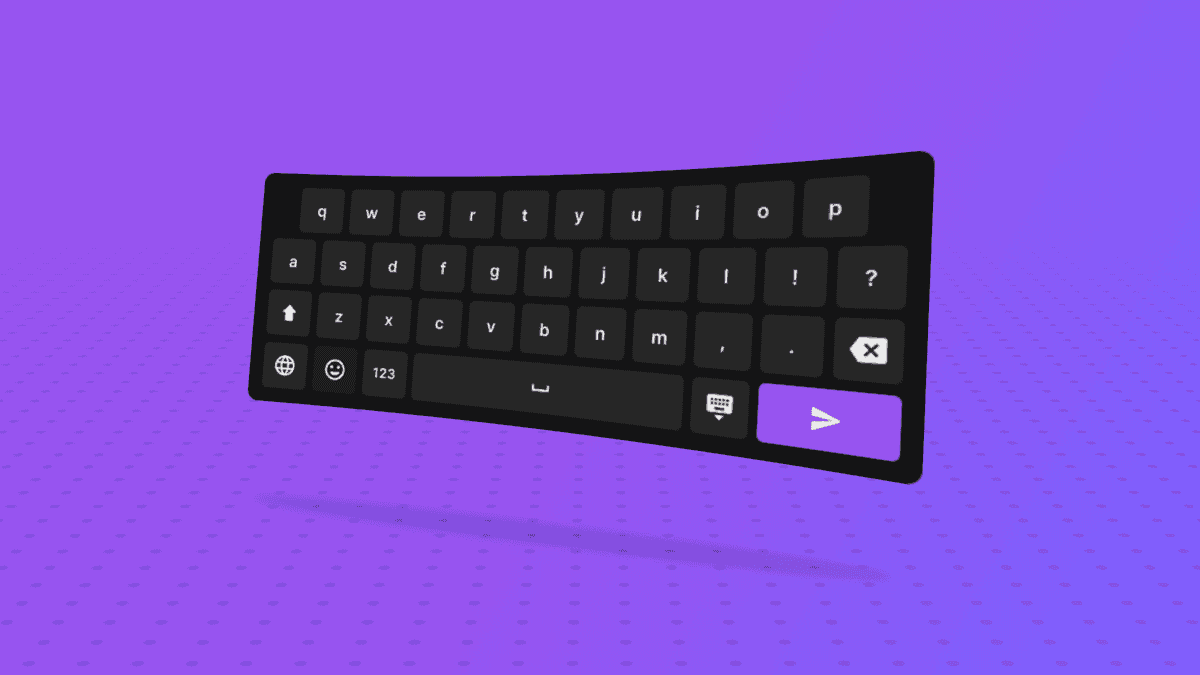
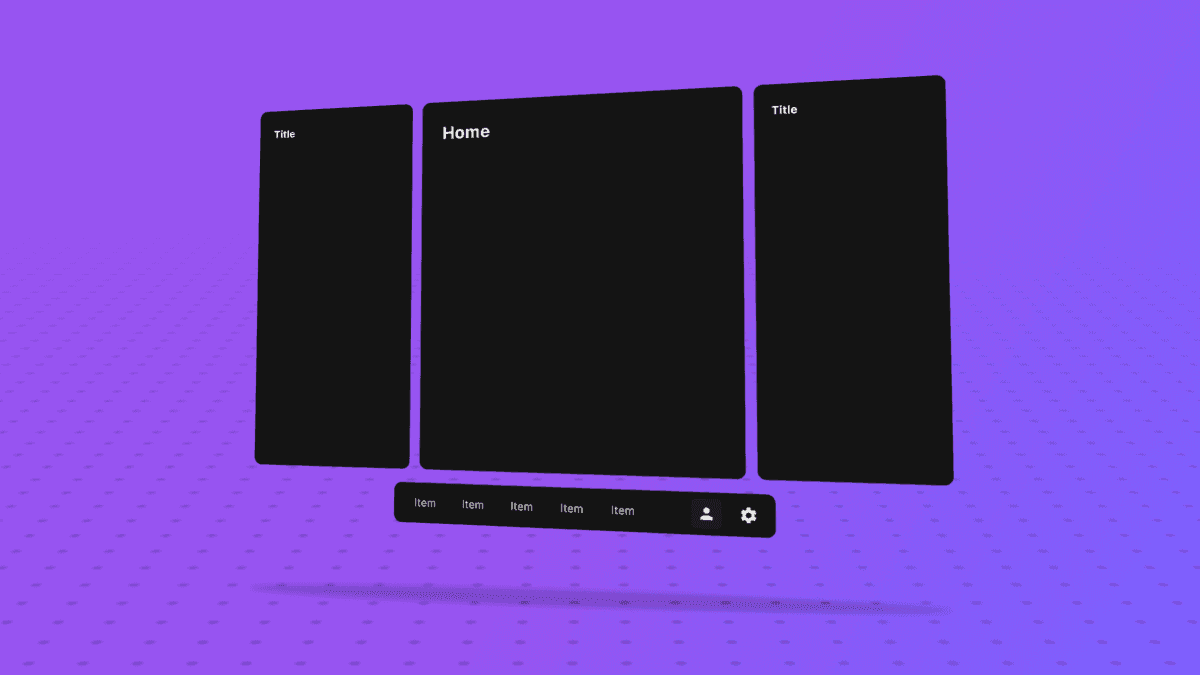
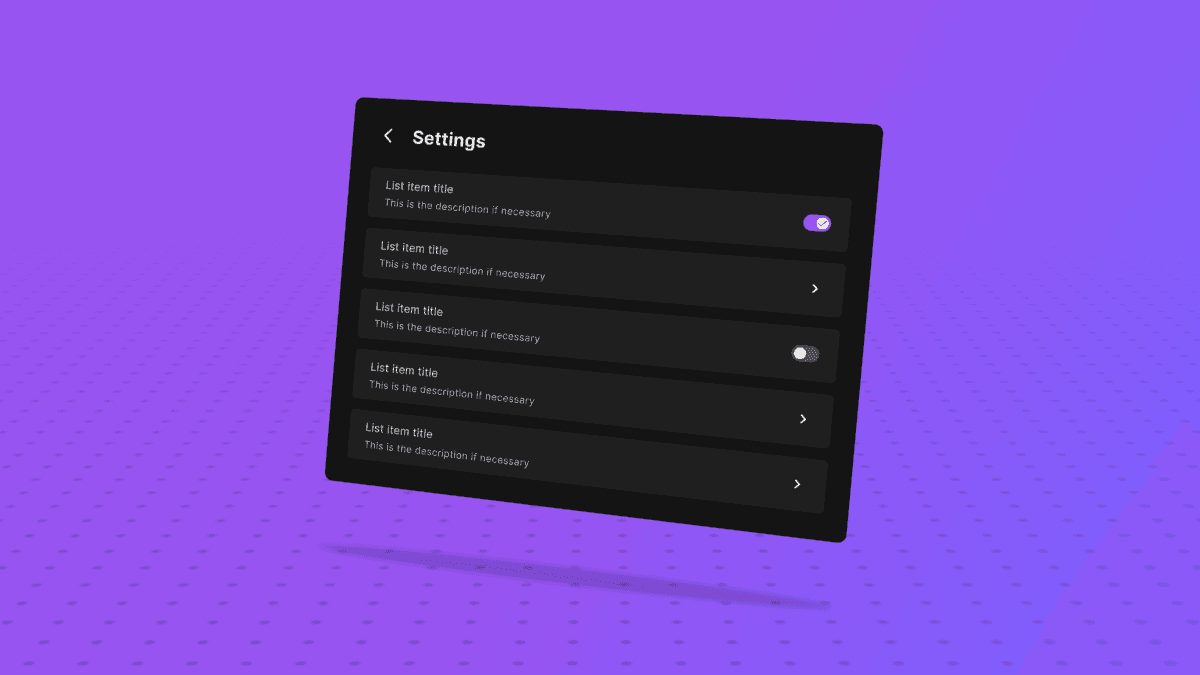
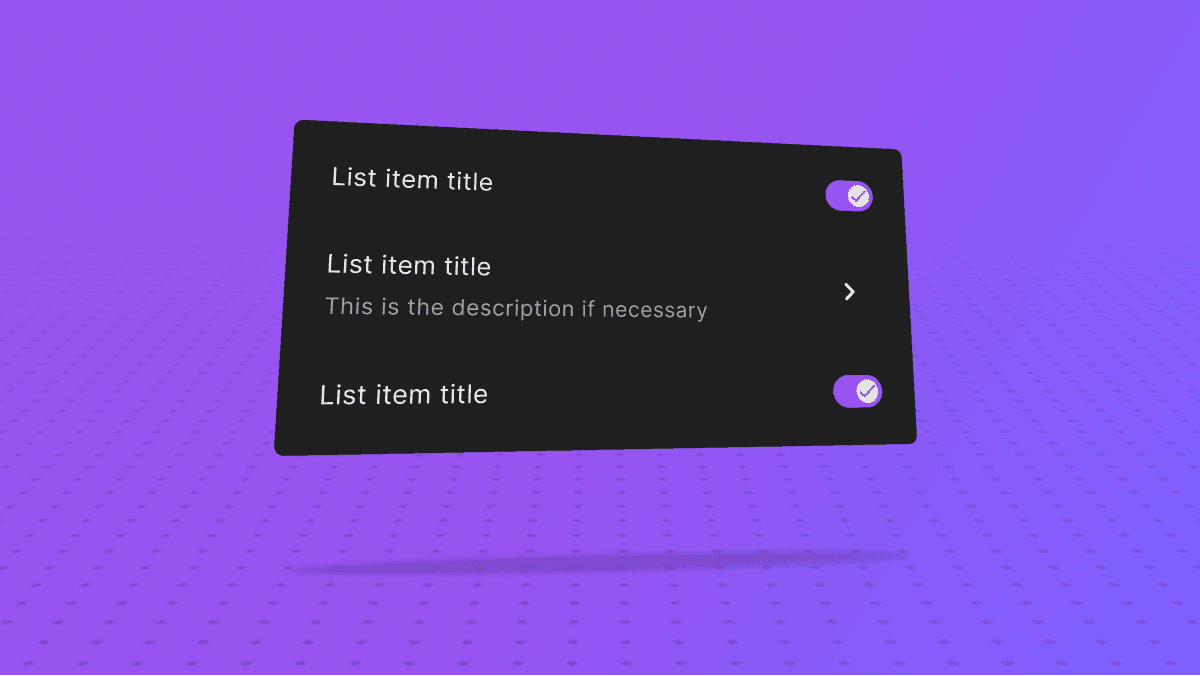
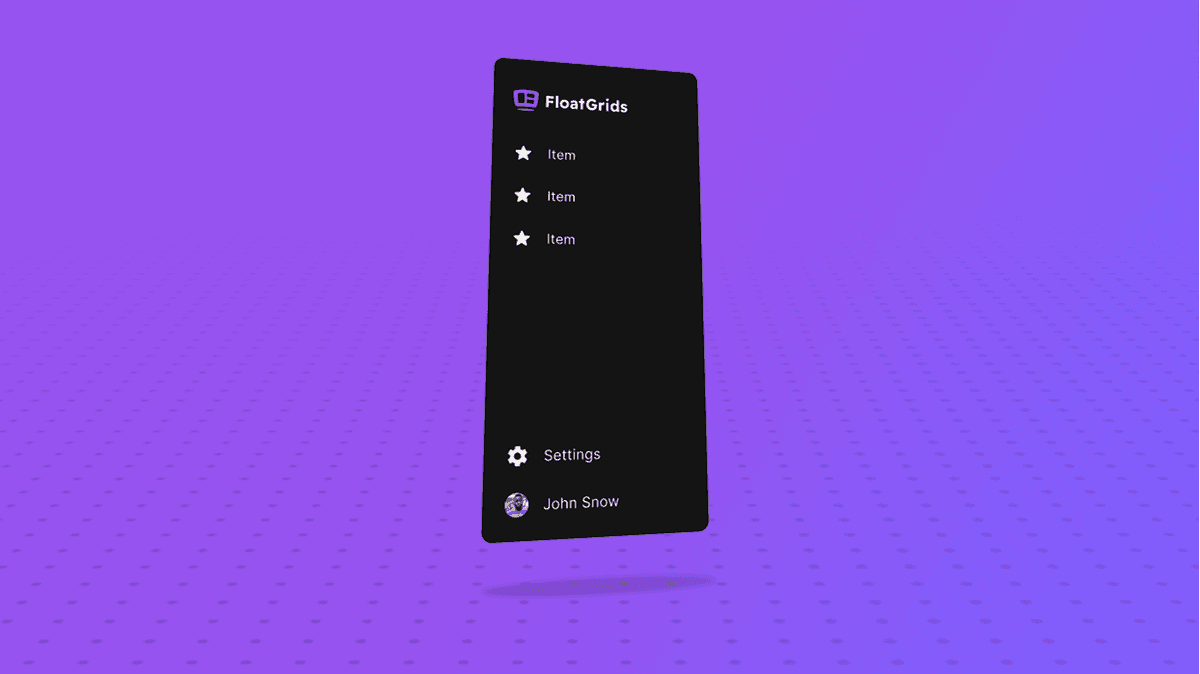
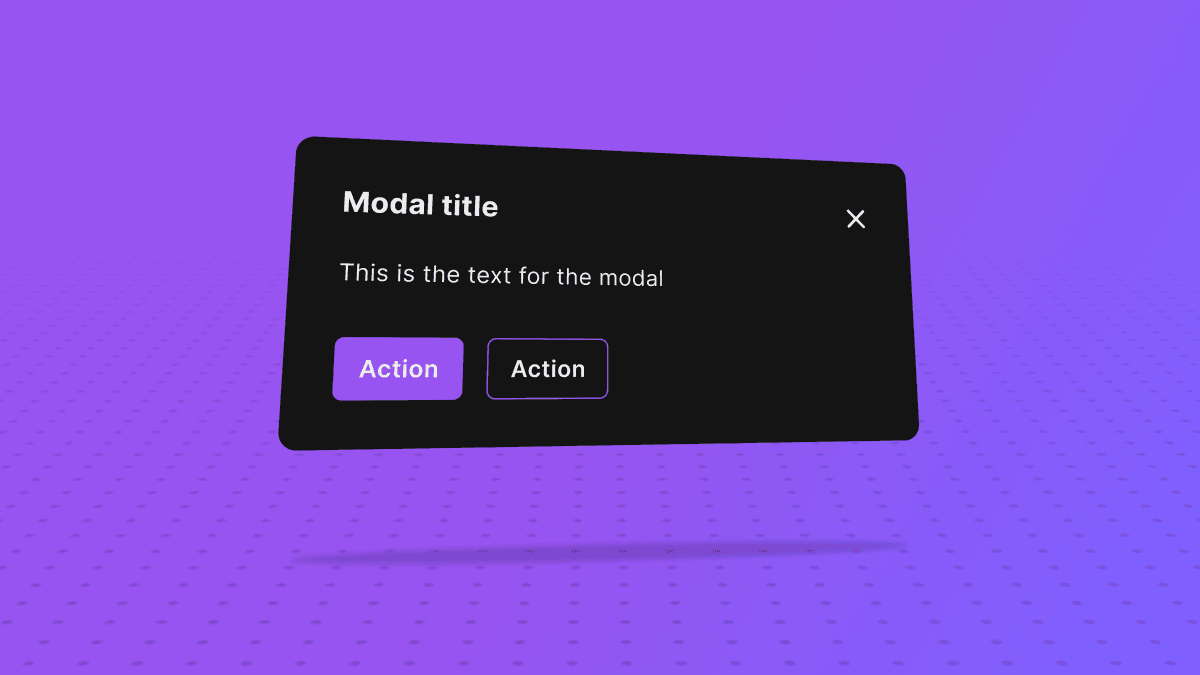
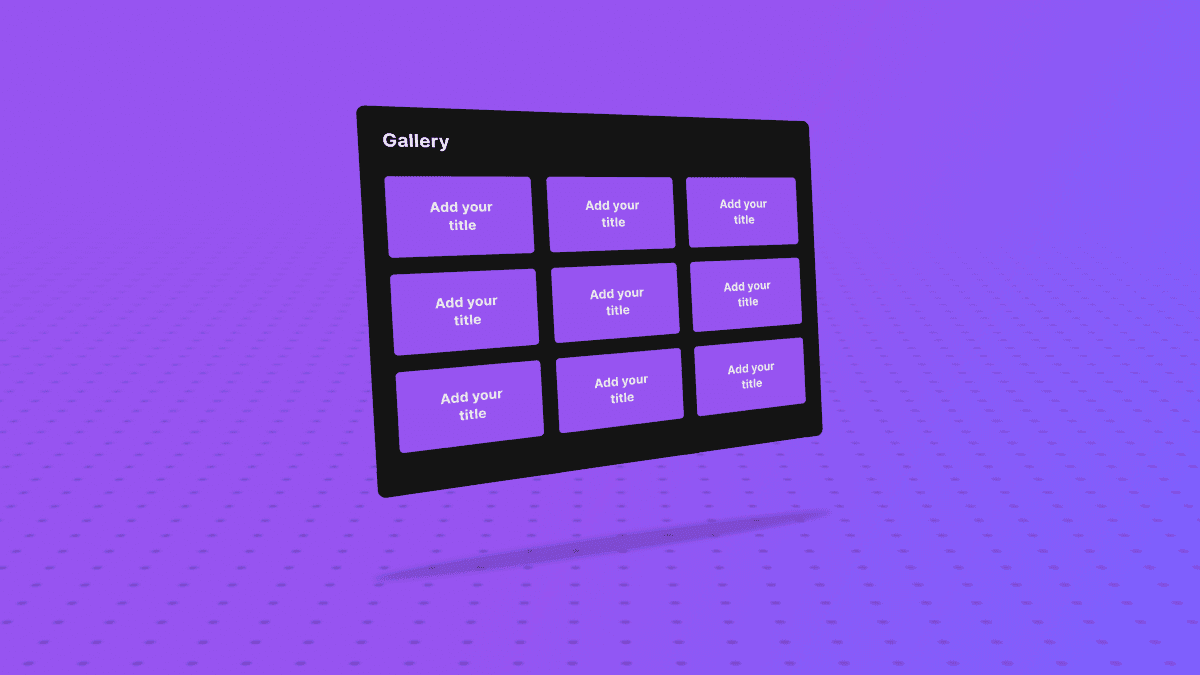

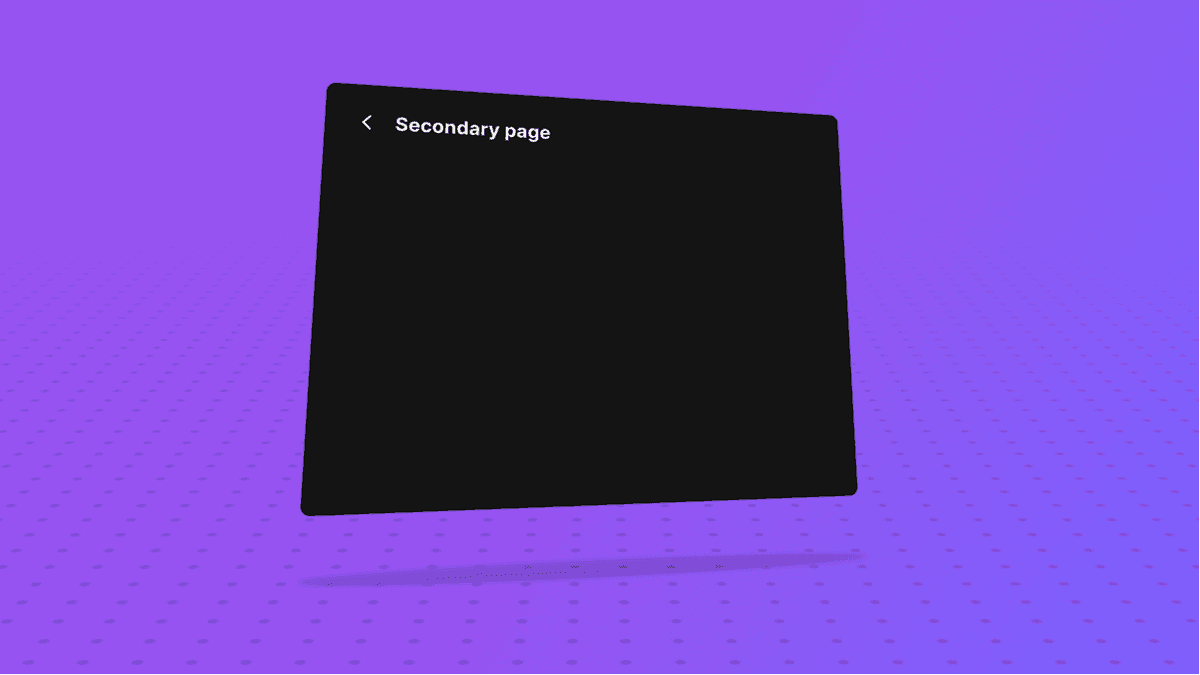

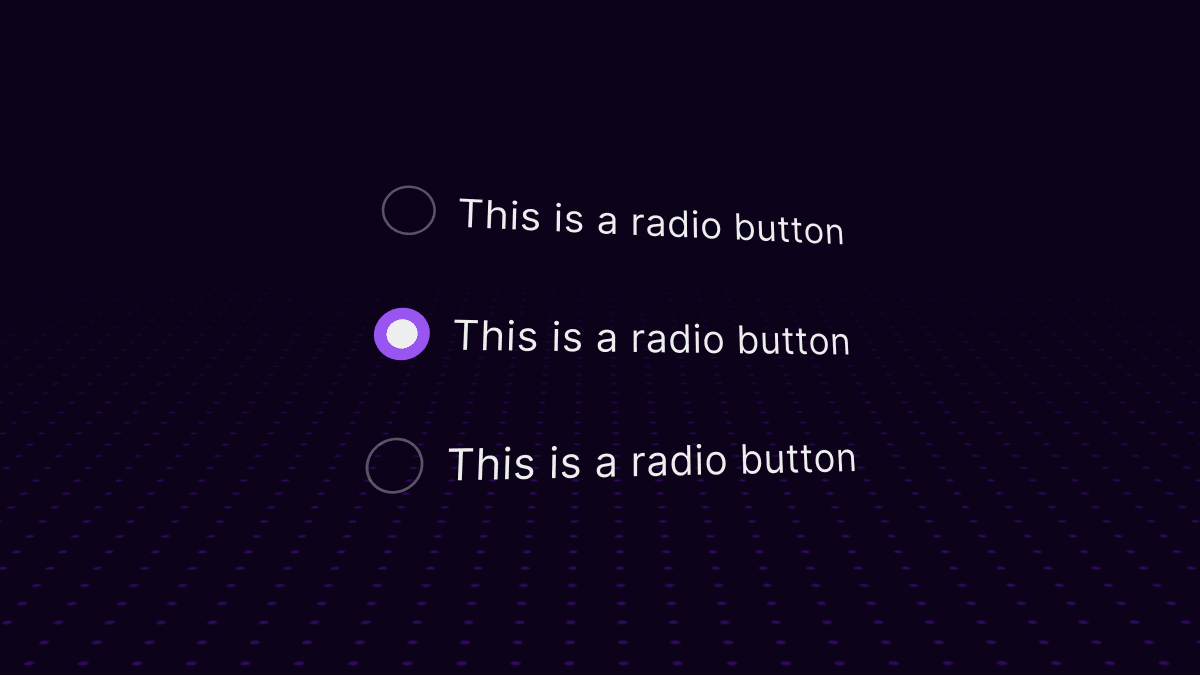
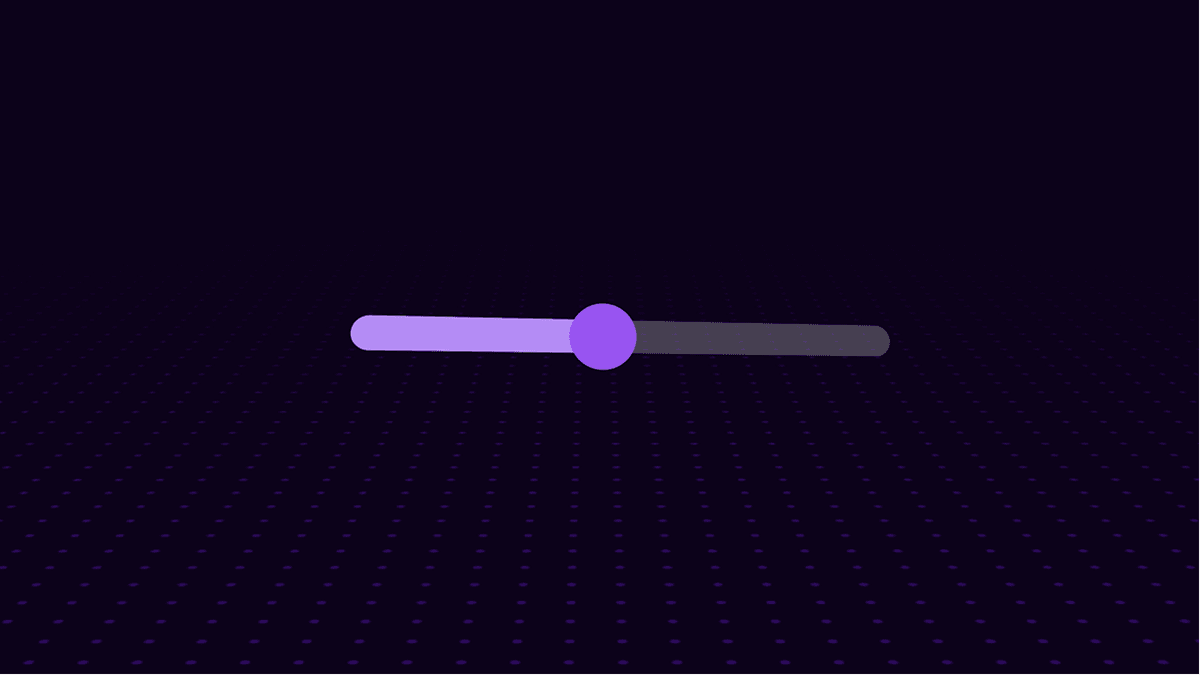

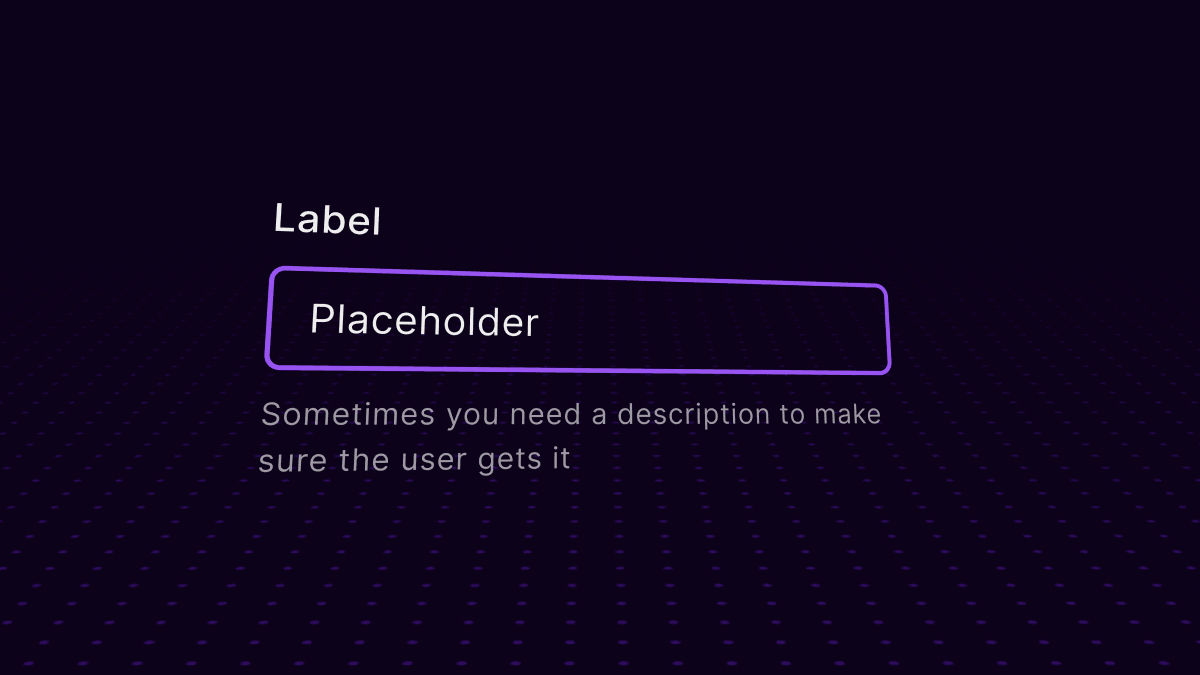

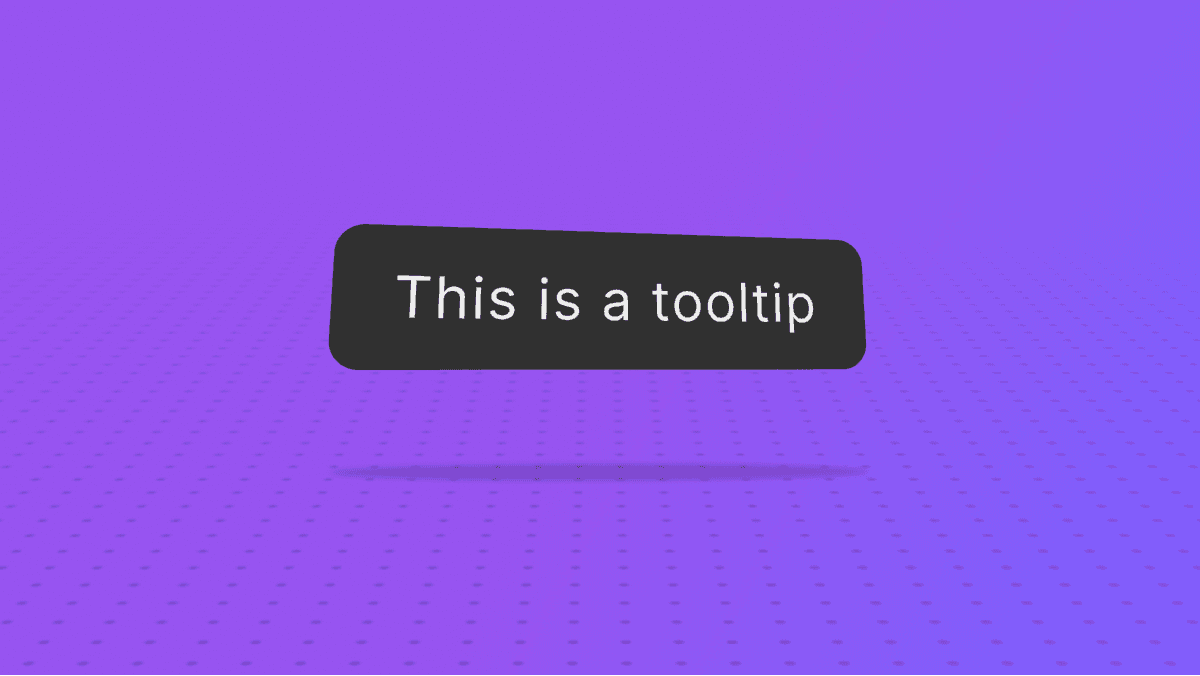
Figma and Unity files
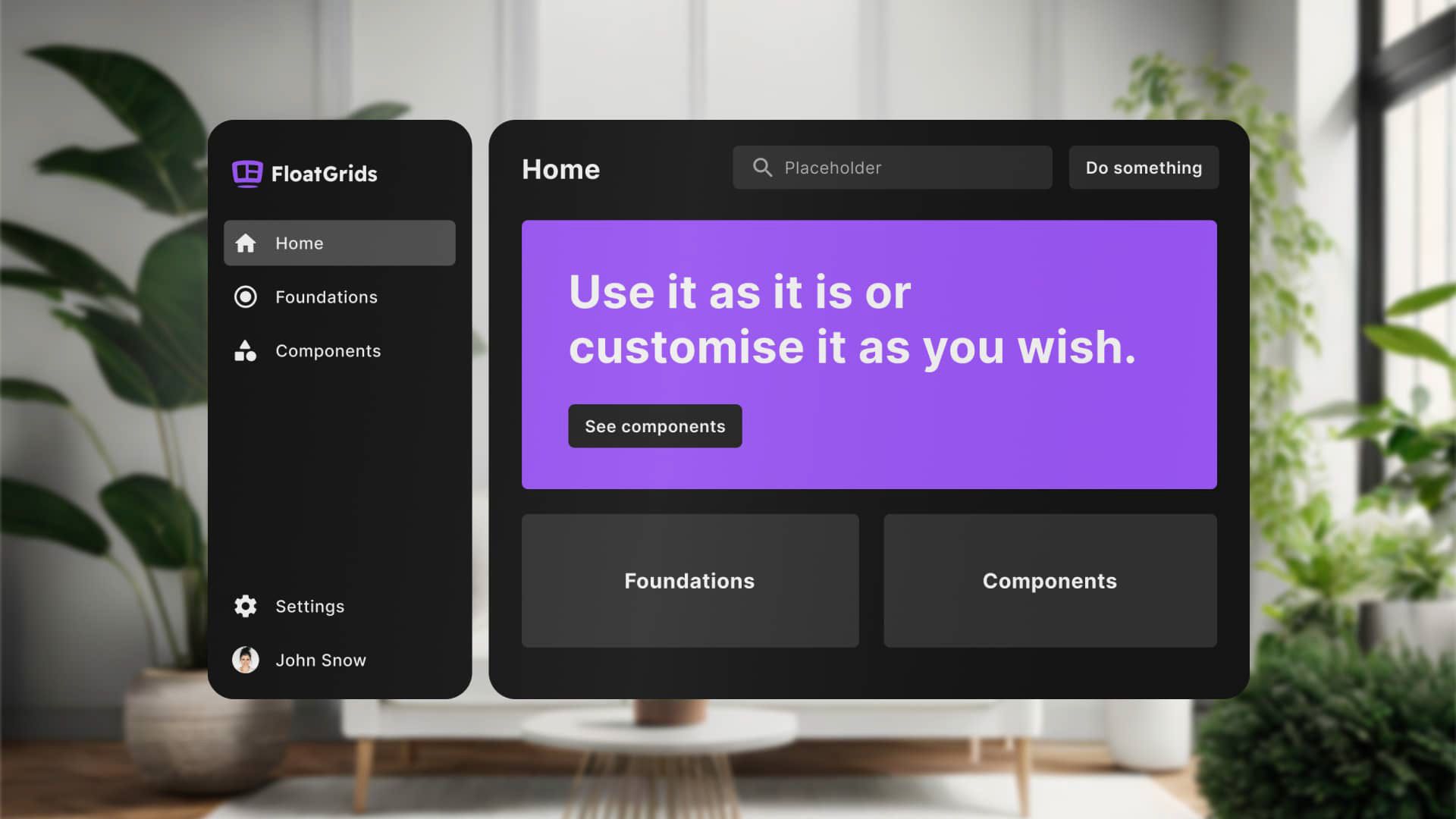
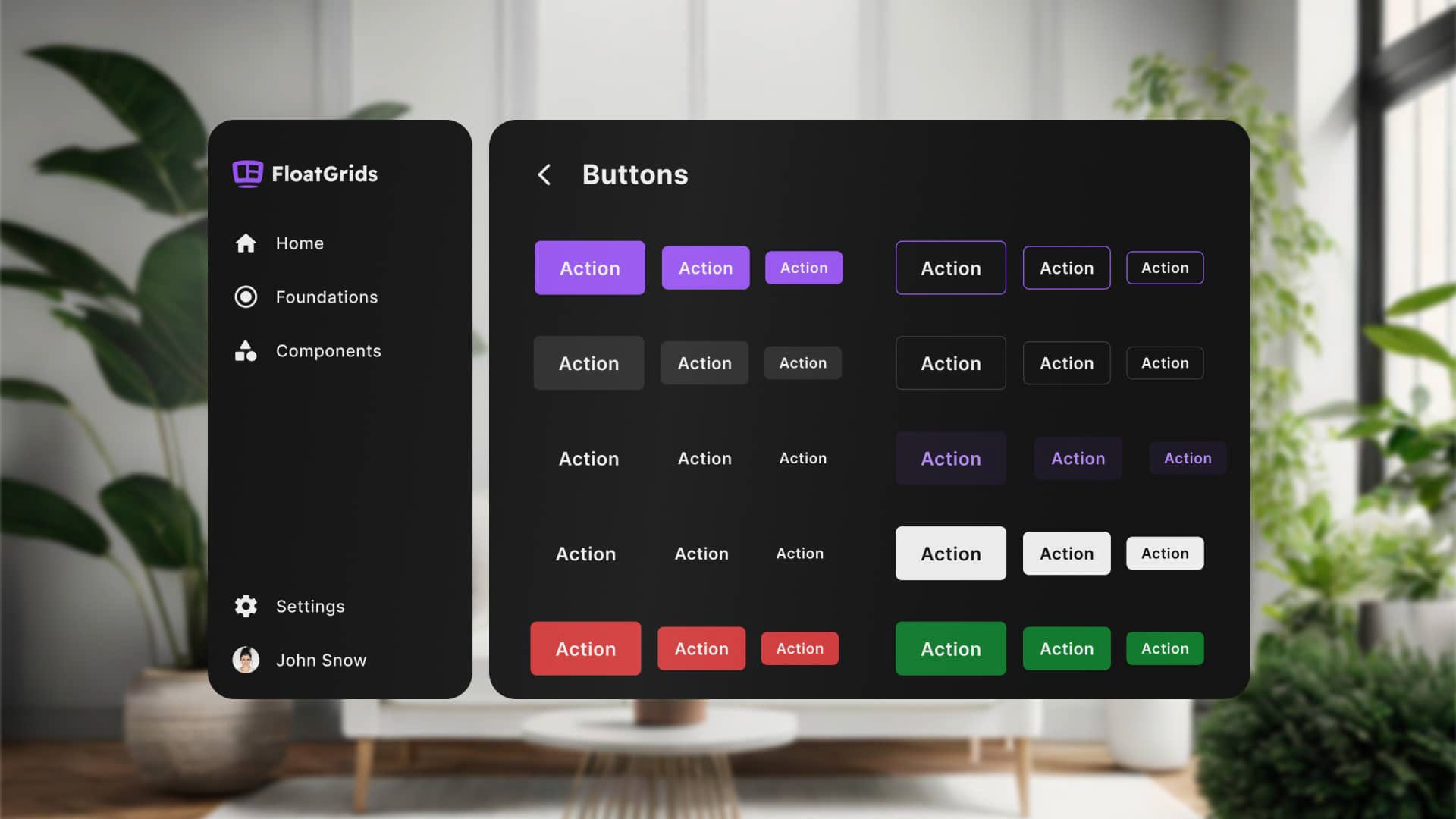
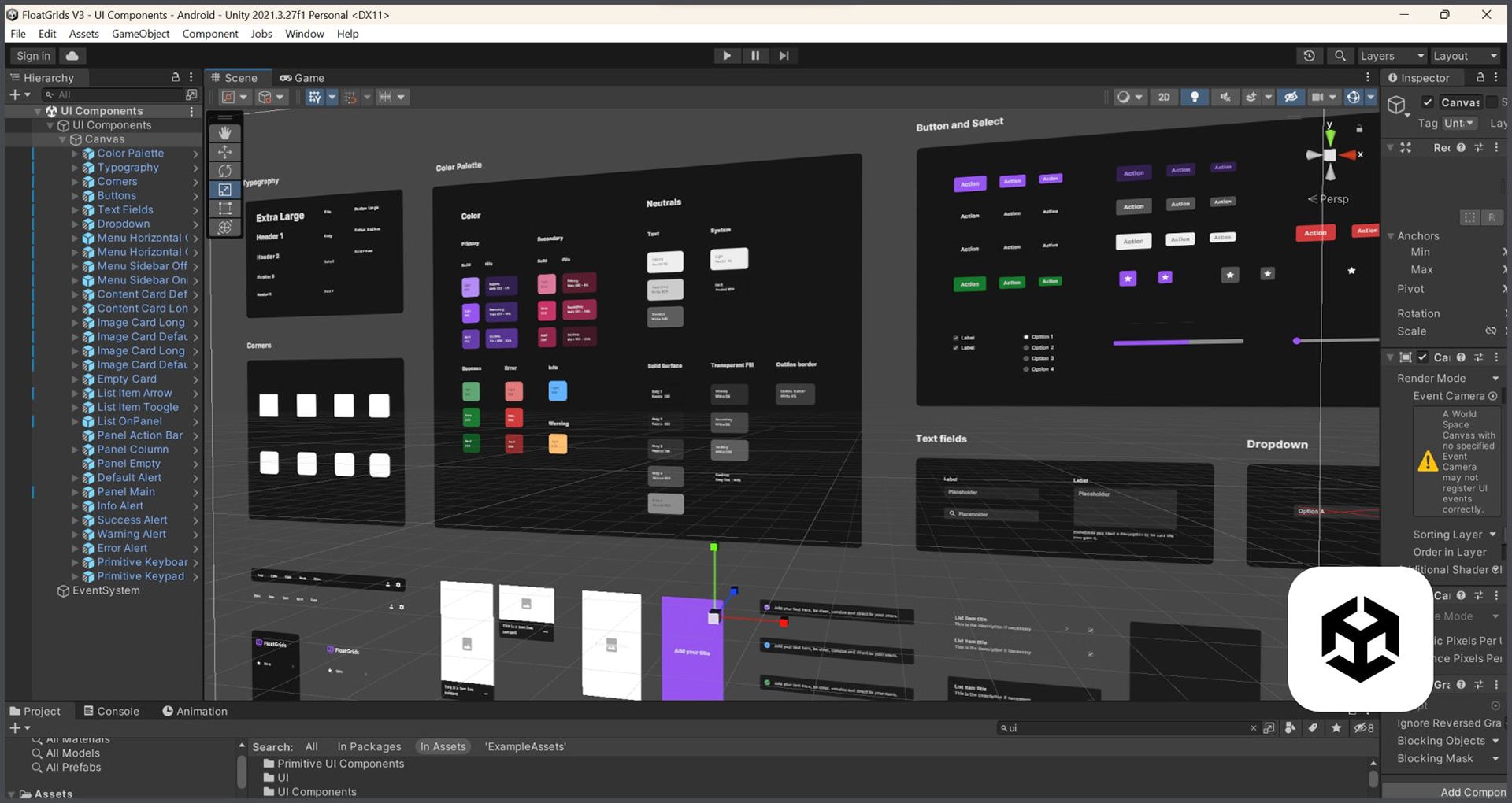
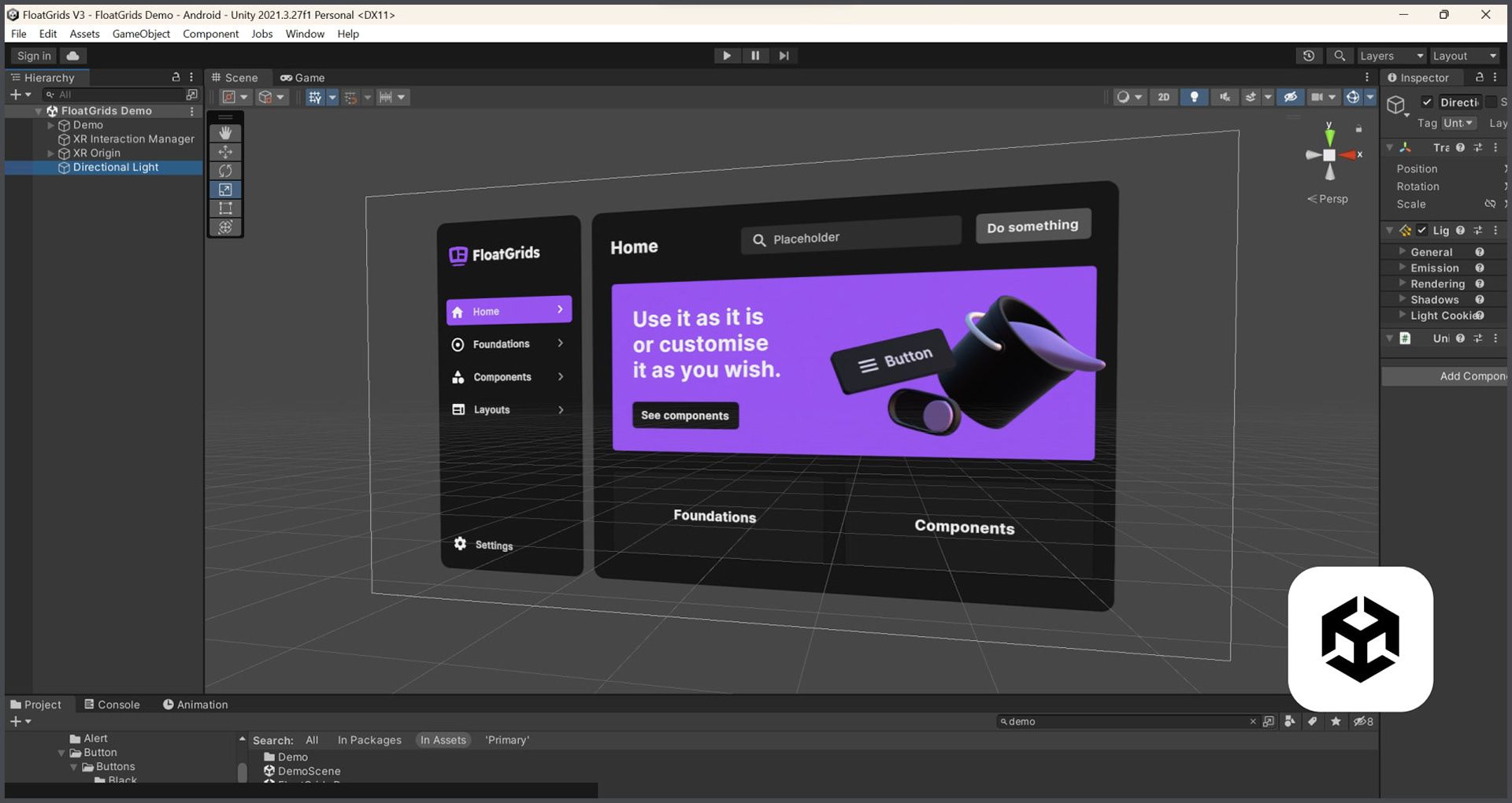
FloatGrids was designed with a primary focus on achieving consistency and scalability in XR interfaces. This necessitated precise alignment between Figma and Unity, ensuring shared UI foundations and nomenclature for tokens, UI components, and templates.
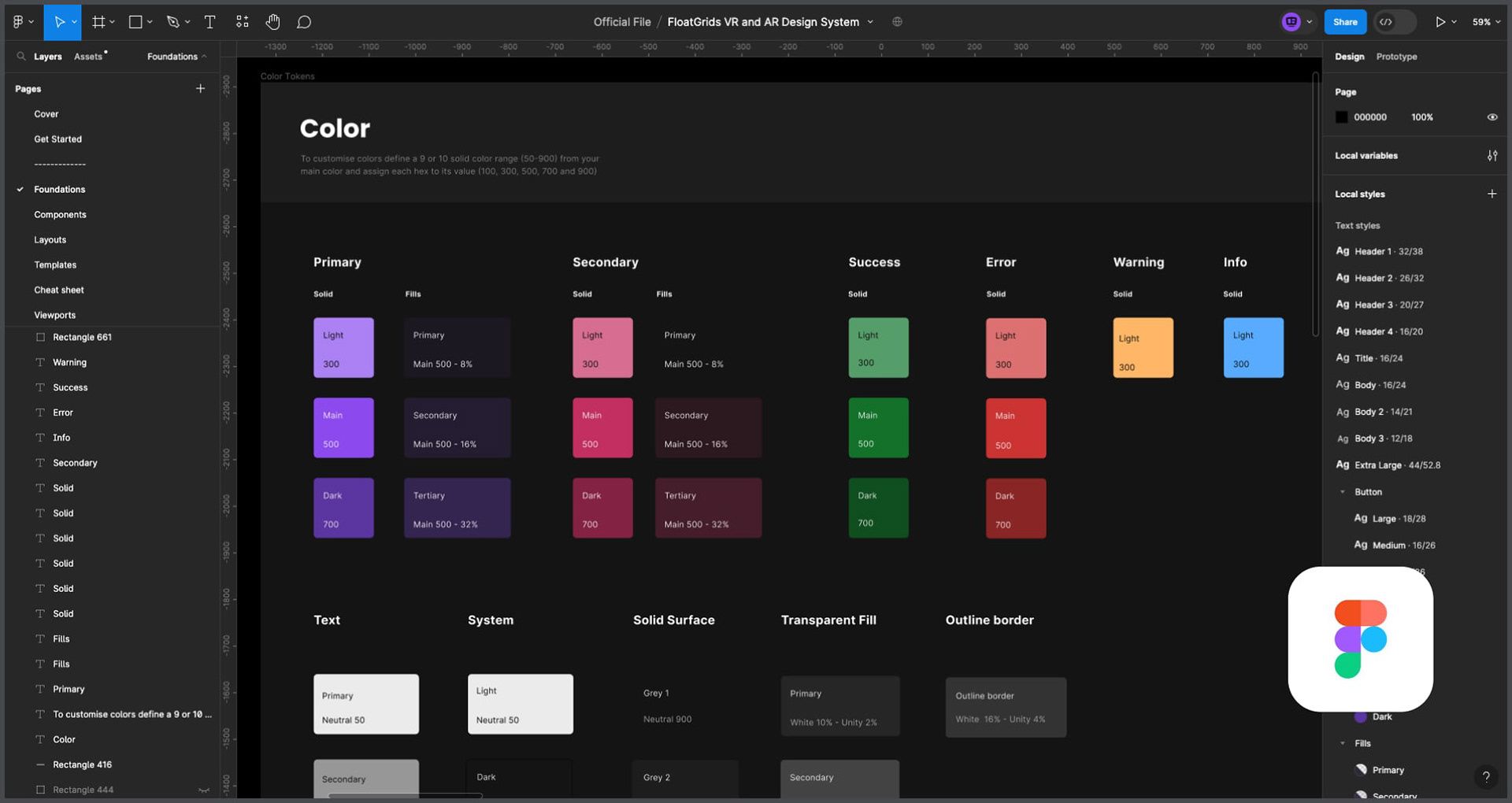
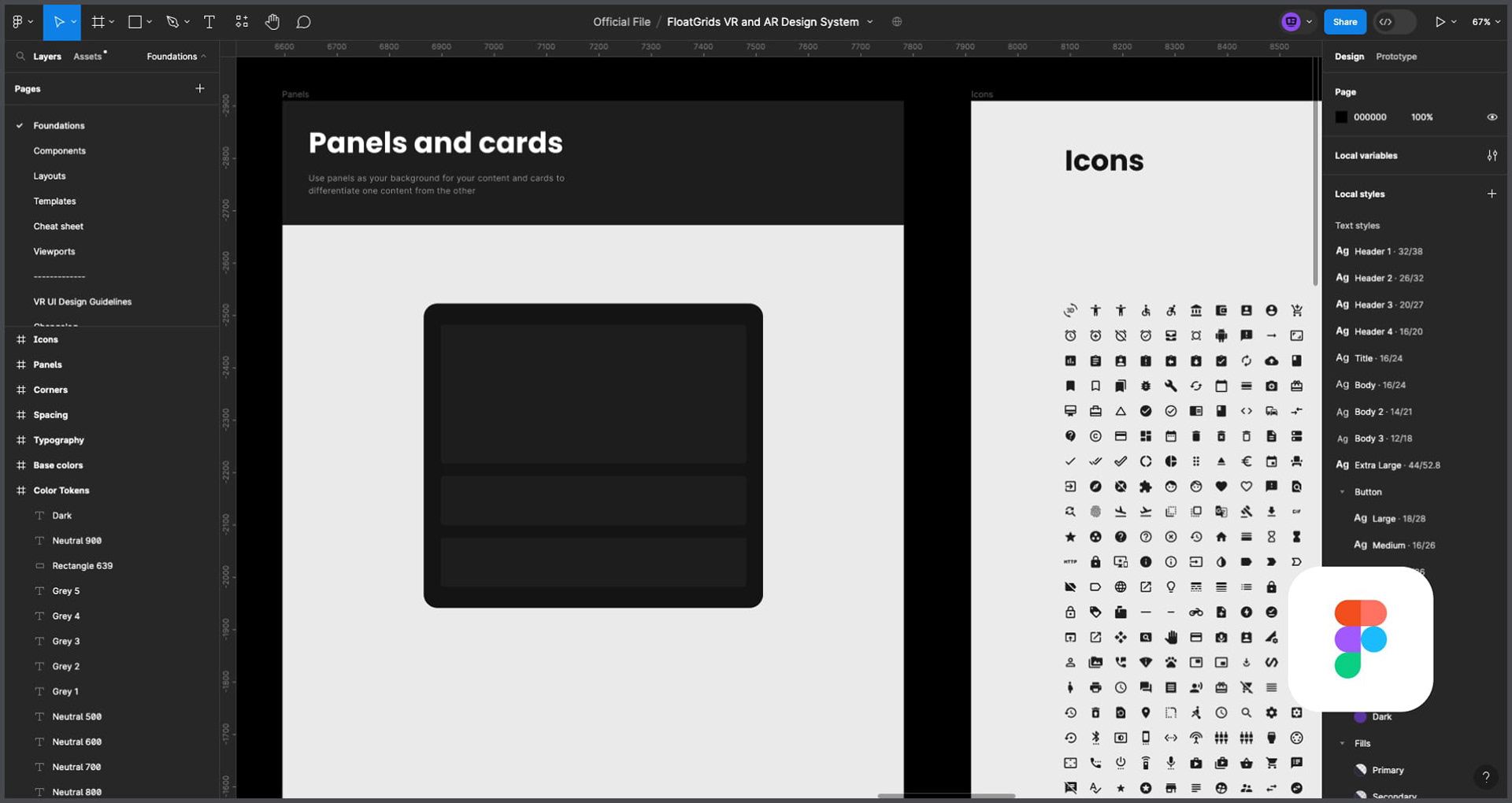
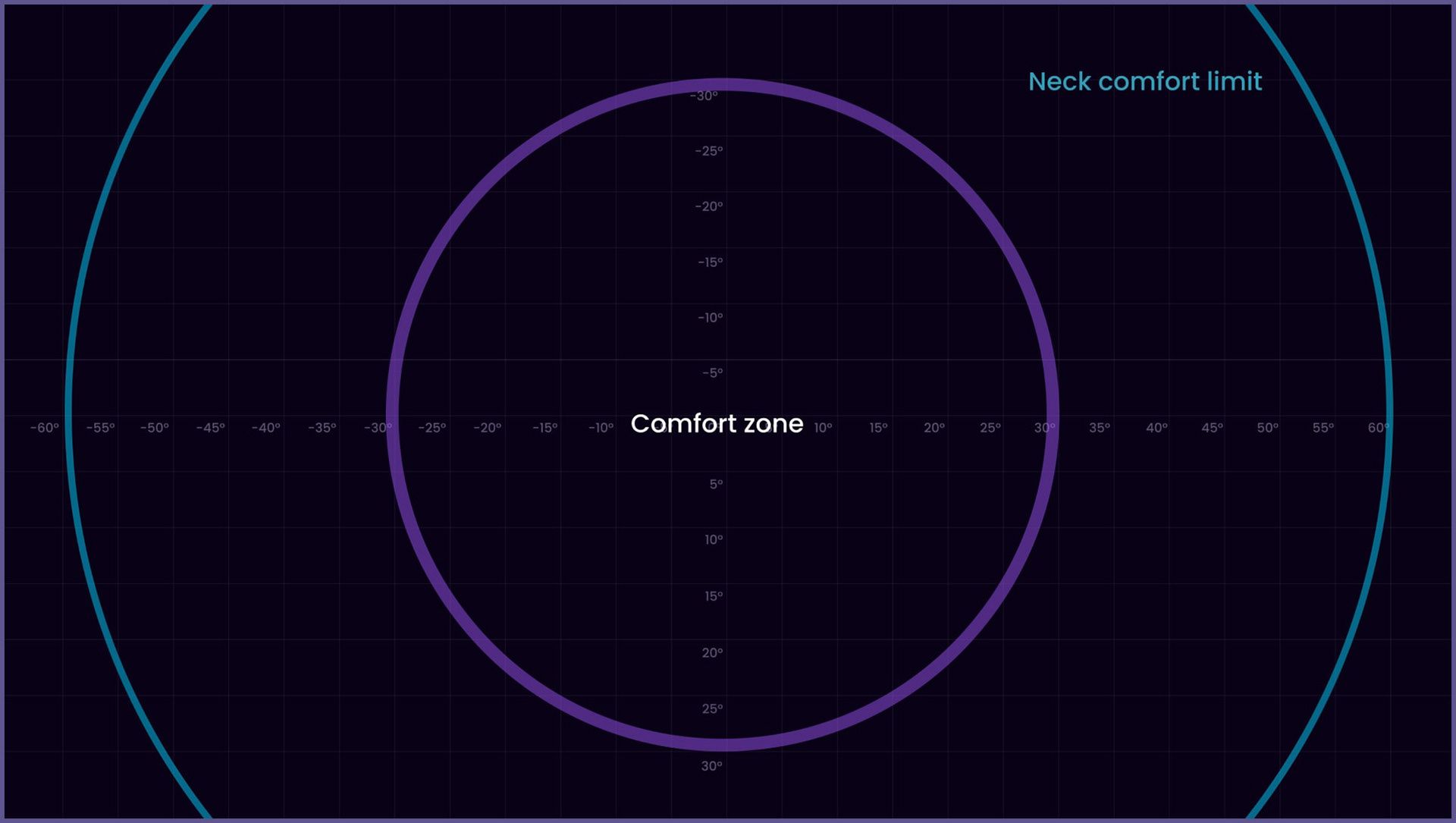
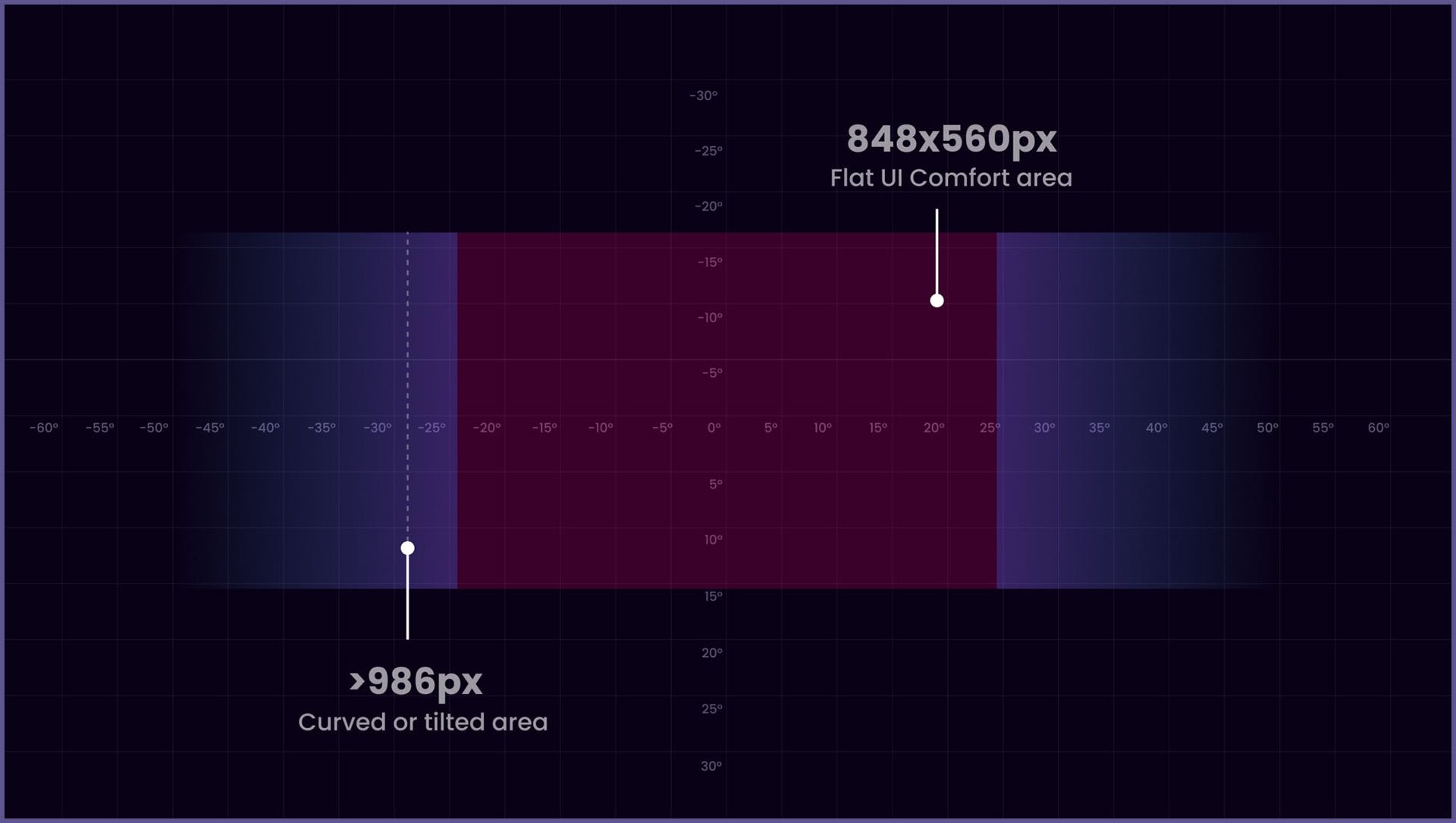
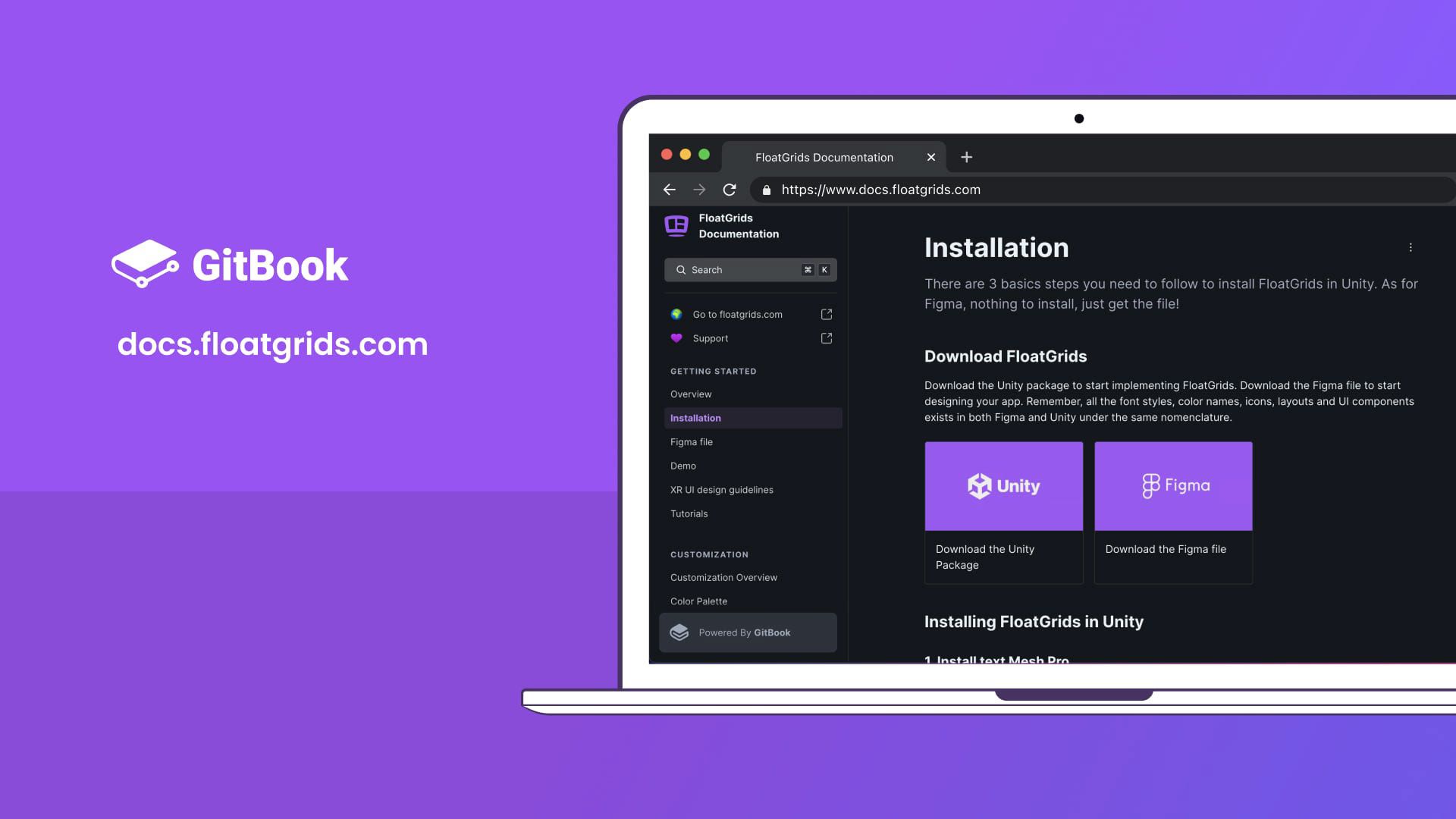
GitBook documentation
While the setup of FloatGrids is straightforward, it can be intricate for new Unity users. The documentation not only covers the setup but also provides video tutorials for advanced features and examples. Impressively, this documentation is accessed by 120 visitors monthly, showcasing its value and relevance in aiding users.
Key Metrics
10.000 downloads so far 350 monthly downloads 1.100 monthly visitors 80 Documentation recurring monthly visitors
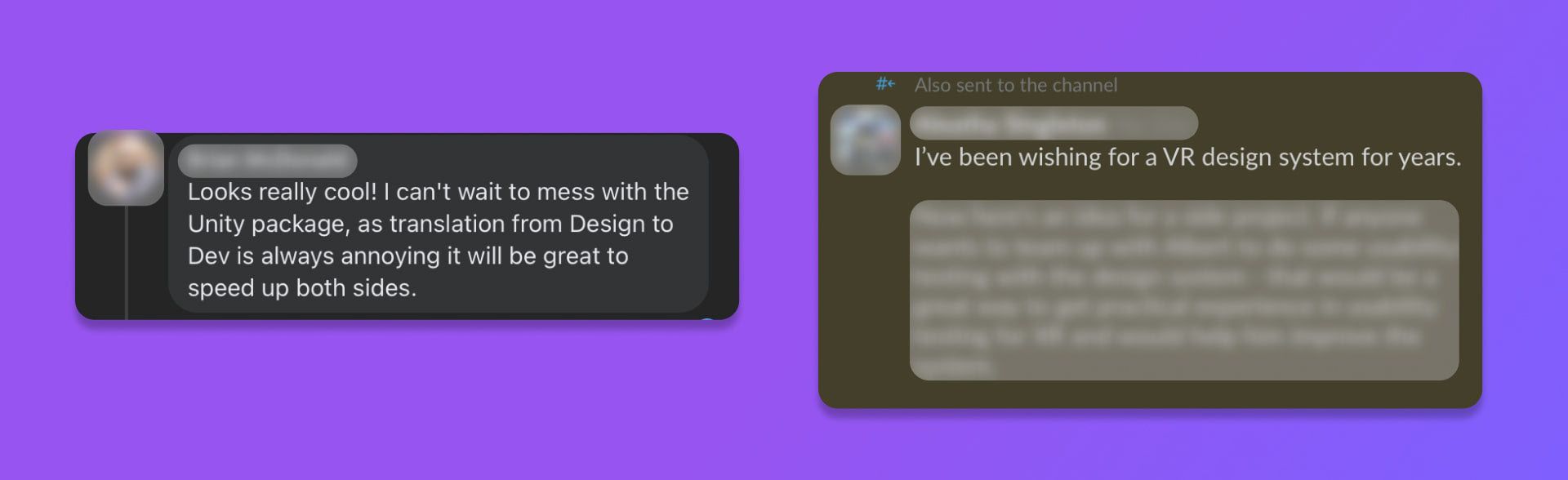
I presented FloatGrids at Sonar 23, chosen among 79 cutting-edge projects
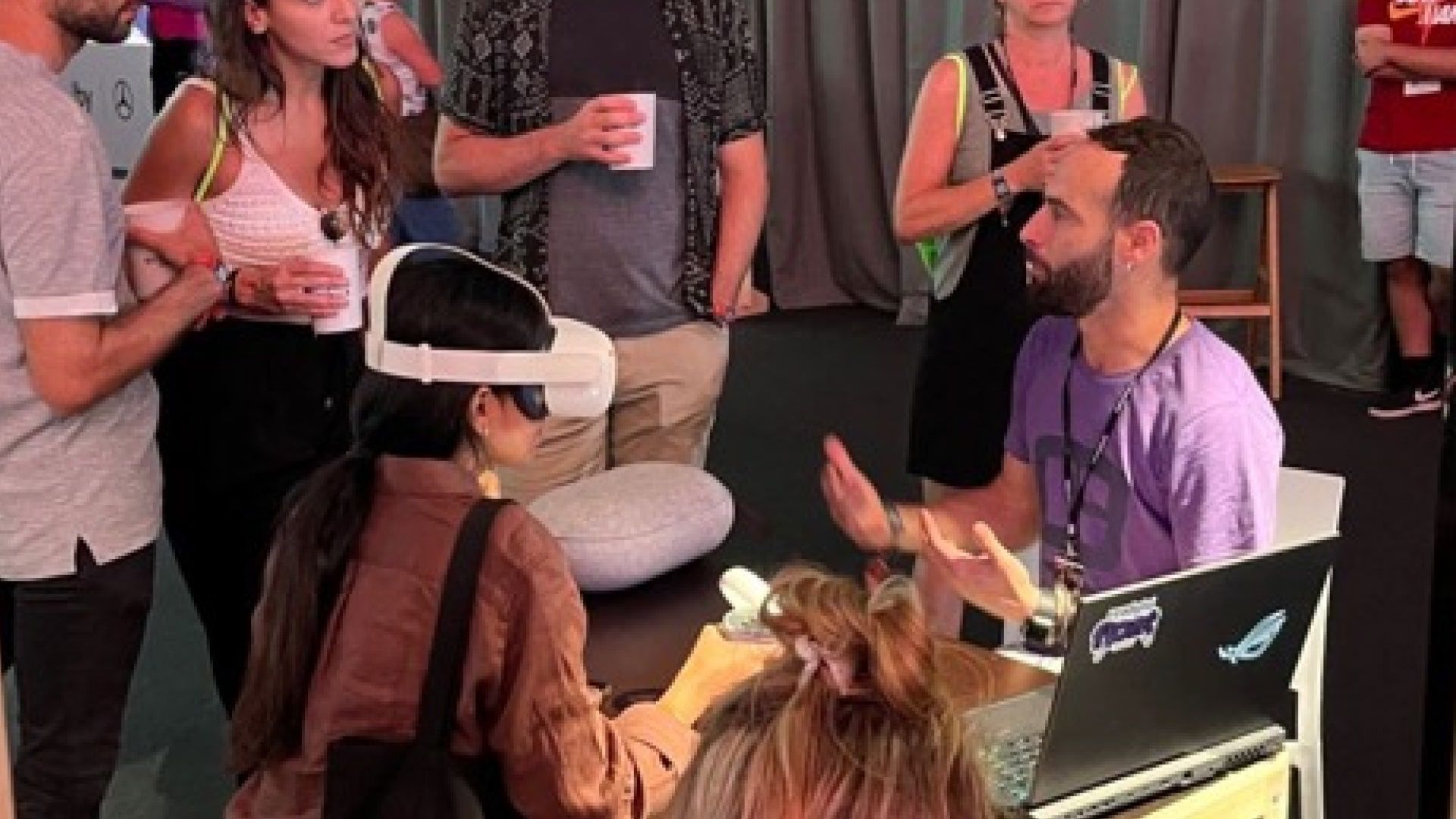


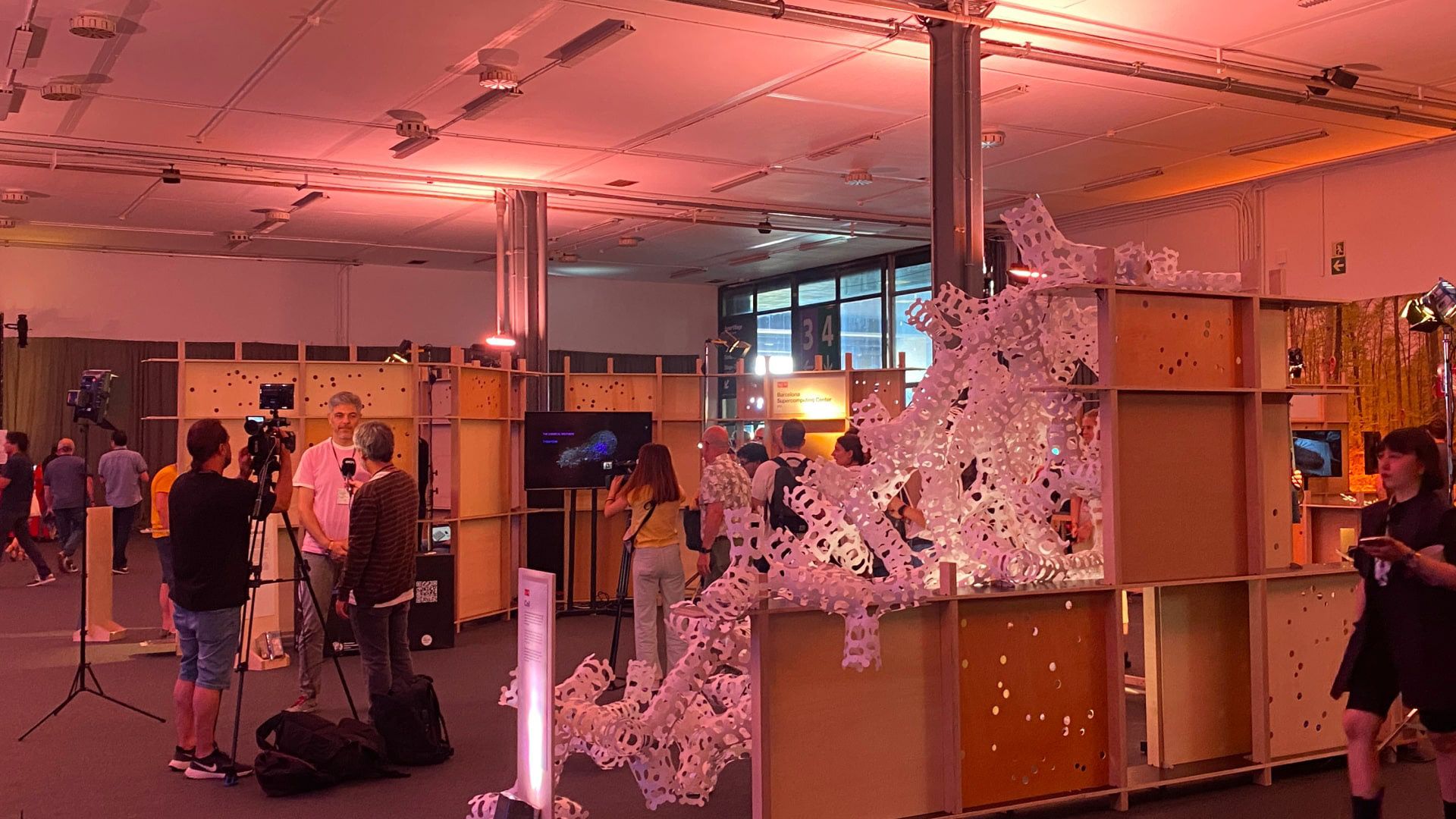
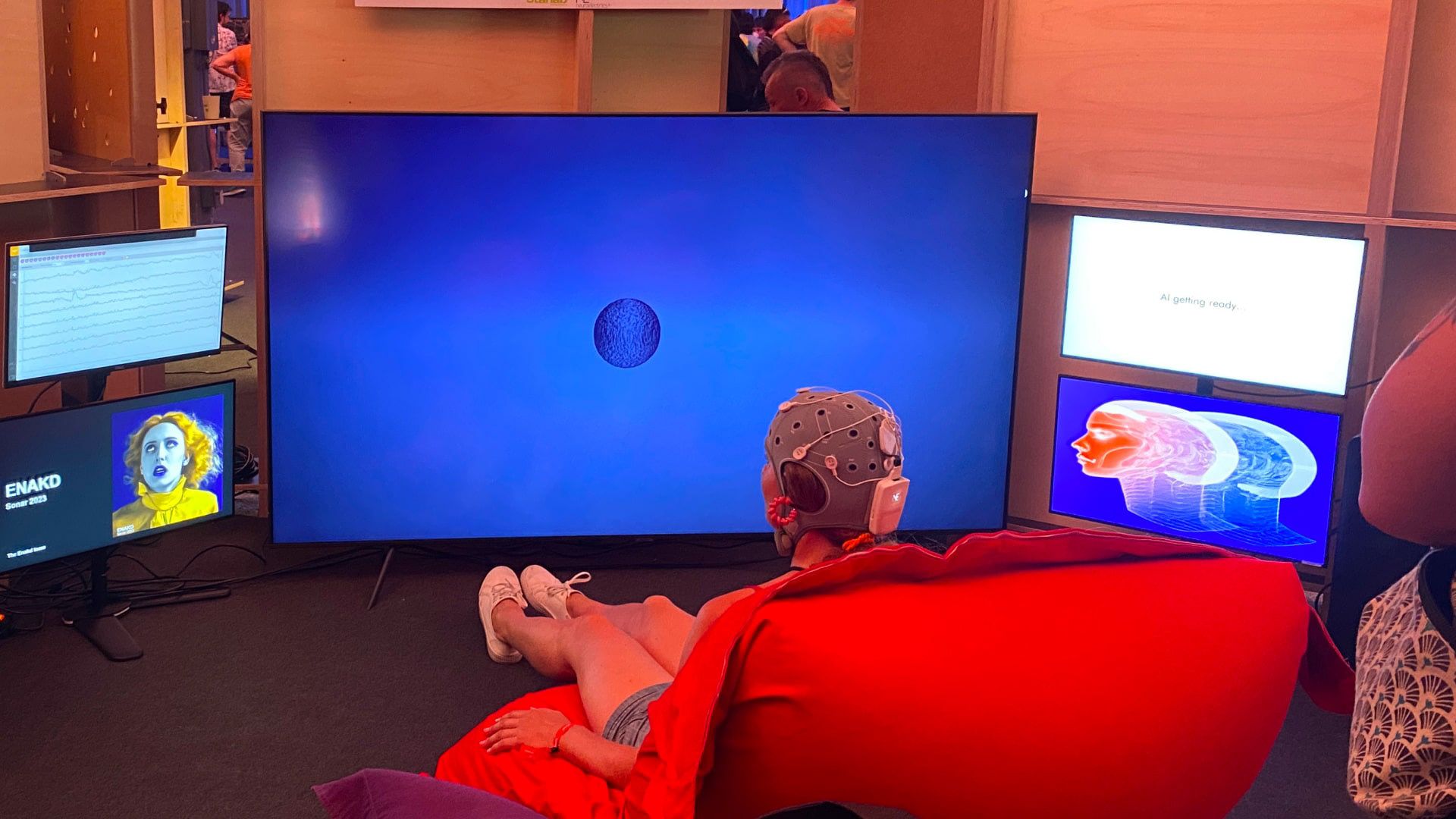
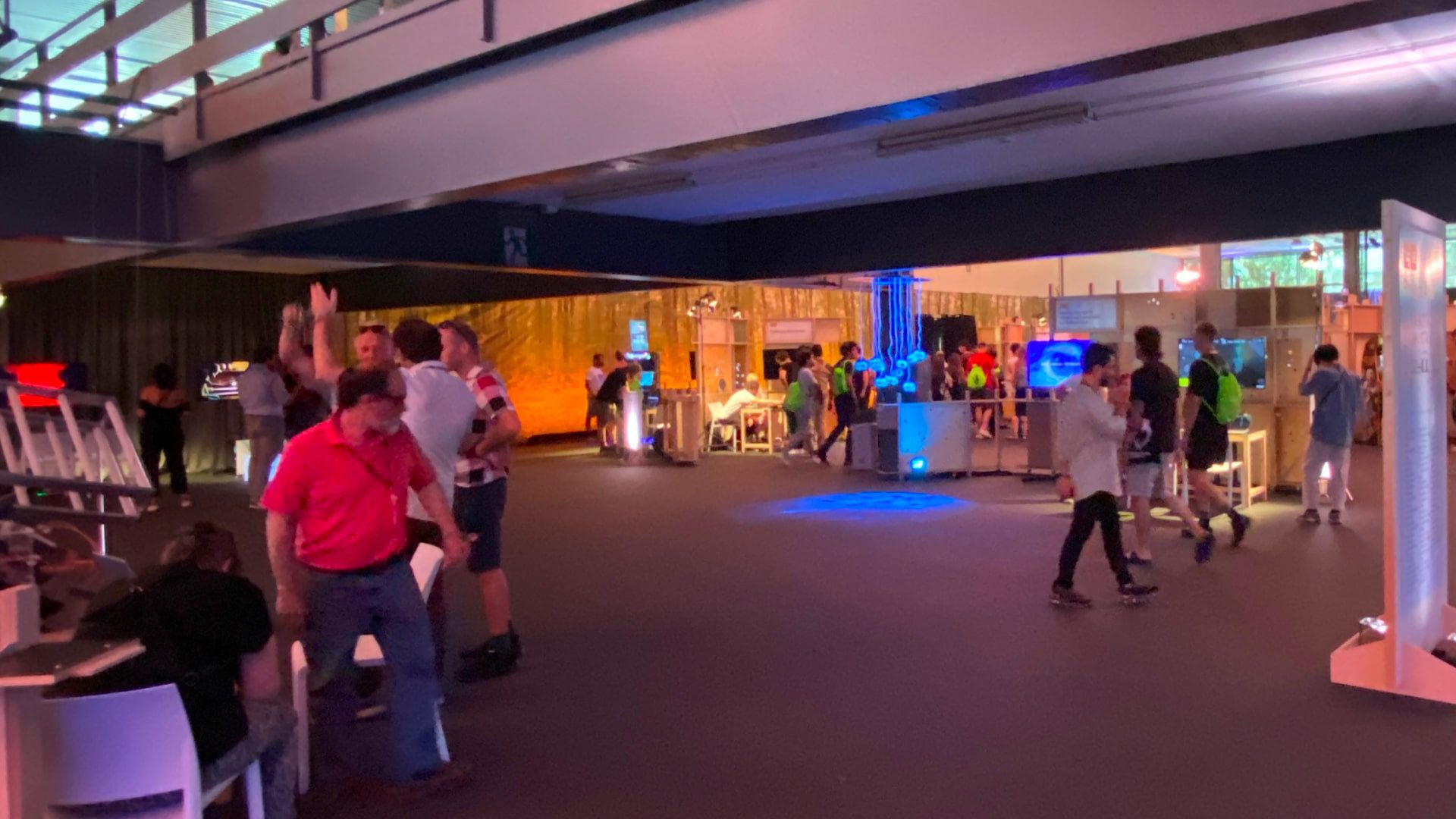
In case you want to know more, here are some FloatGrids links 🎨 <a href="https://www.figma.com/community/file/1087168911388362853" target="_blank">Figma File</a> 🏗️ <a href="https://floatgrids.com/products/floatgrids-unity-package" target="_self">Unity package</a> 🌍 <a href="https://floatgrids.com" target="_blank">www.floatgrids.com</a> 🦾 <a href="https://docs.floatgrids.com/" target="_blank">www.docs.floatgrids.com</a> 🧐 <a href="https://medium.com/design-bootcamp/how-created-the-first-vr-design-system-that-in-figma-that-also-lives-in-unity-c806ad3f9475" target="_blank">How I created FloatGrids, the design process (Medium article)</a>
Thank you very much for reading 💜