XR Interactive Onboarding
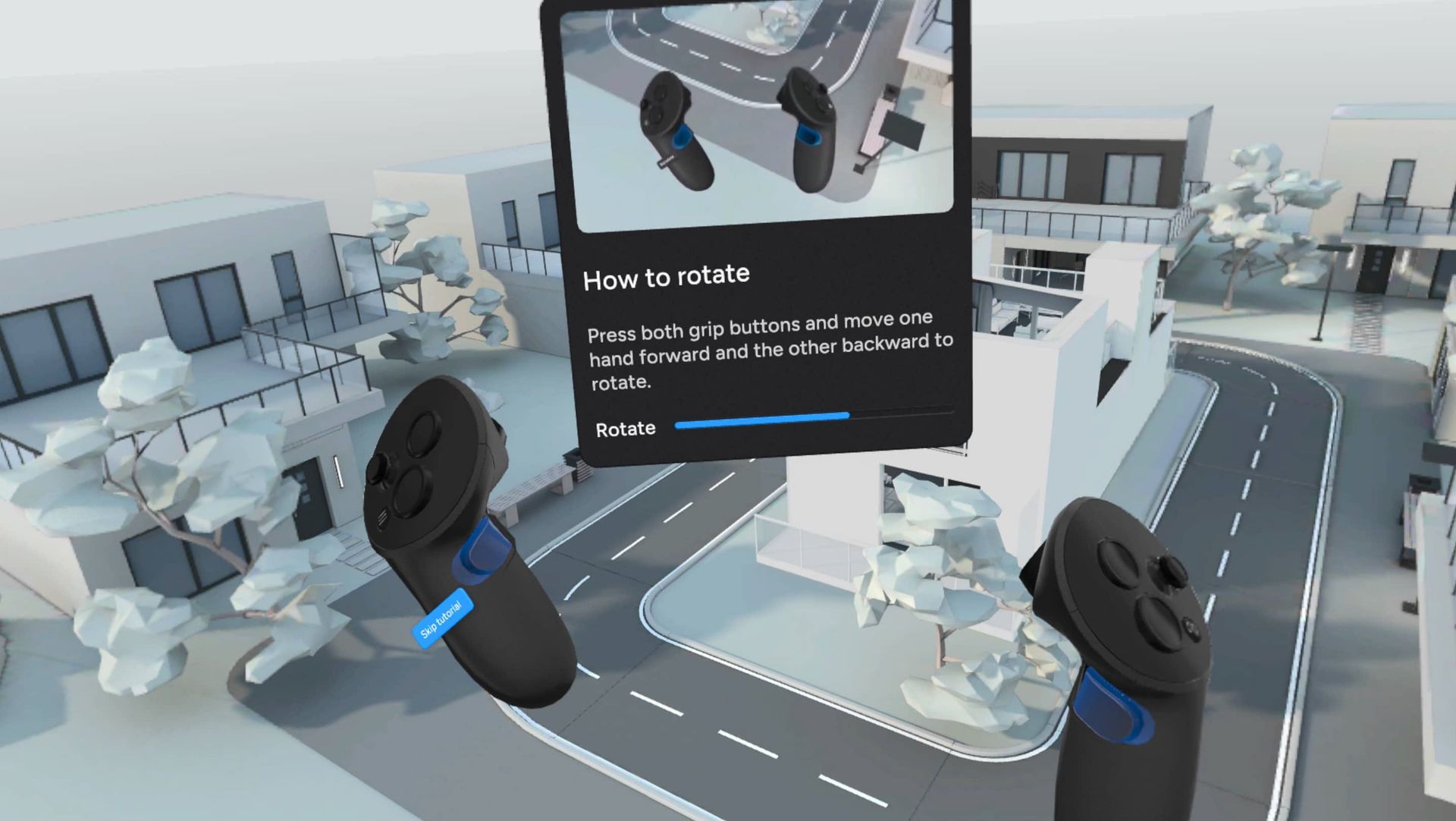
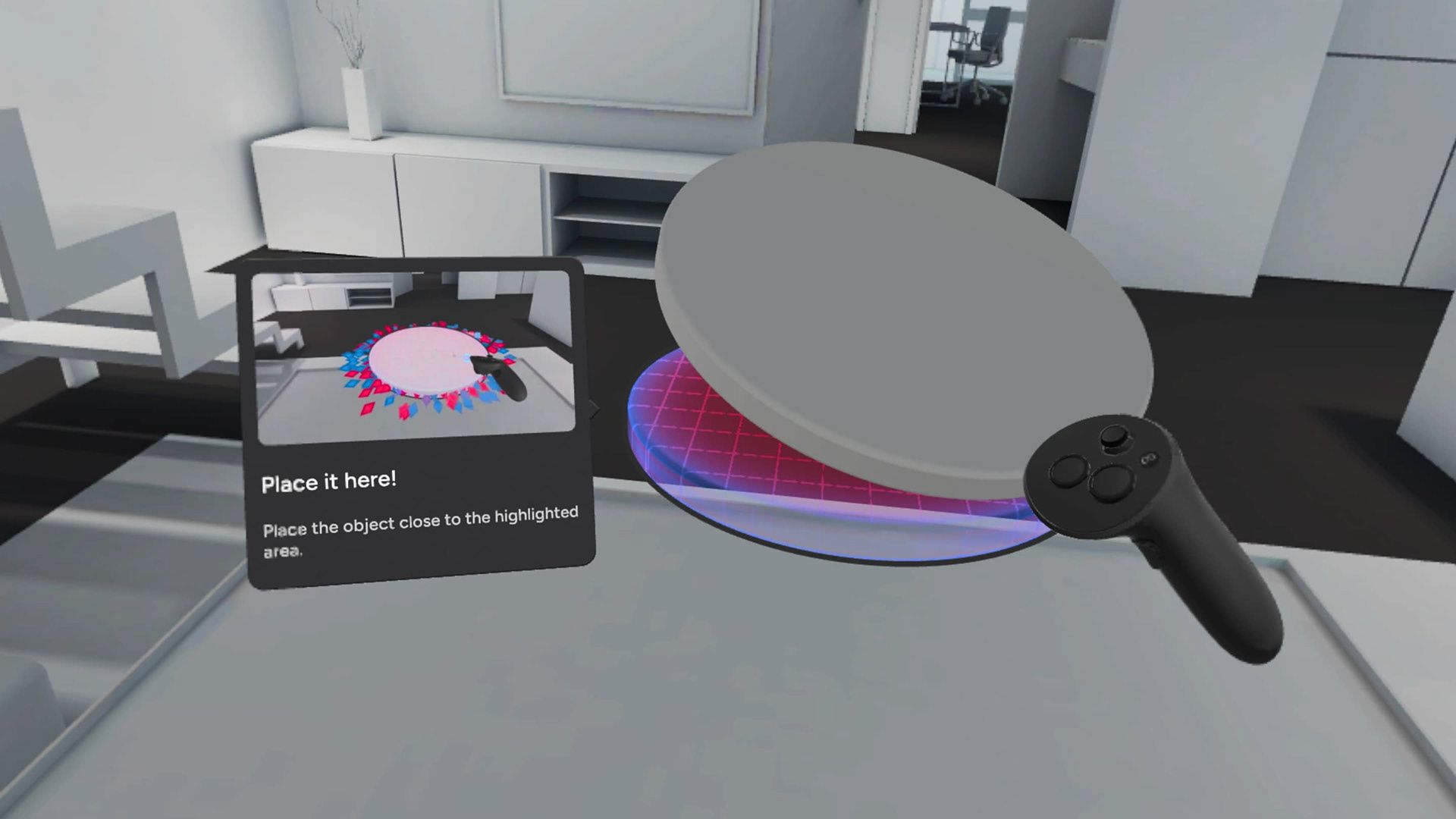
Table of Contents
- Context
- Design Solution
- Key Metrics
- Design process
Design Solution
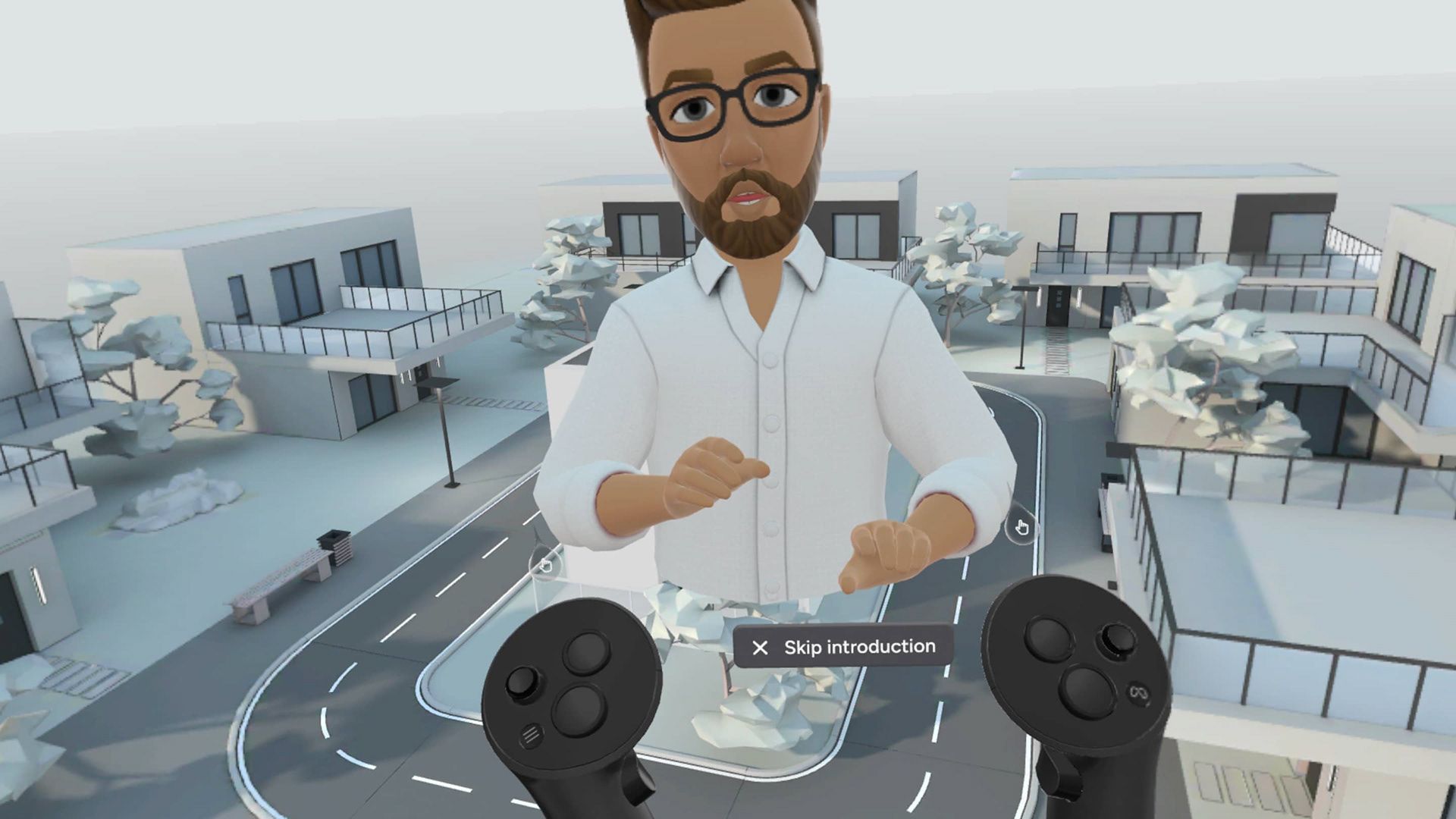
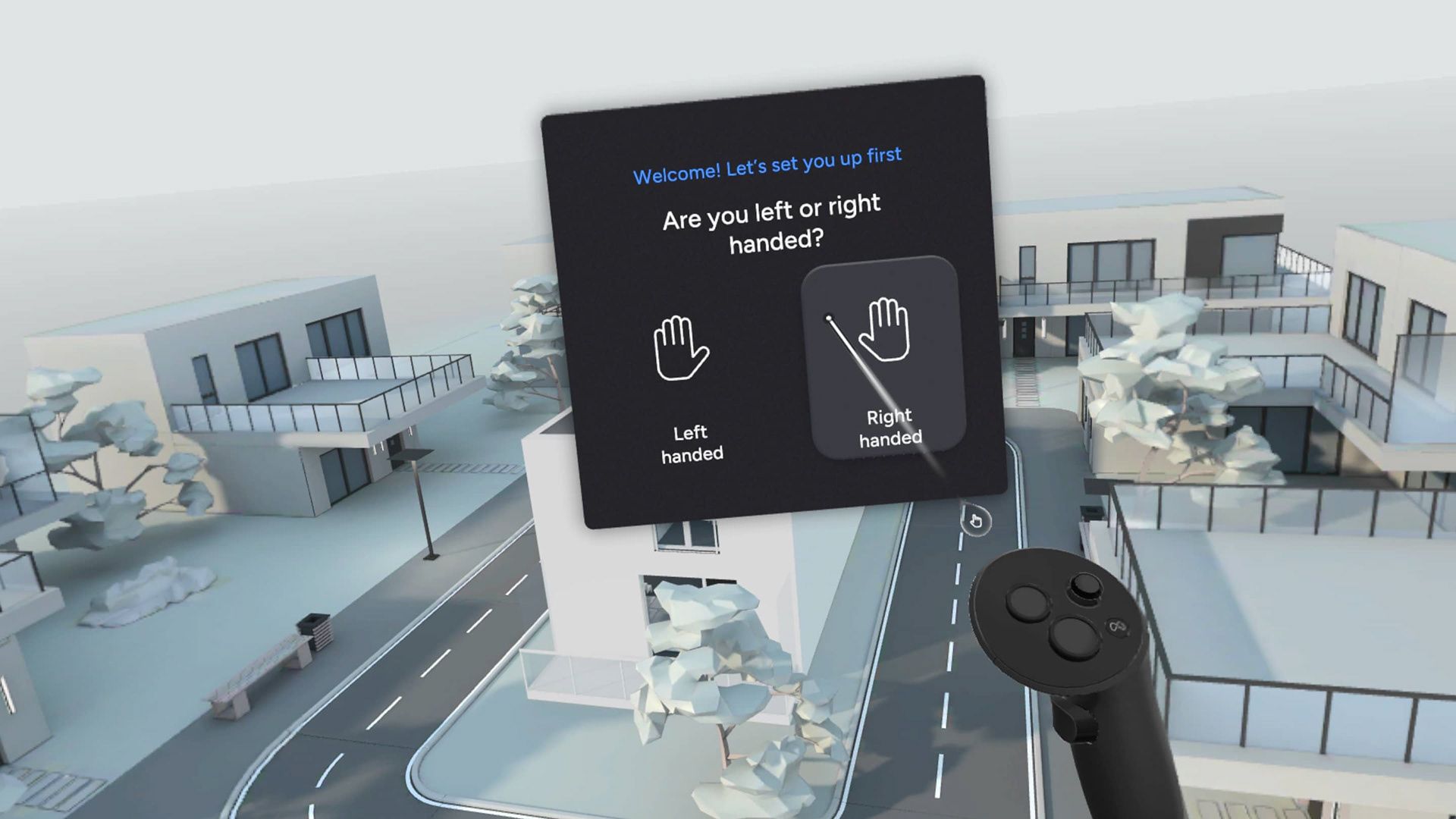
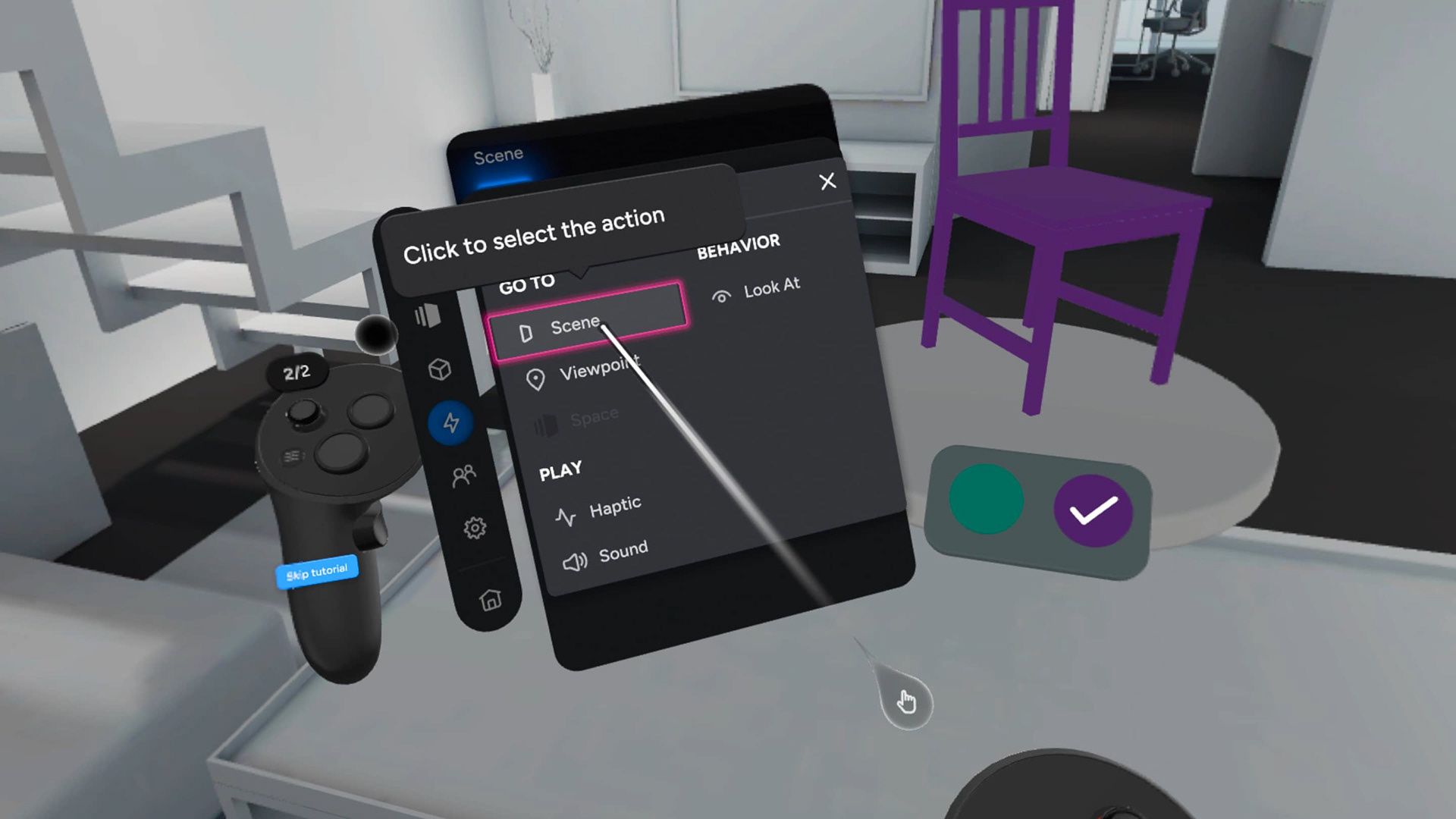
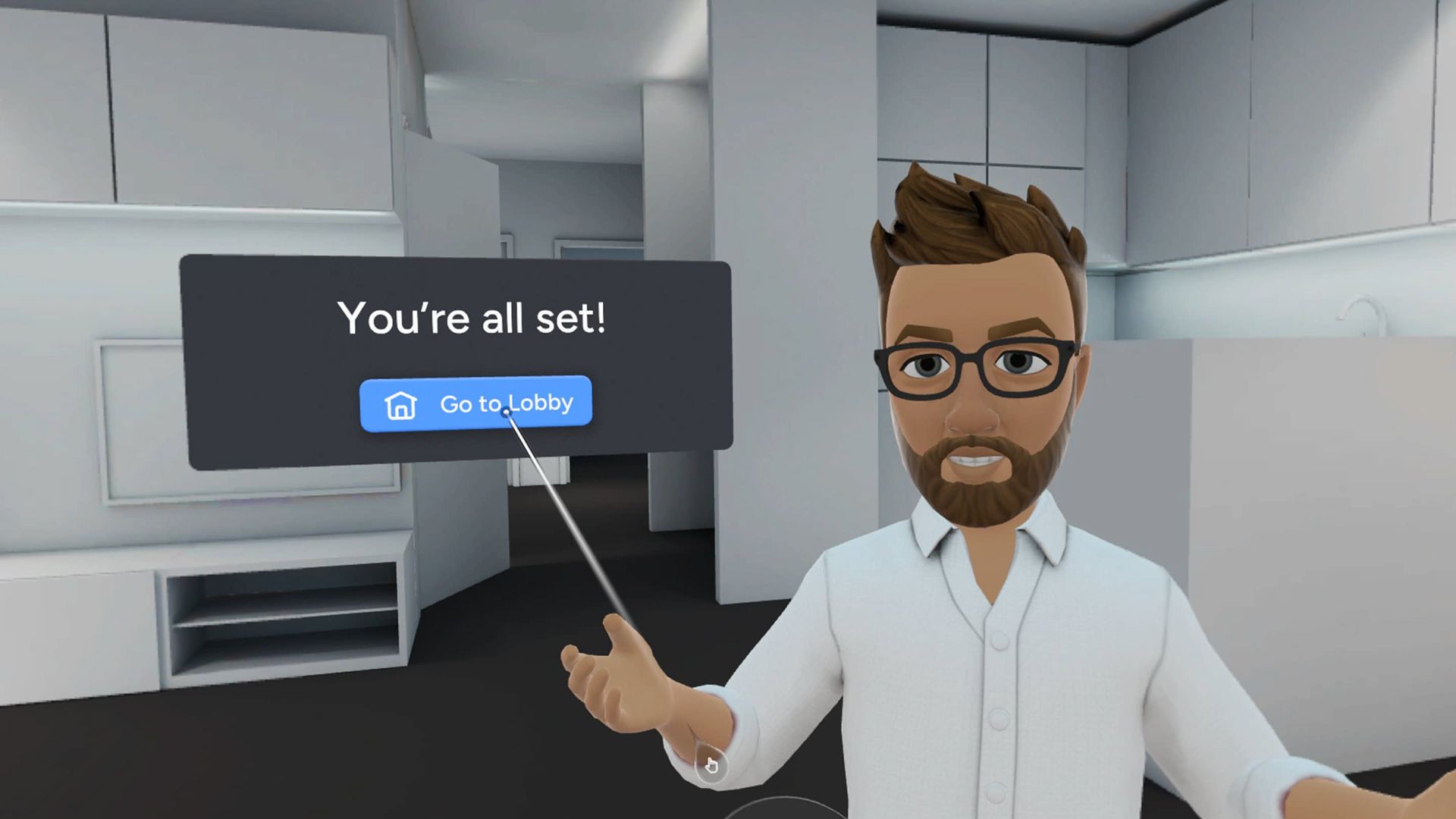
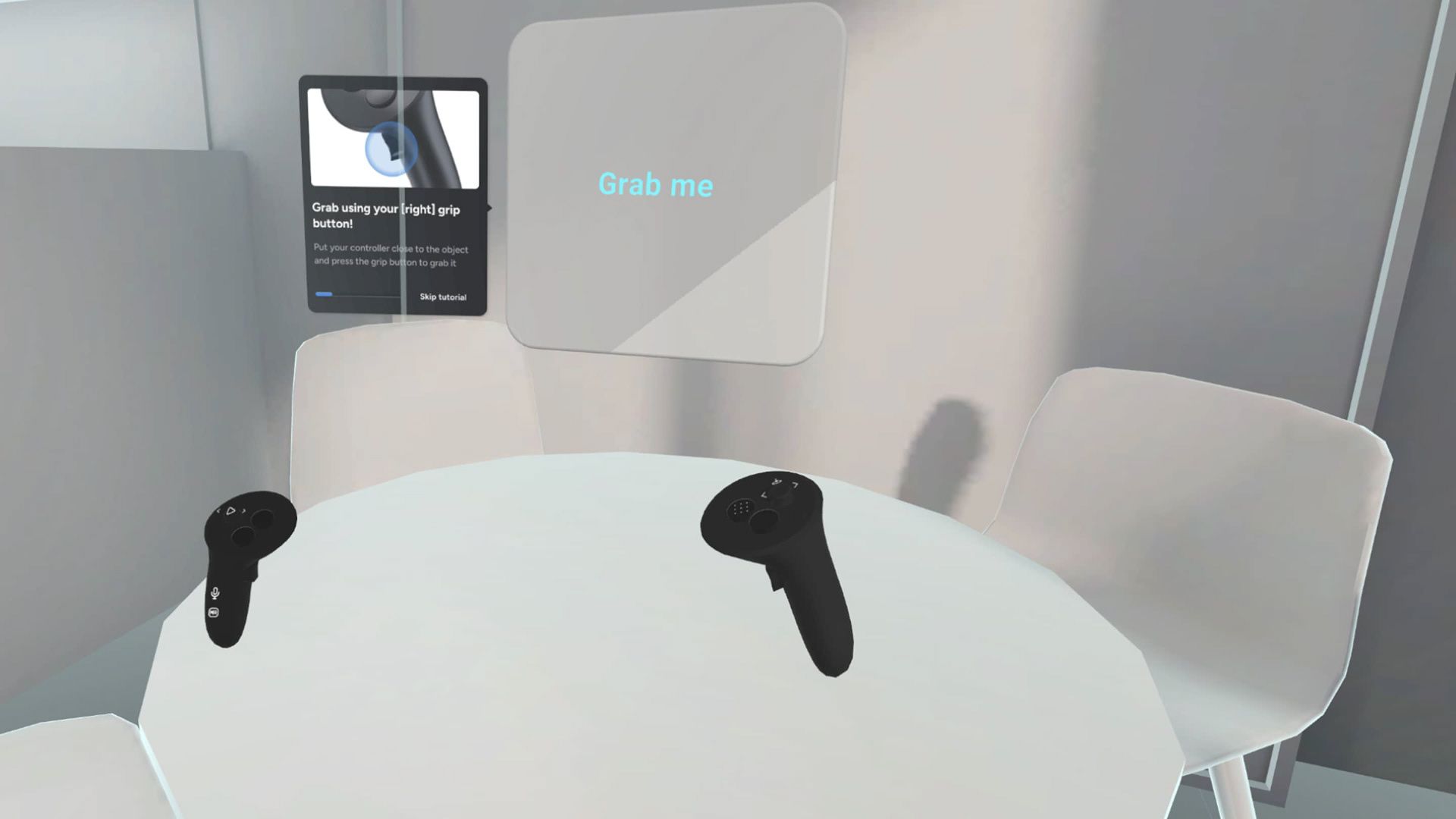
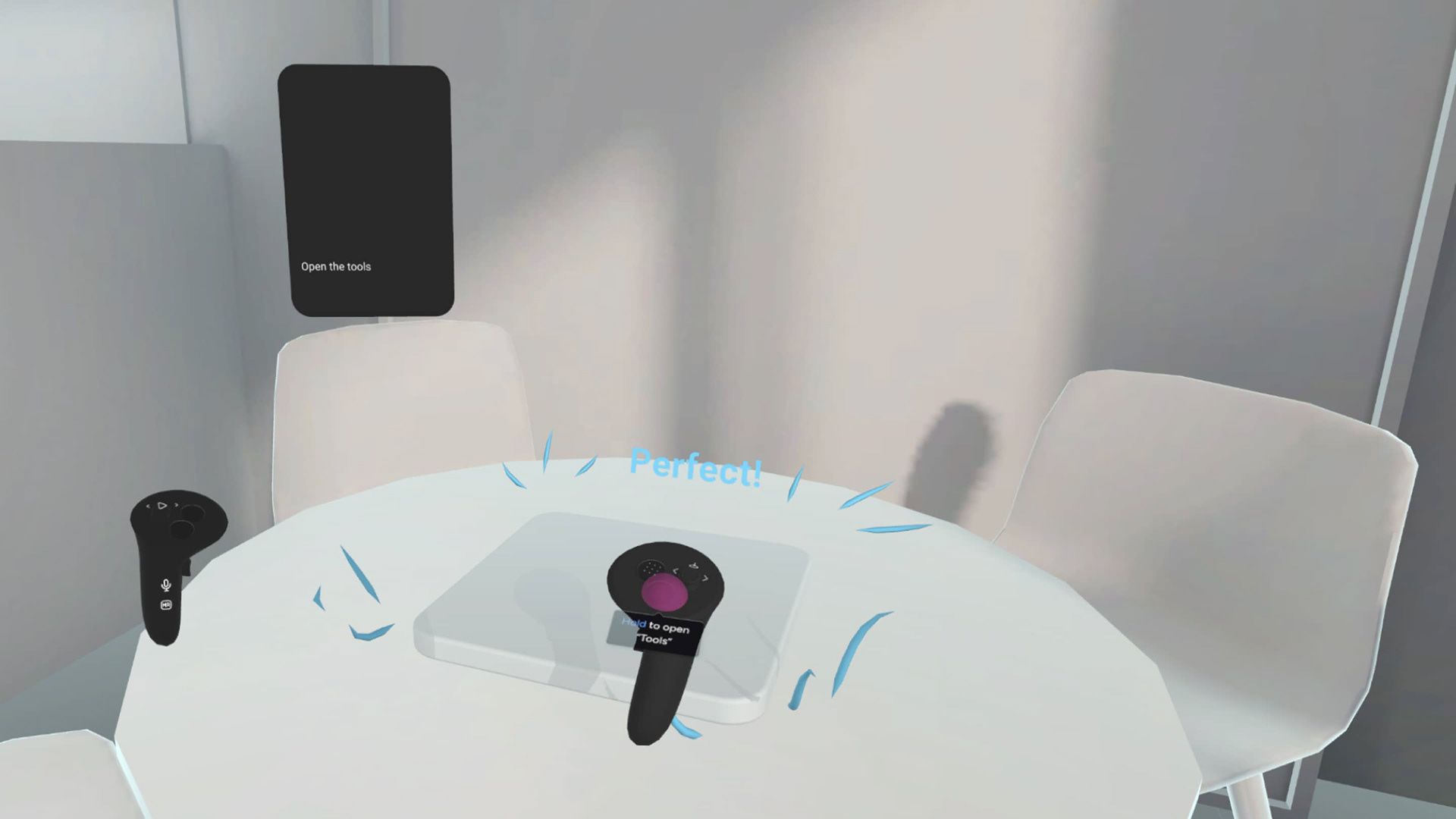
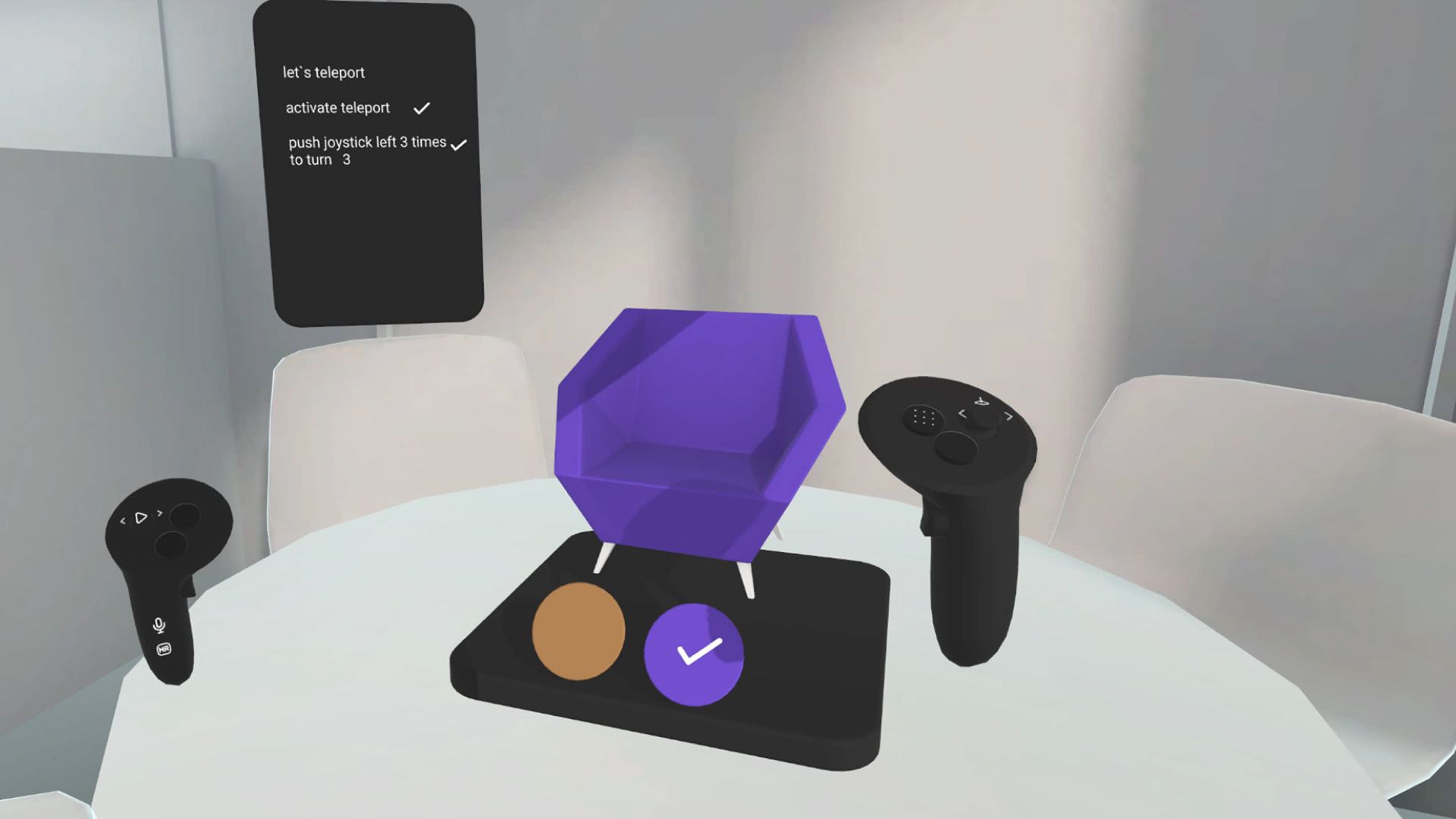
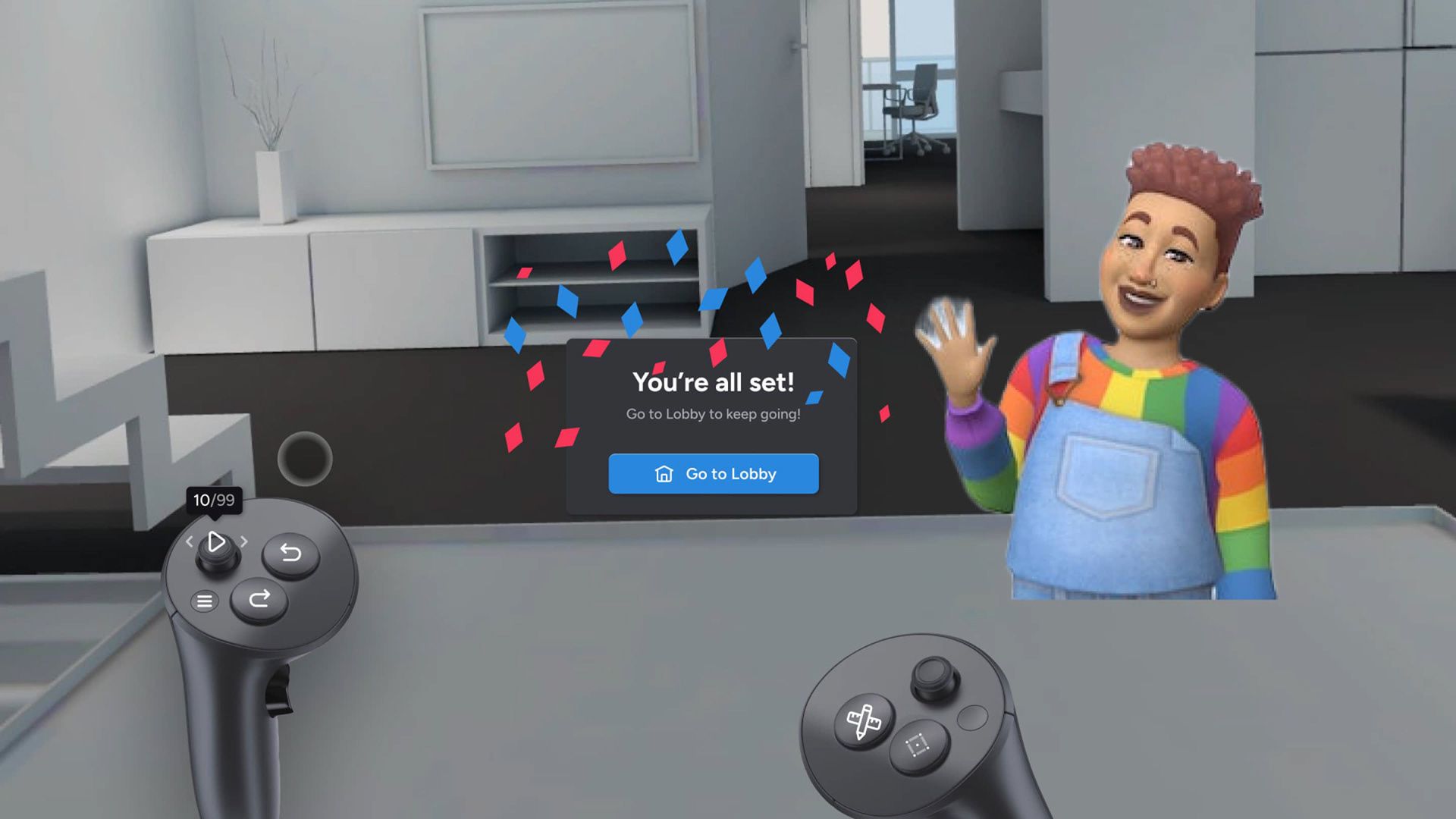
The goal of this project was to ensure that users quickly understand what they can achieve with the tool with minimal effort. To accomplish this, we simulated the creation experience using a real use case, allowing users to build something tangible during onboarding rather than just learning buttons and interactions—learning by doing. Our strategy focused solely on the fundamentals, intentionally leaving advanced features for later. The goal was to empower users and leave them thinking, Look what I’ve done!
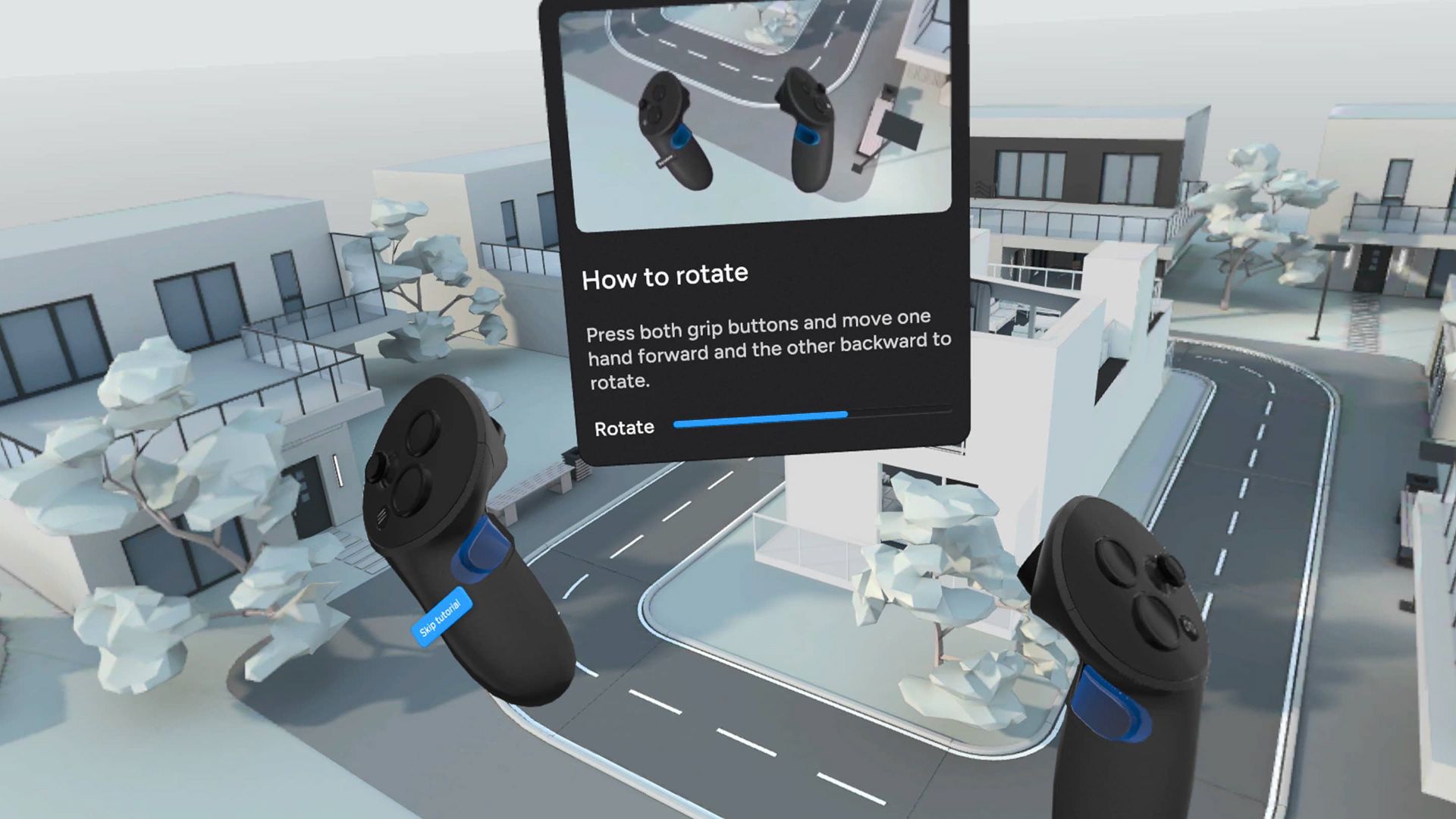
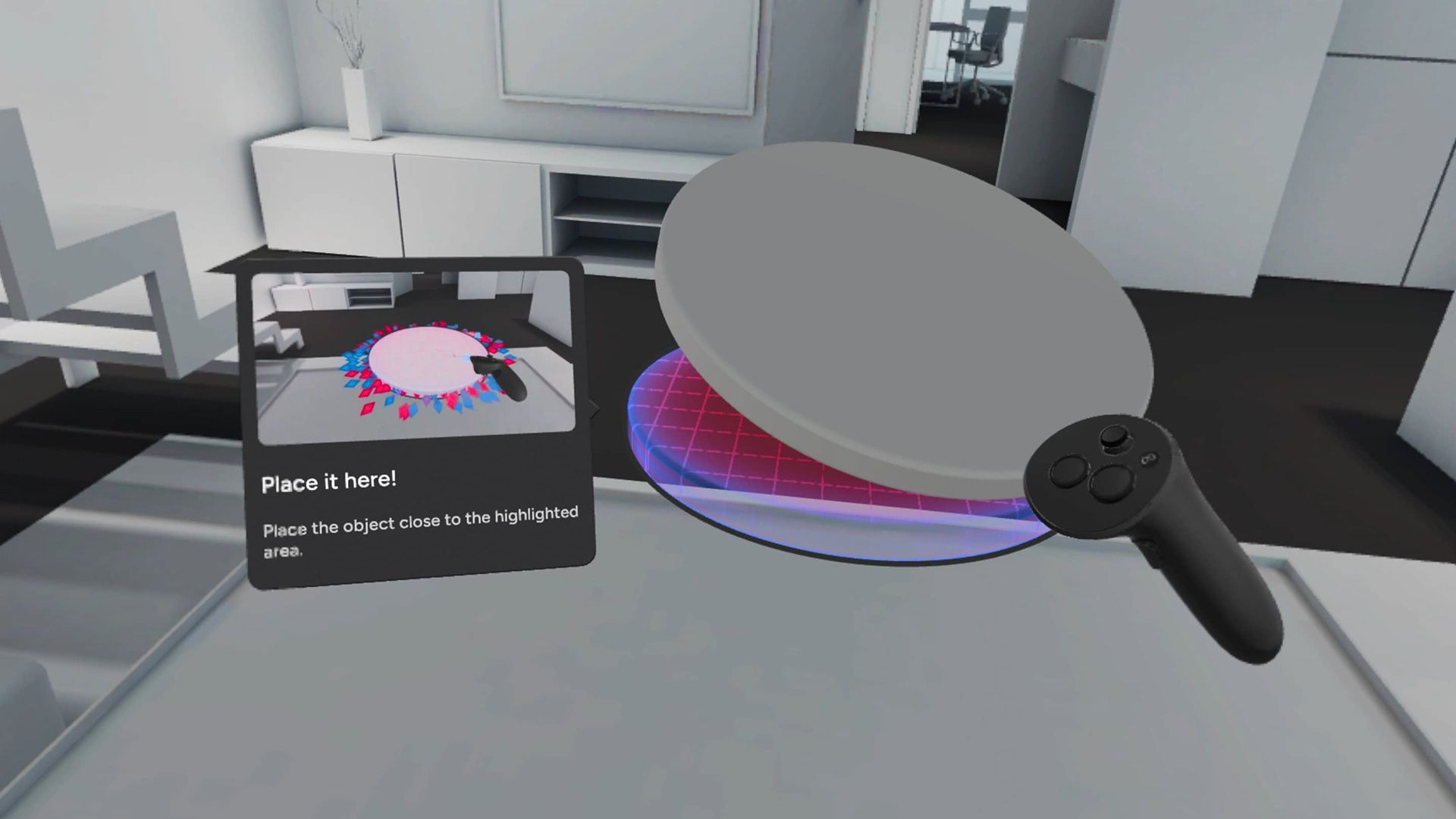
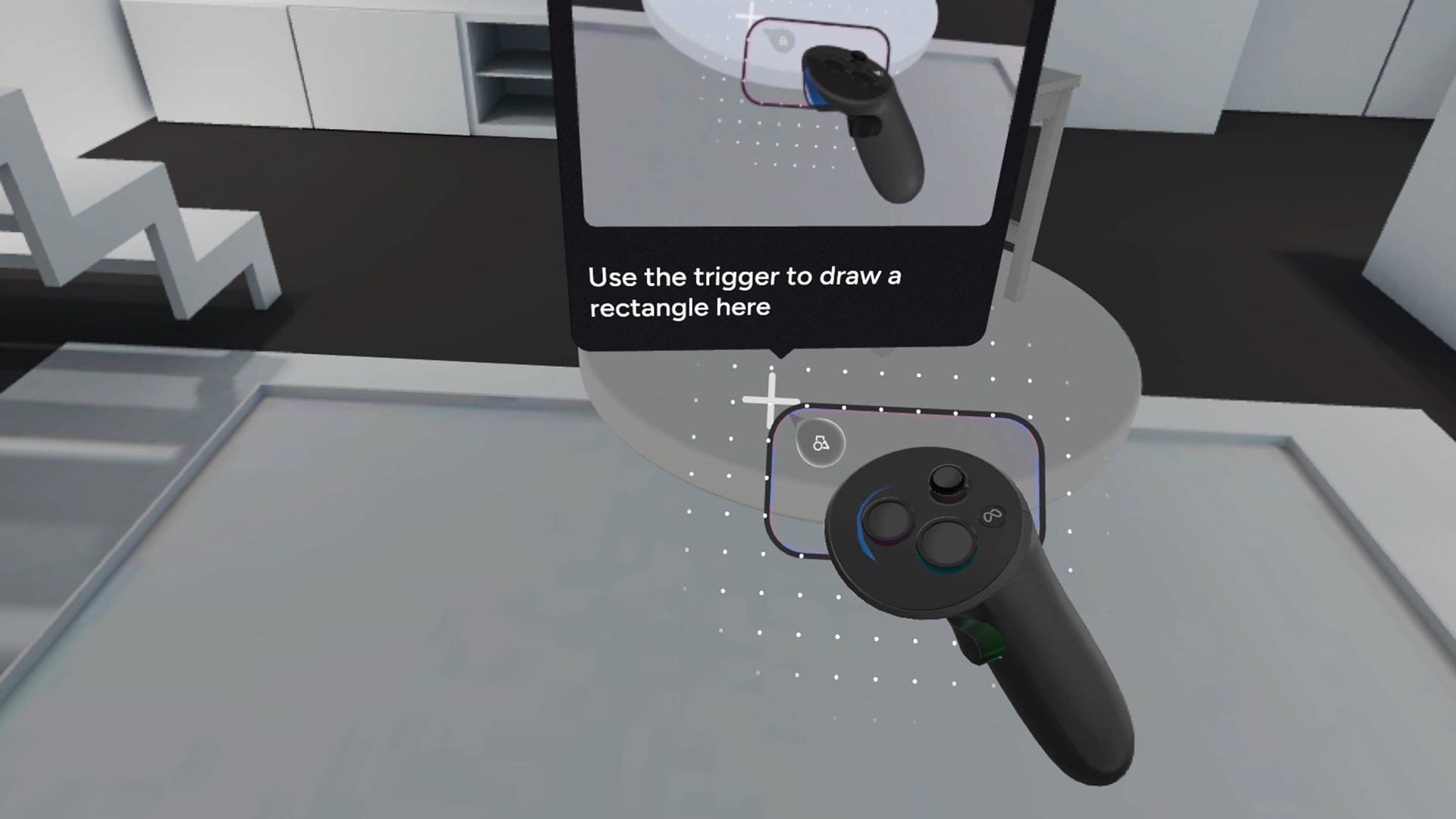
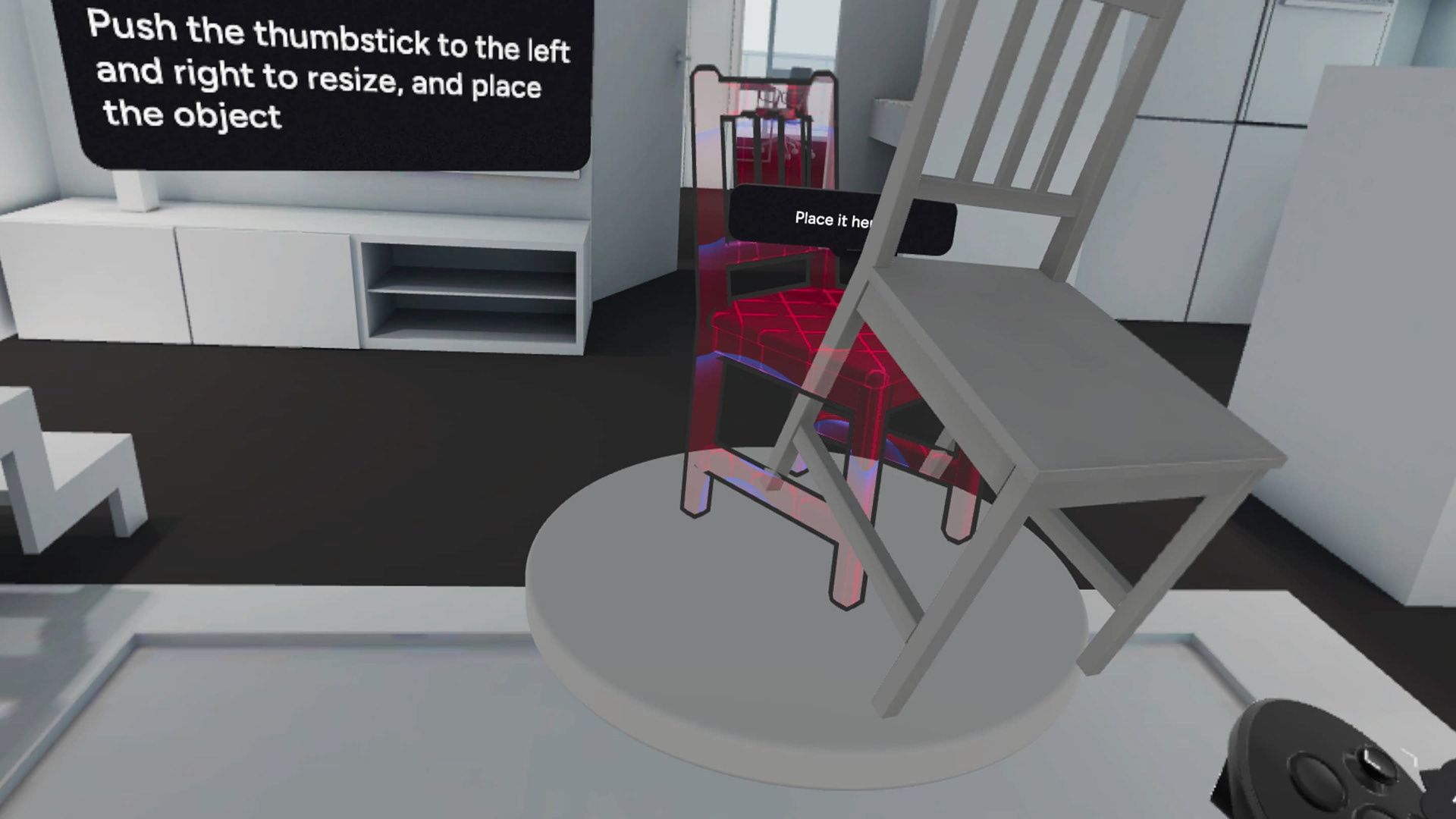
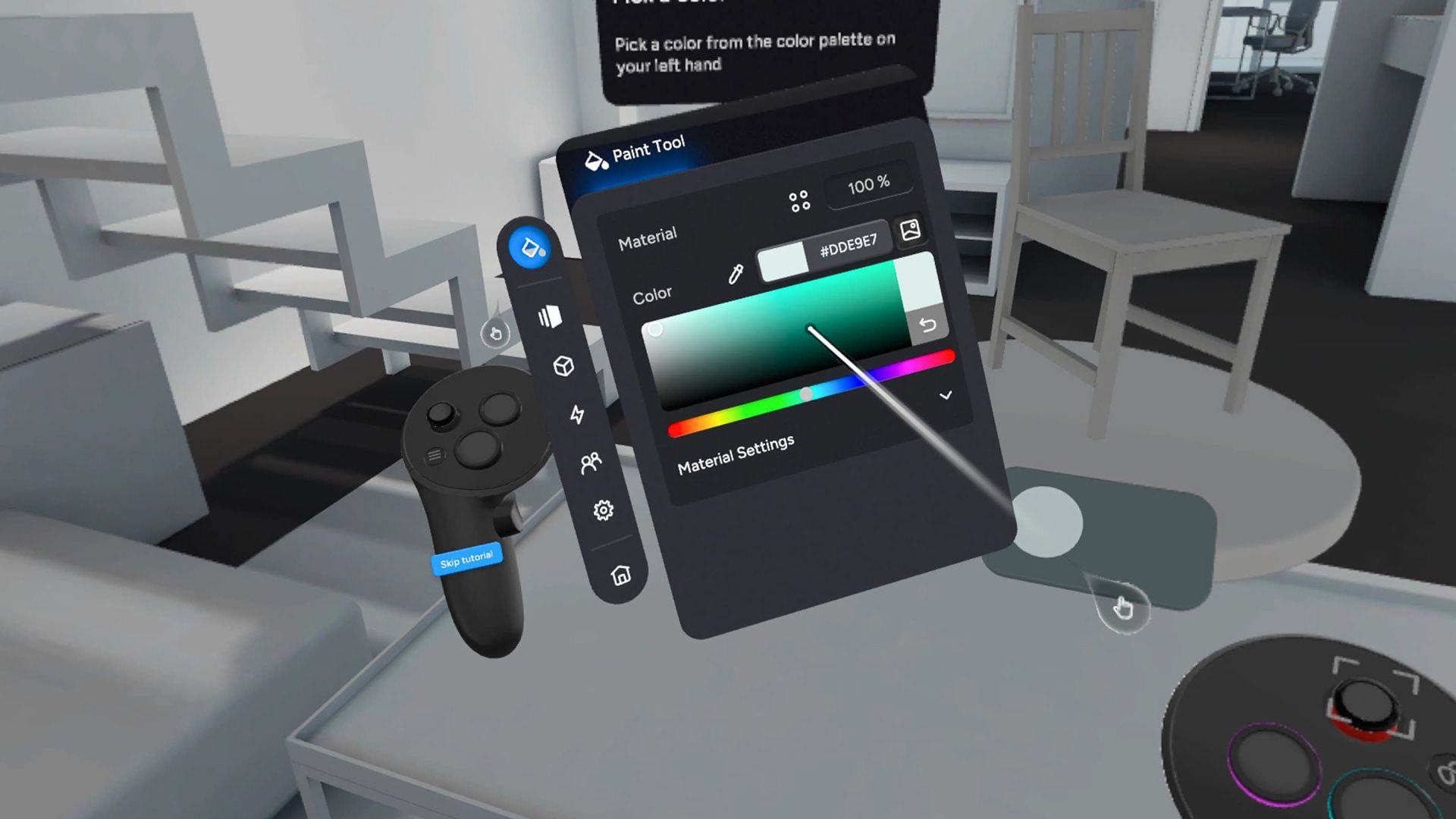
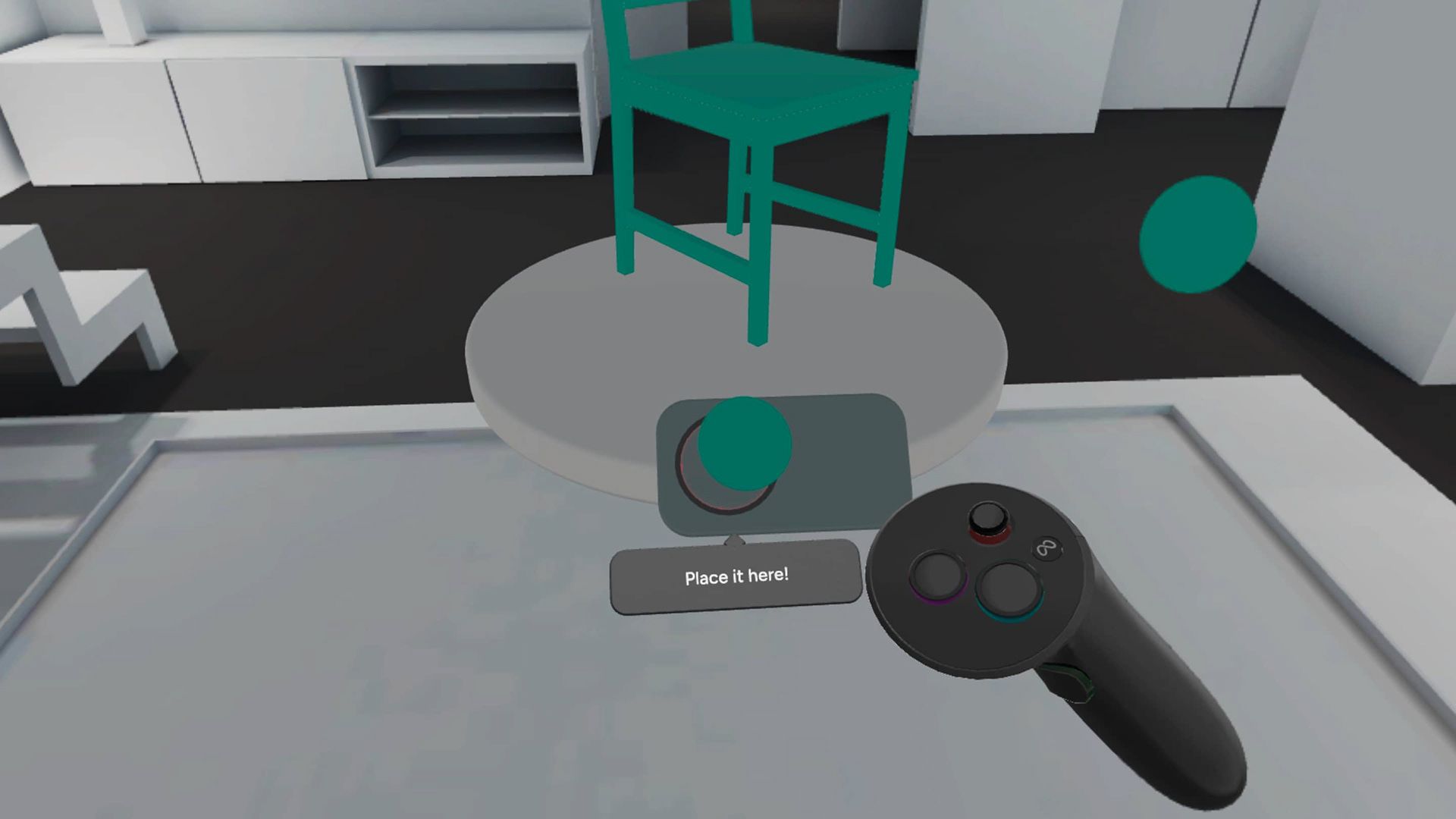
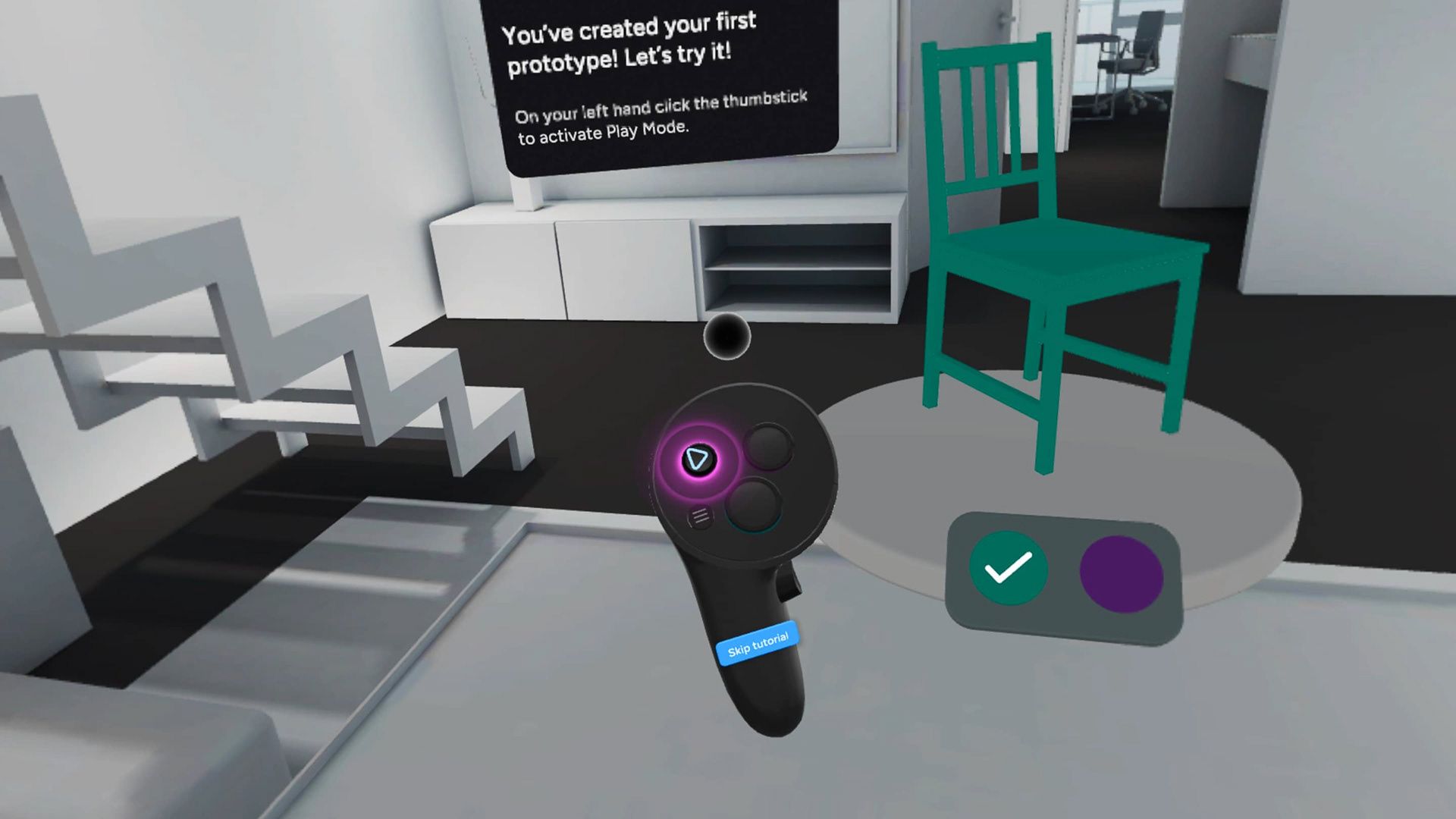
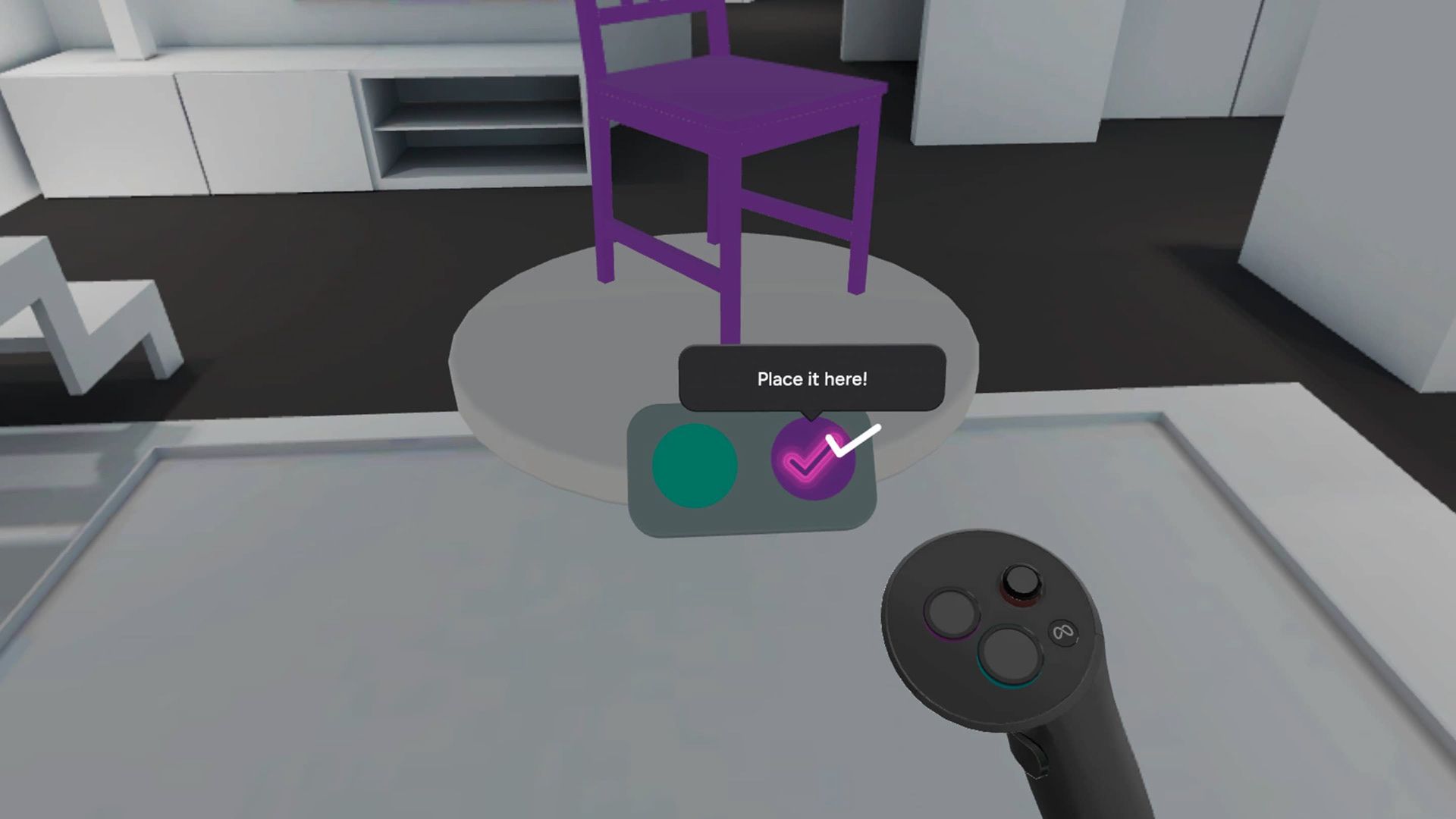
Results
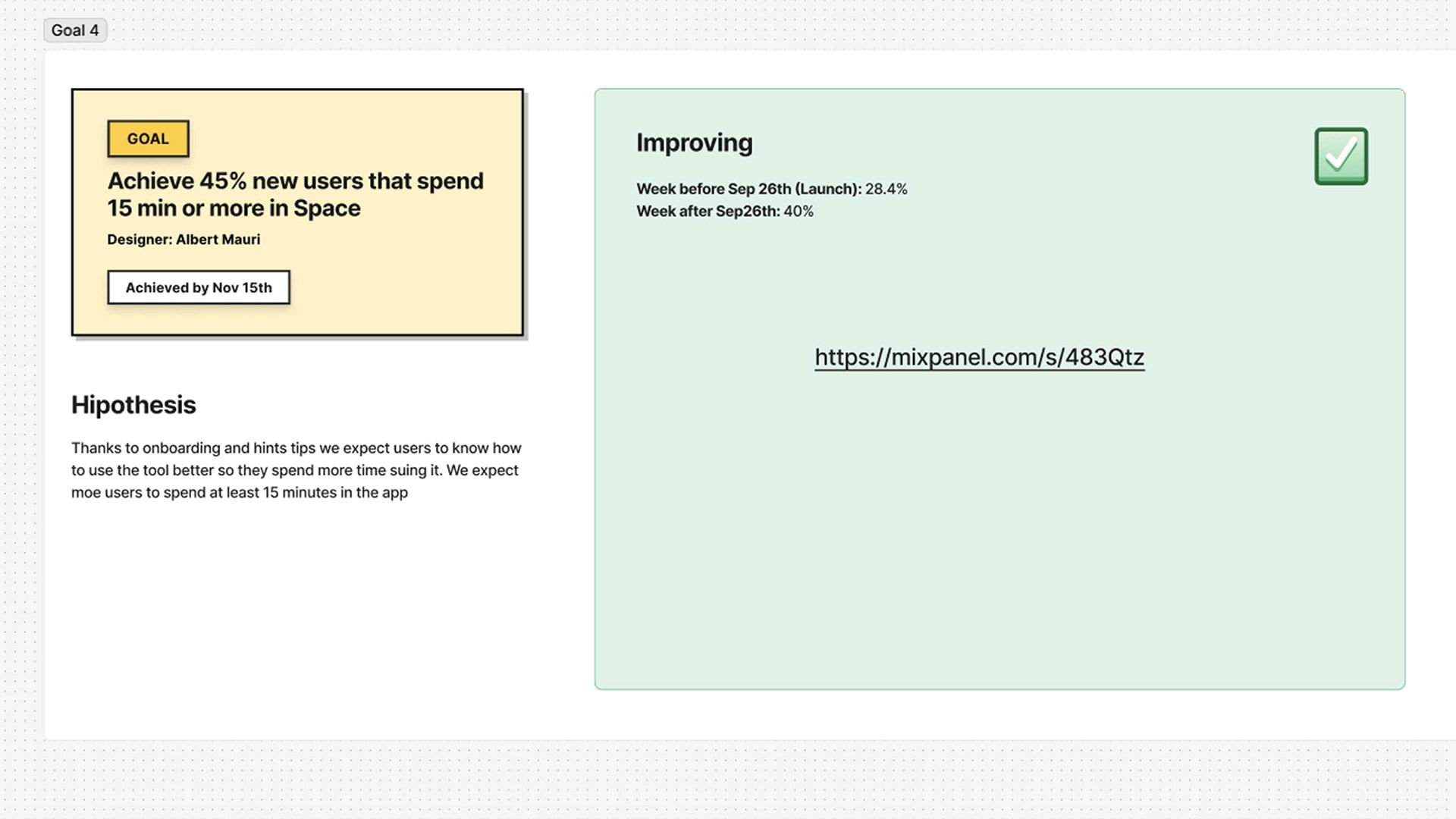
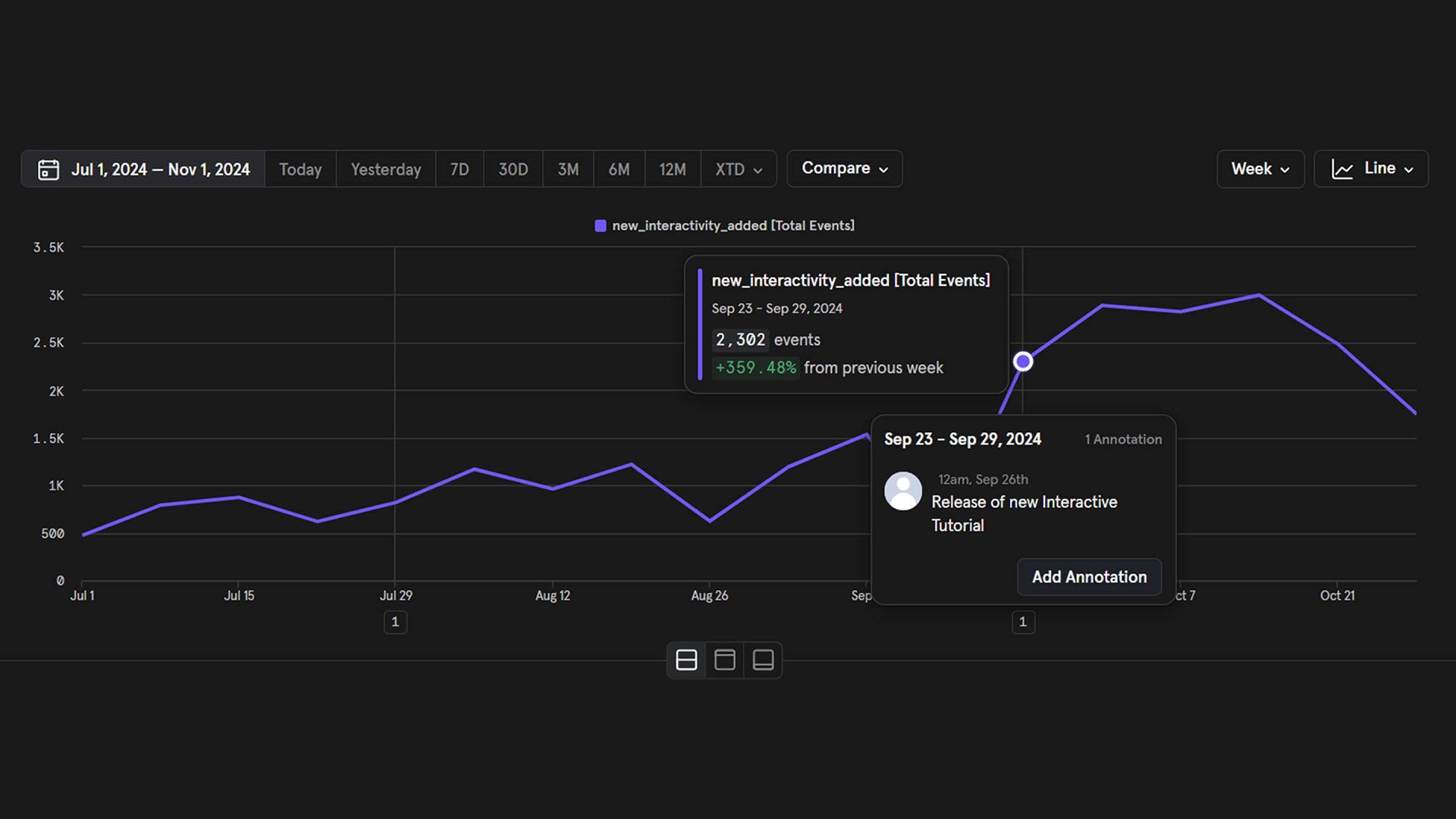
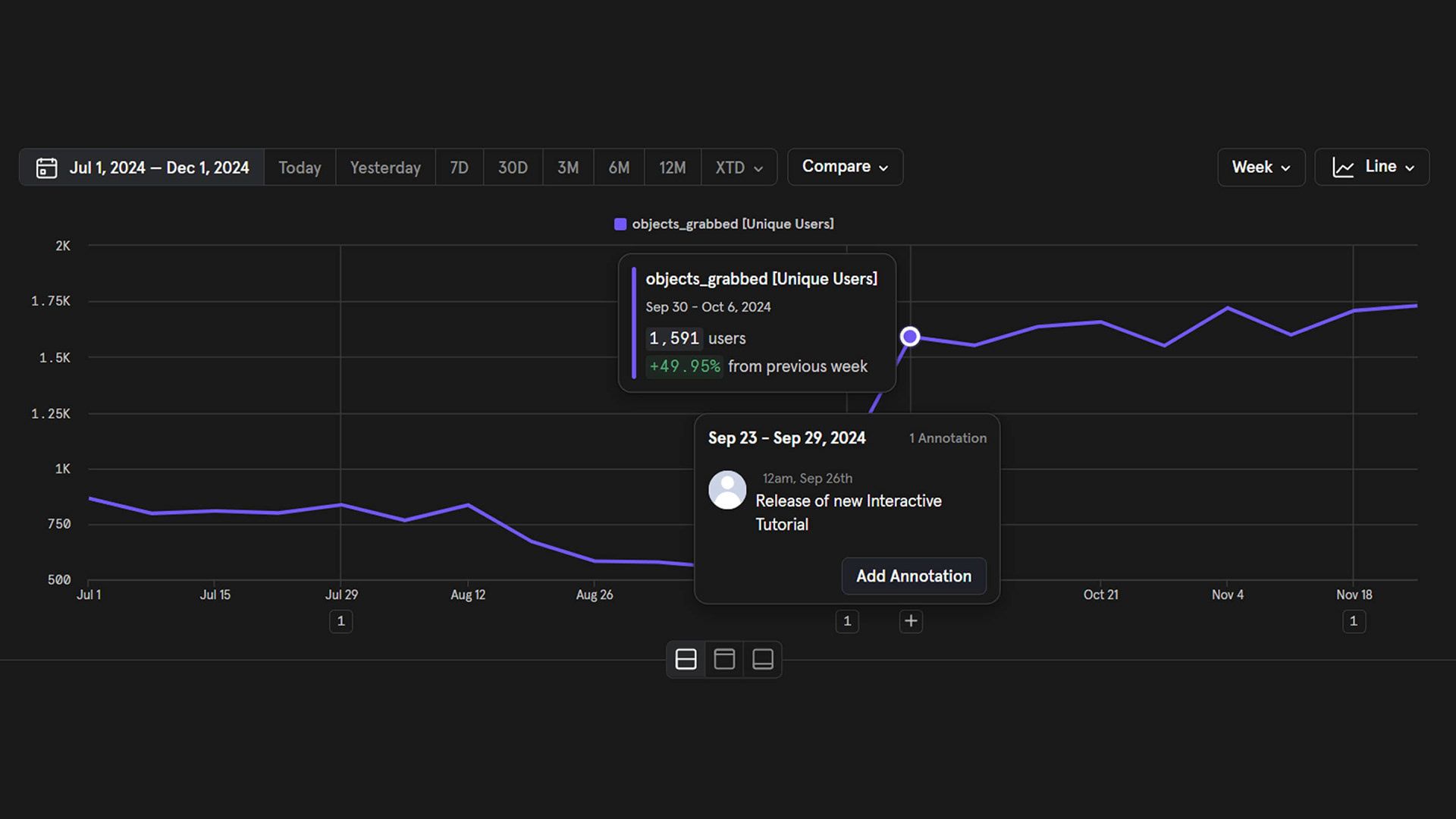
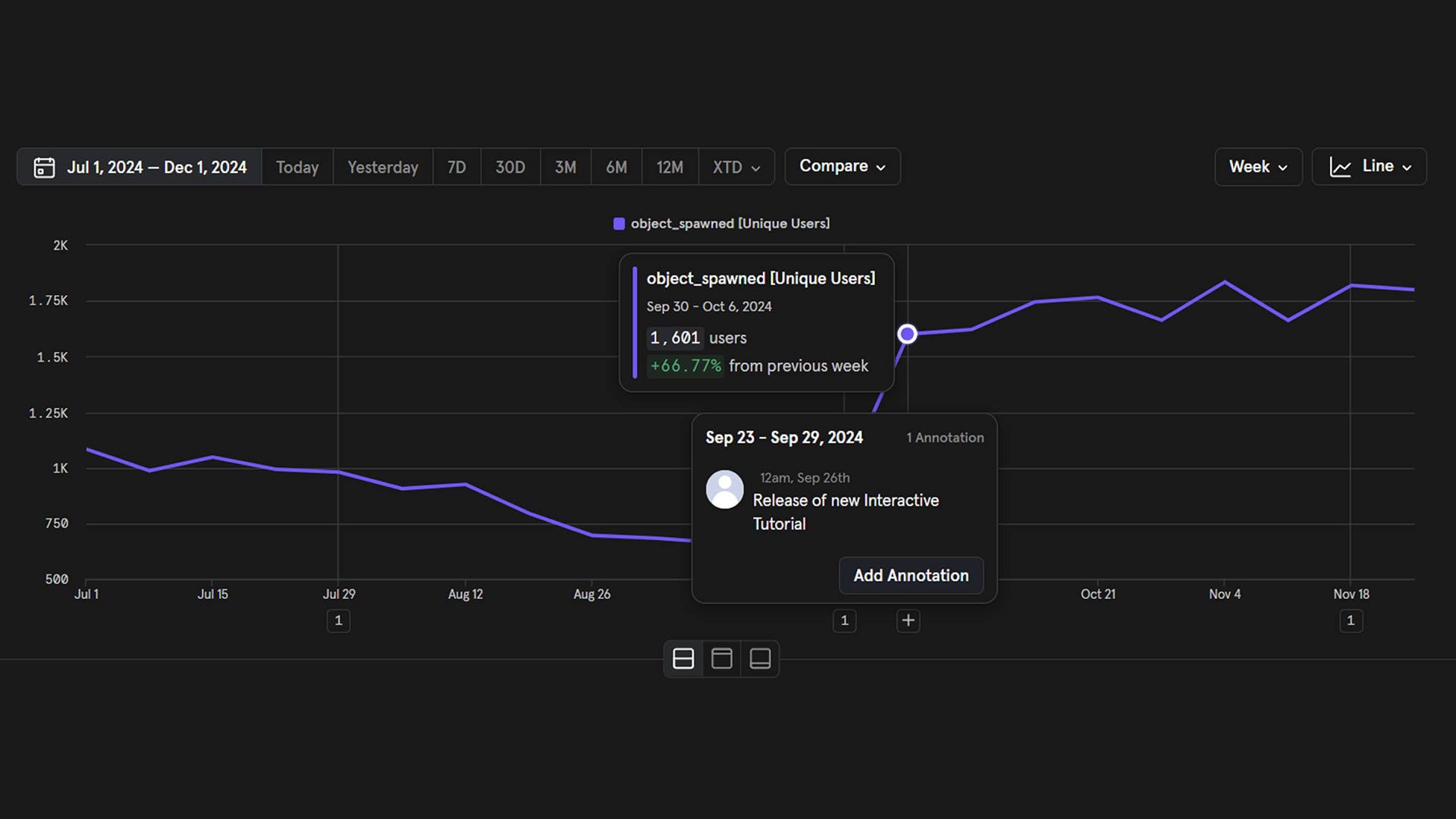
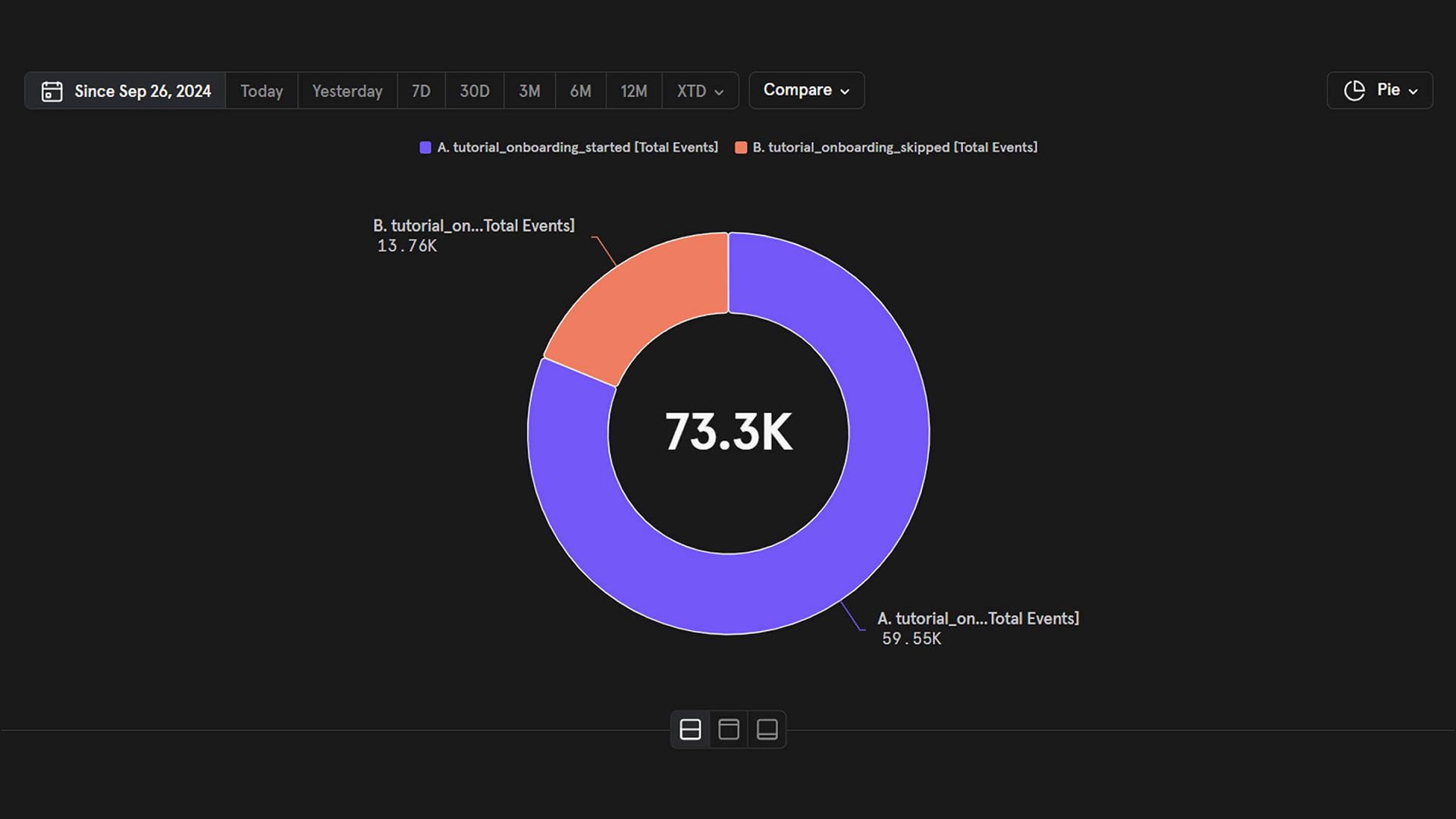
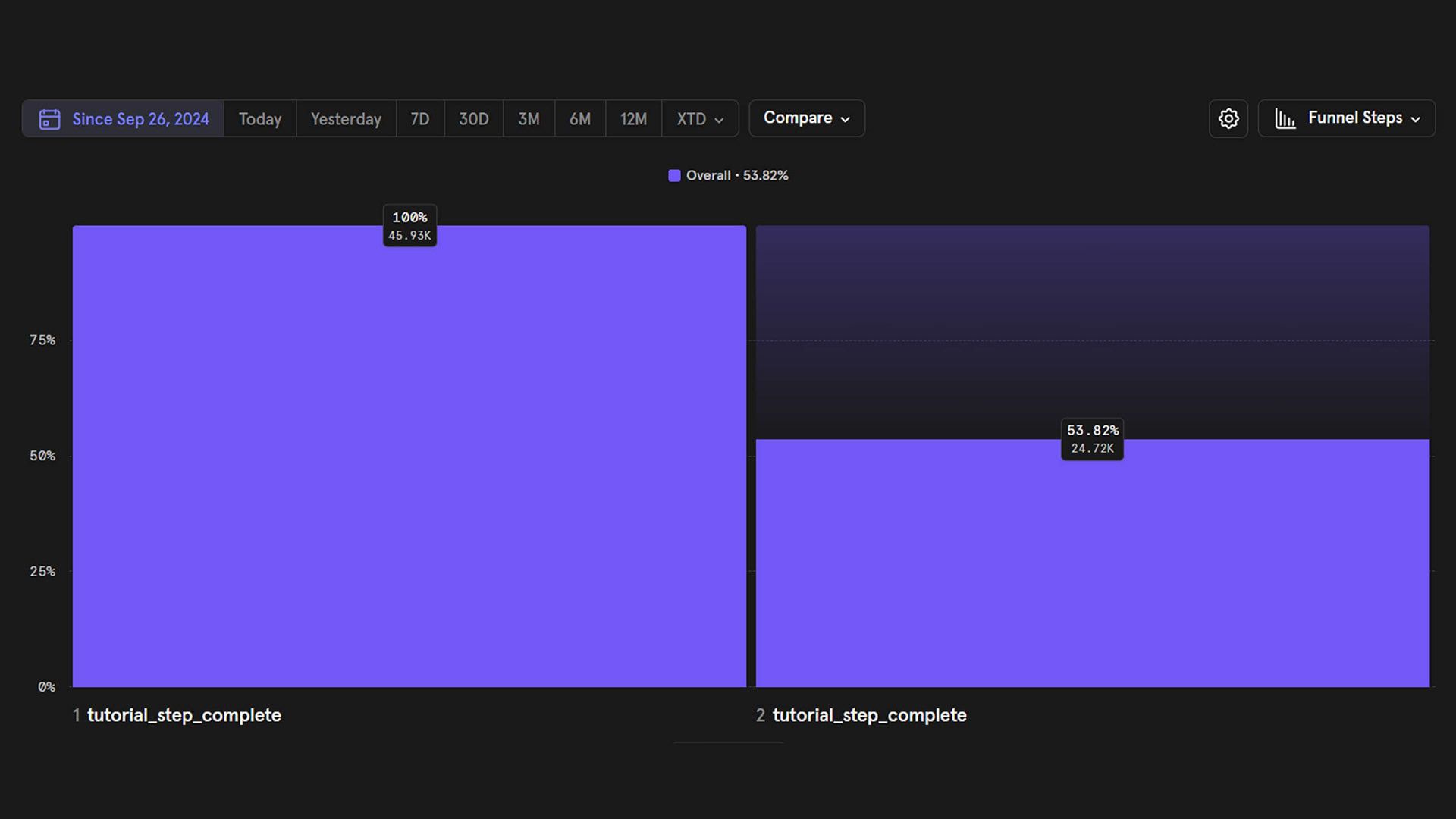
The outcome of this project was highly positive for several reasons. We successfully increased the usage of fundamental creation tools in the first sessions by 50–60%, while interactivity usage saw a boost of over 200%. In terms of success rate, we achieved our goal of 50% obtaining a 54% success rate. Considering that around 25% of our users are casual gamers or non targeted users, we conlcuded that around a 72% of targeted users complete the onboarding once they start it. Additionally, we received excellent feedback from both customers and users regarding the onboarding experience.
Design Process
After researching and testing various interactive onboardings, such as those in Horizon Worlds and Google Blocks, our first step was to analyze how little the creation tools were being used to establish a clear starting point for our goals. Next, we listed all features and classify them as fundamental or non-fundamental. The main goal was showing what the tool can achieve rather than teaching how the tool work, meaning that every action we teach gt the user closer to the final result.
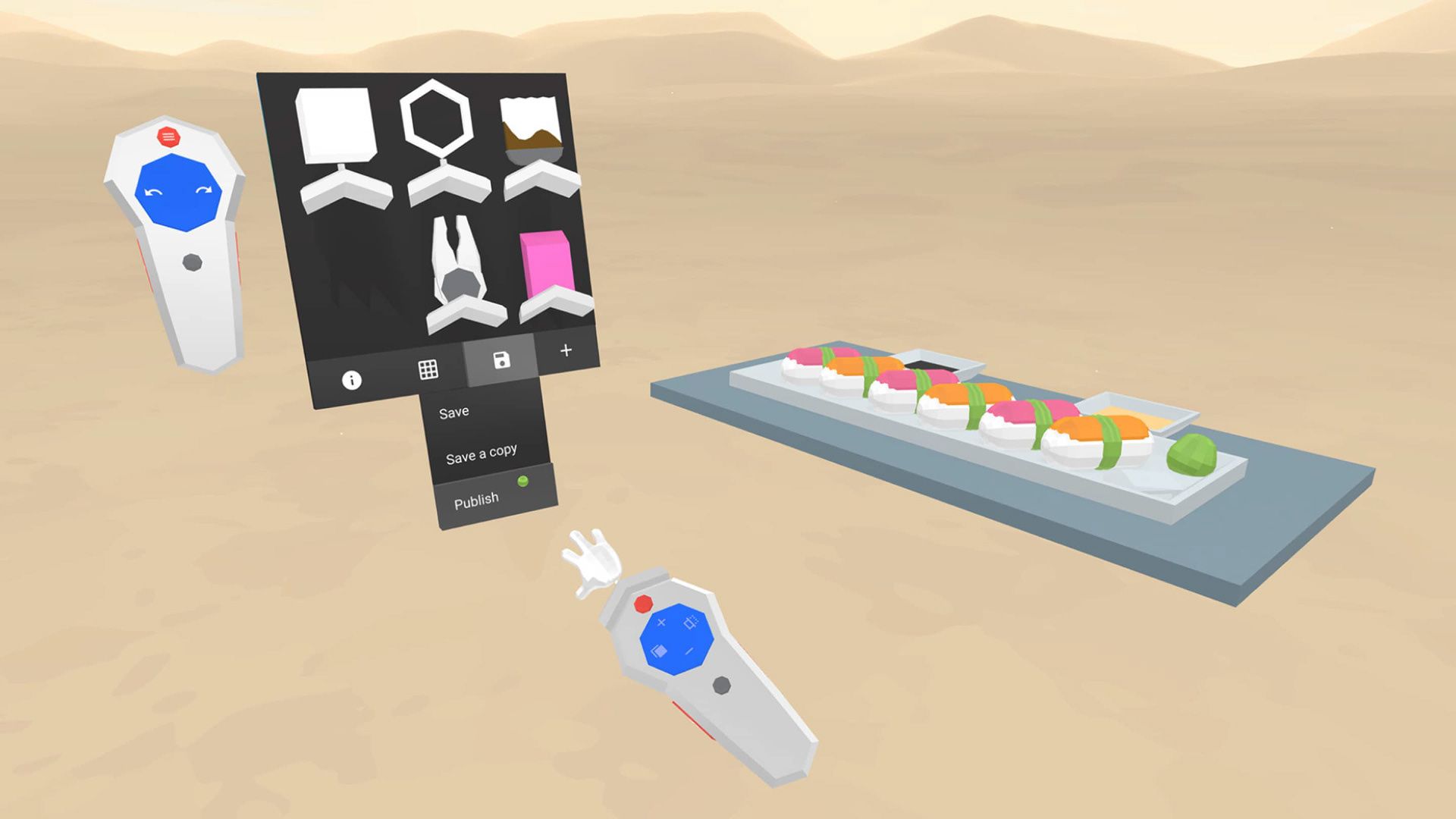
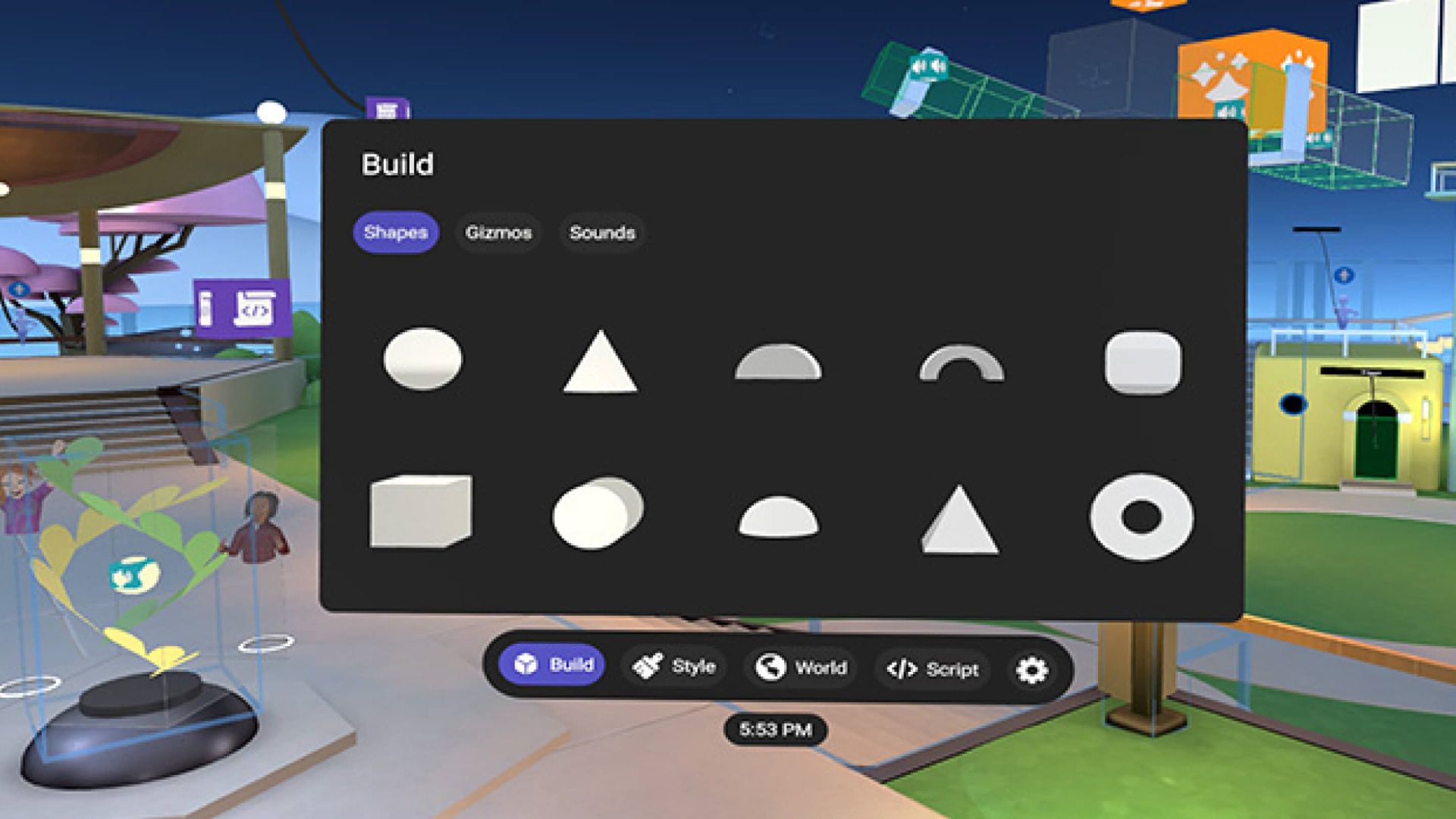
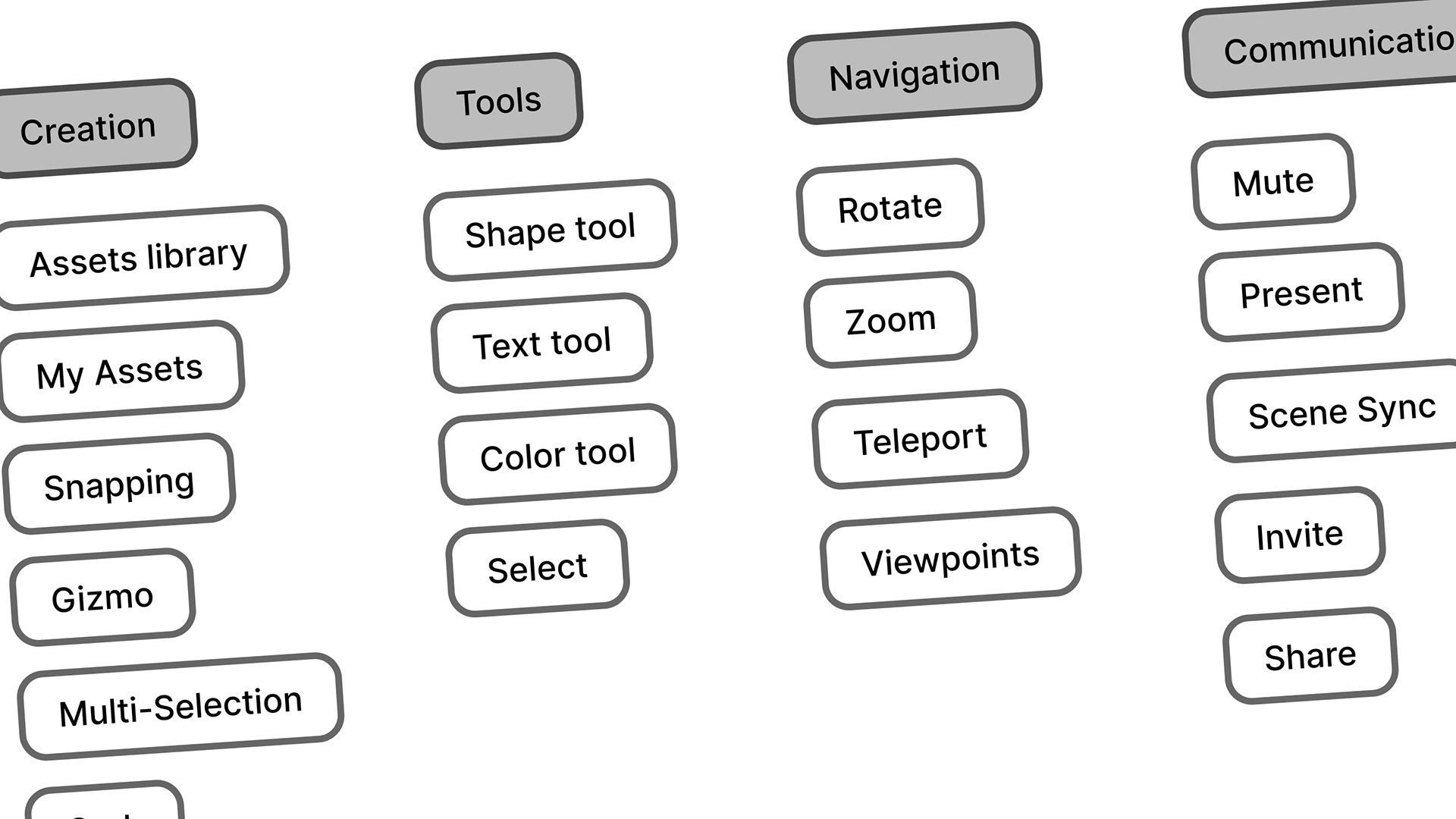
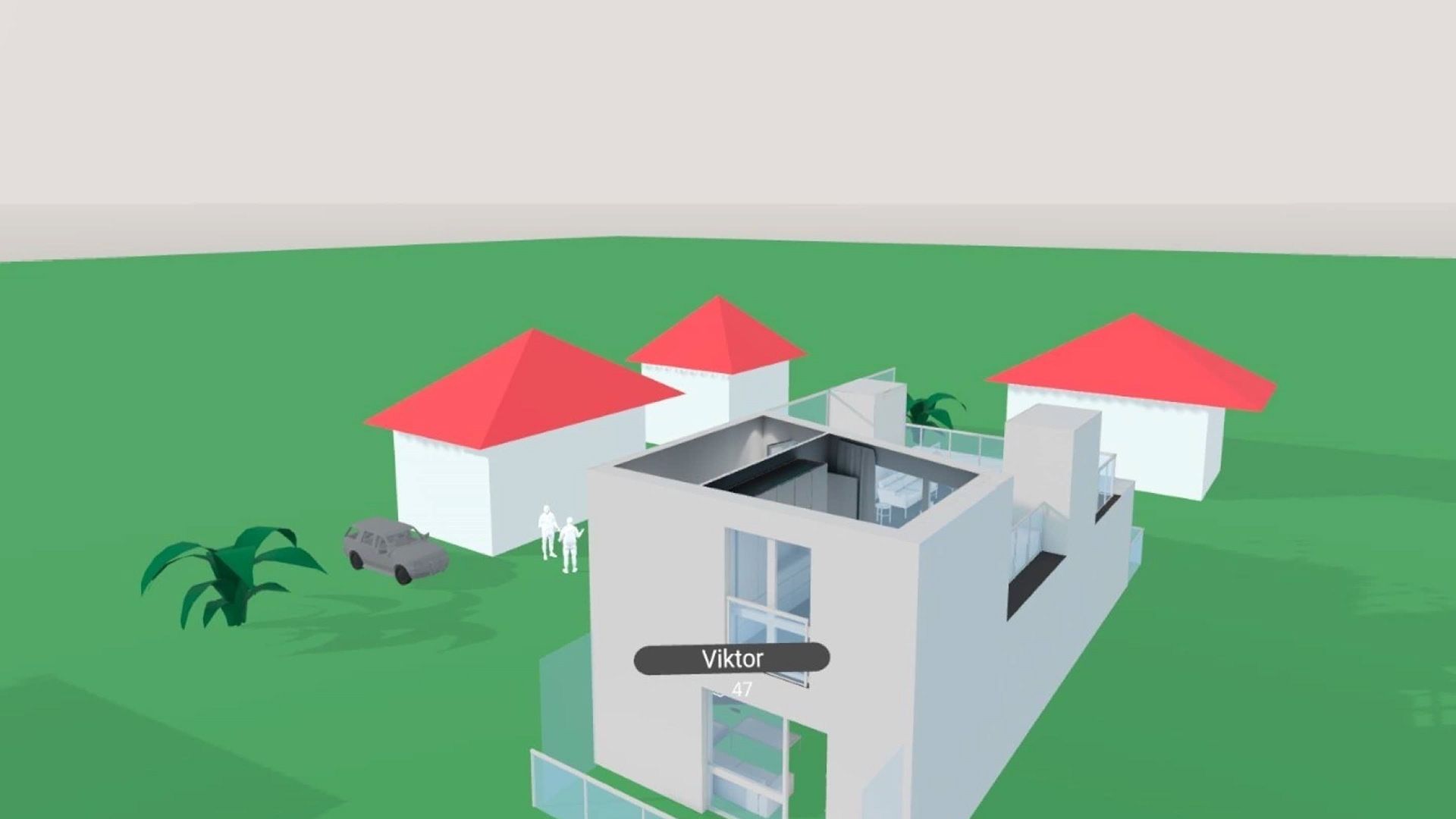
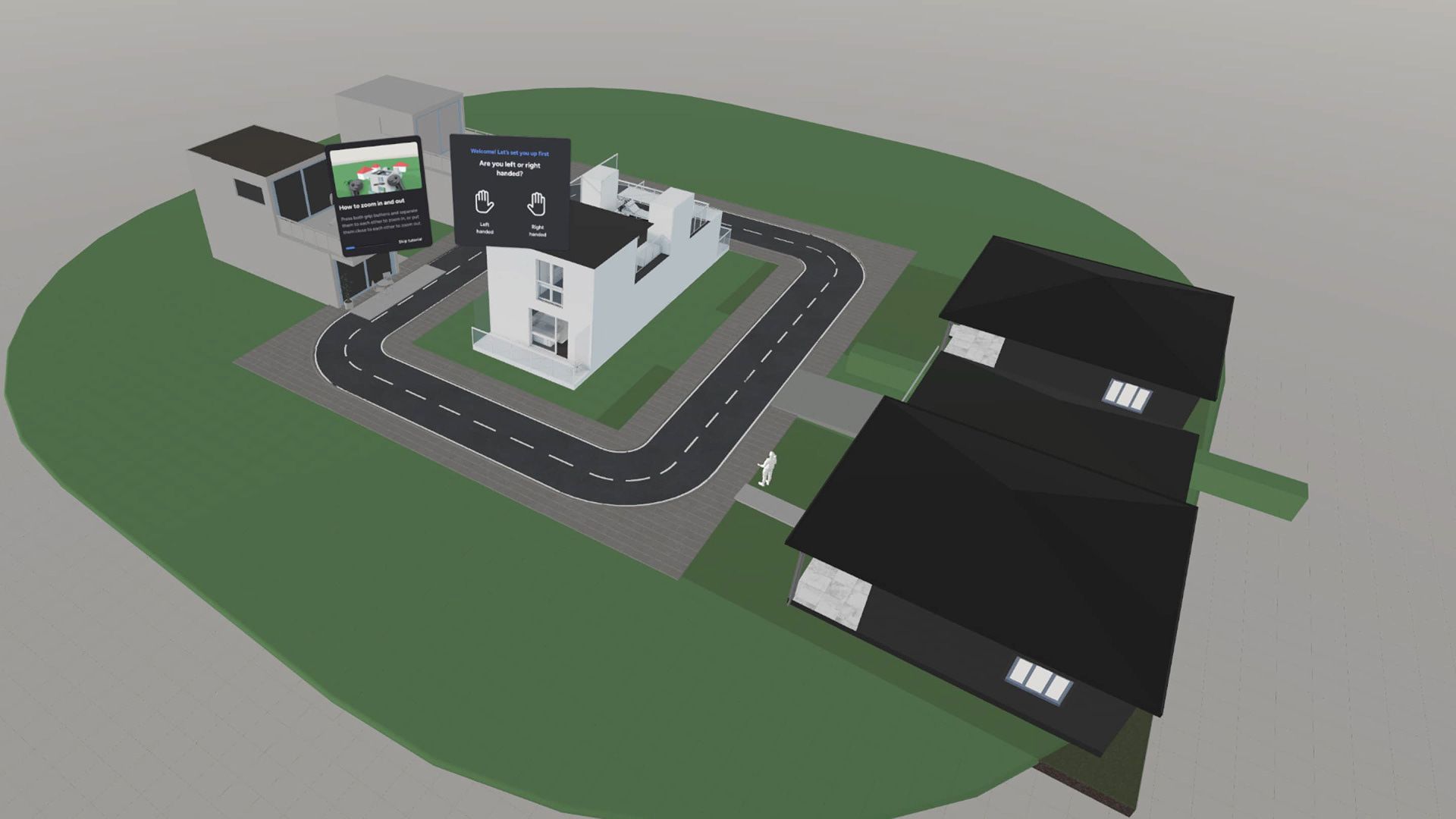
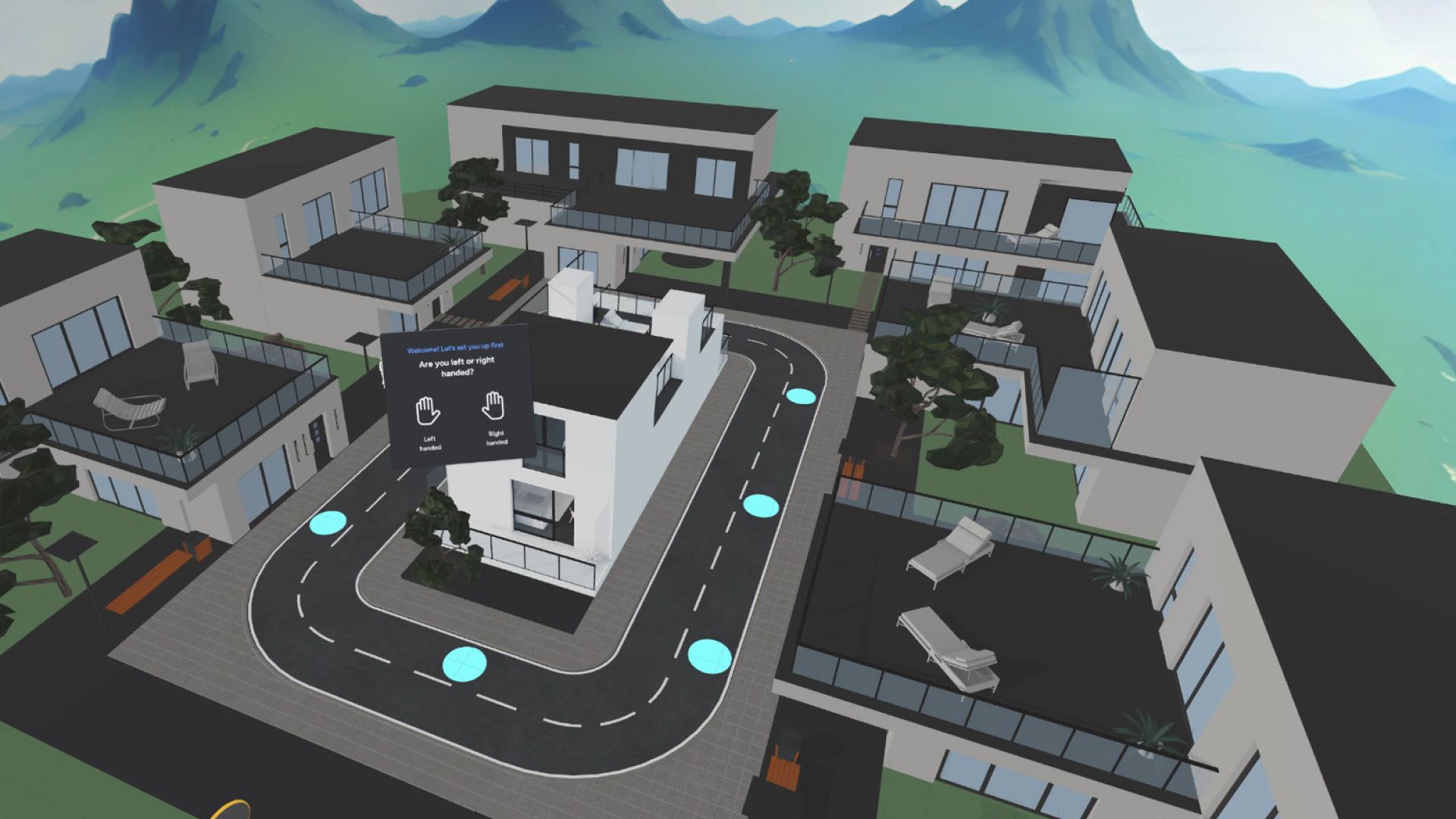
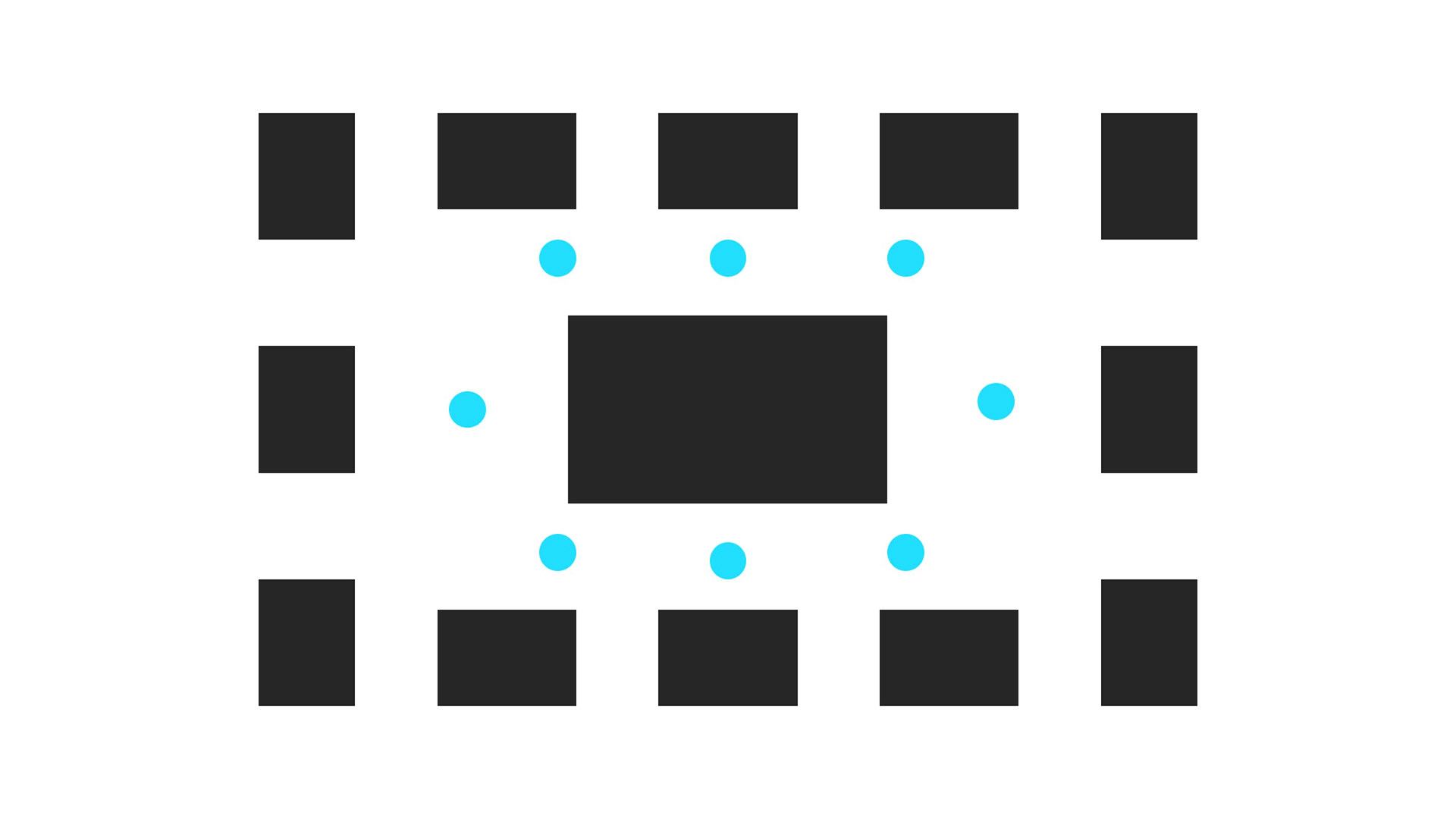
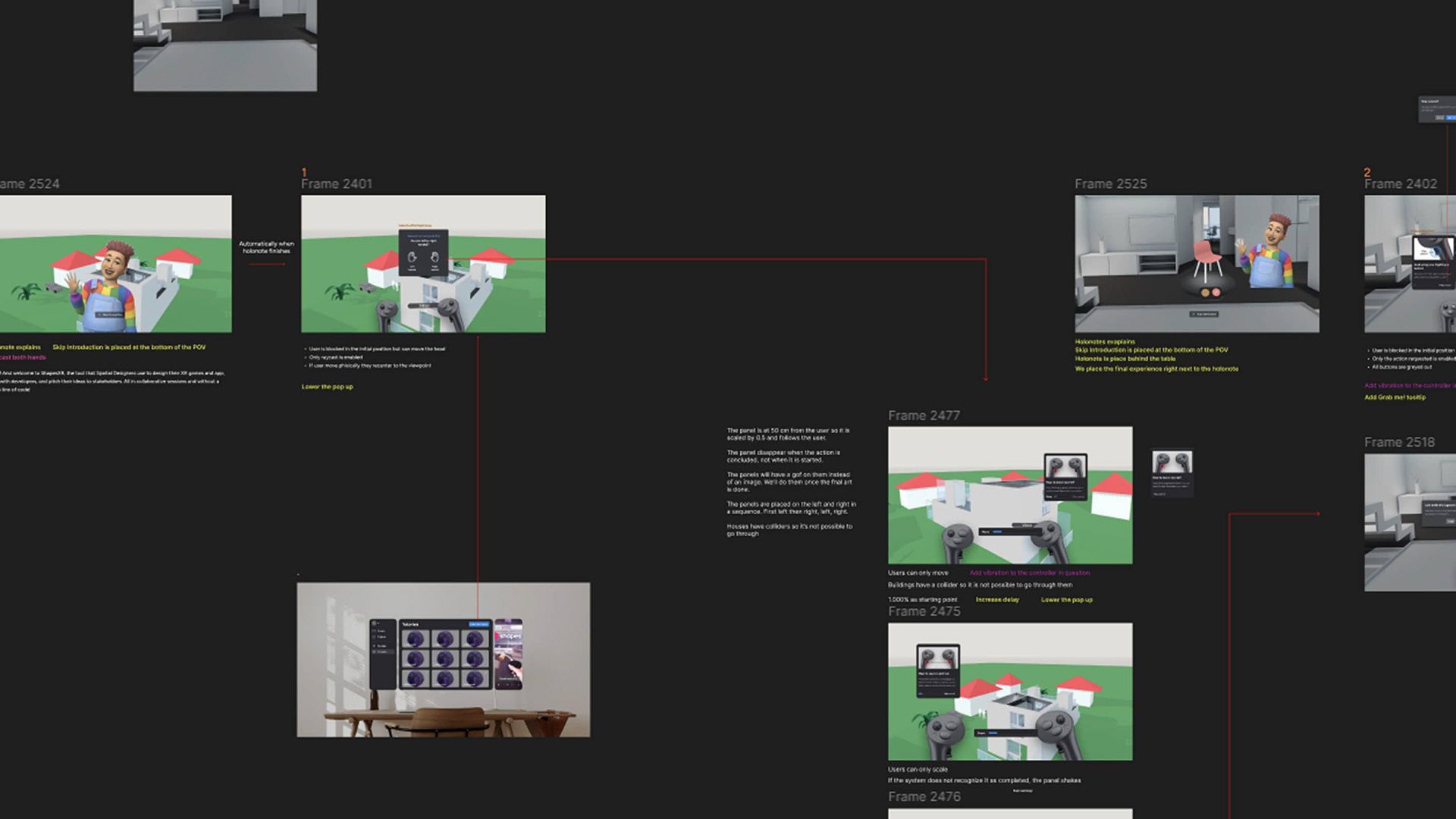
Once we determined what we wanted to teach, we explored potential use cases. We chose a furniture configuration scenario because it involved interactivity, required manual creation tools, and was an intuitive concept that users could easily relate to. With the use case defined, we began sketching the design and structuring the onboarding steps. Our initial designs went through brainstorming sessions, internal testing, and design critiques with the team. As the flow and content took shape, we moved on to high-fidelity design and refinement. This phase included prototyping directly in Shapes, designing and creating final video tips in Adobe After Effects, and collaborating with a 3D artist for visual effects and modeling. Finally, we defined the events needed to track onboarding usage and success rates, ensuring each step had a dedicated event to identify potential drop-off points and optimize the experience.
Thank you for reading! 💙